
Wondera.ai
Co-create music with AIYour ideas, AI as your music partner
Highlights
What you can do with it
- Creators co-write a pop or dance track with AI guidance
- Production teams generate a piano melody as background music
- Singers collaborate on a folk song and share it with fans
How to use it
- 1 Visit the Wondera website.
- 2 Register an account or log in.
- 3 Enter a music style or reference track on the creation screen.
- 4 Adjust the generated music and apply effects.
- 5 Publish the track or save your edited version.
Who it is for
Pros
- Free of charge to use
- Works as a partner rather than a one-click generator
- Reference uploads help steer the style
- Built-in editing and publishing reduce tool switching
Limitations
- The site returned a 403 status when last checked, so confirm access before planning work around it
- Free terms can change over time
- Output usually needs editing before it sounds finished
- Publishing and tracking features depend on connecting social accounts
What Wondera.ai is
Wondera is an AI music creation tool built for co-creation. You describe a style or upload reference music, the AI generates tracks and offers creative direction, and you can then adjust instruments, effects, and arrangement. Editing and production features are included, and finished music can be published to social accounts with result tracking. It is aimed at music creators and enthusiasts who want a partner for ideas rather than a fully automatic song factory. The service is free of charge, though the site returned a 403 status when last checked, so access may have changed.
What you can do with it
- Co-create music with AI from a style description or reference track.
- Adjust instruments, effects, and arrangement after generation.
- Edit and produce tracks inside the same workflow.
- Publish music to social accounts and track how it performs.
Who it is for
- Music creators looking for inspiration and a collaboration partner.
- Producers who need quick melodies or background music.
- Singers and hobbyists exploring ideas without a studio setup.
What to watch out for
The site returned a 403 status when last checked, so confirm access before planning work around it. The service is free now, but free terms can change. AI output is a starting point, and tracks usually need editing to sound finished, so treat generation as one step in production rather than the whole job. Name and archive exported files consistently so you can find and reuse them, and keep a backup copy of key data. When quality matters, export a small draft first to confirm the result before producing the final file. Save a backup of the original file before large batch jobs, and keep an exported copy of key results in case the page or service becomes temporarily unavailable.
FAQ
Is Wondera free?
Yes, the description states that it is free of charge.
What can I create with it?
You can co-create music with the AI, generate tracks, and adjust styles, instruments, and effects.
Can I use my own music as inspiration?
Yes, the tool supports uploading or referencing music as a source of inspiration.
Can it publish my music?
It can publish music to social accounts and track the results.
Why it is free
What the official page says: free of charge
Free limits, trial length and features are decided by the official site and can change at any time.
Product preview
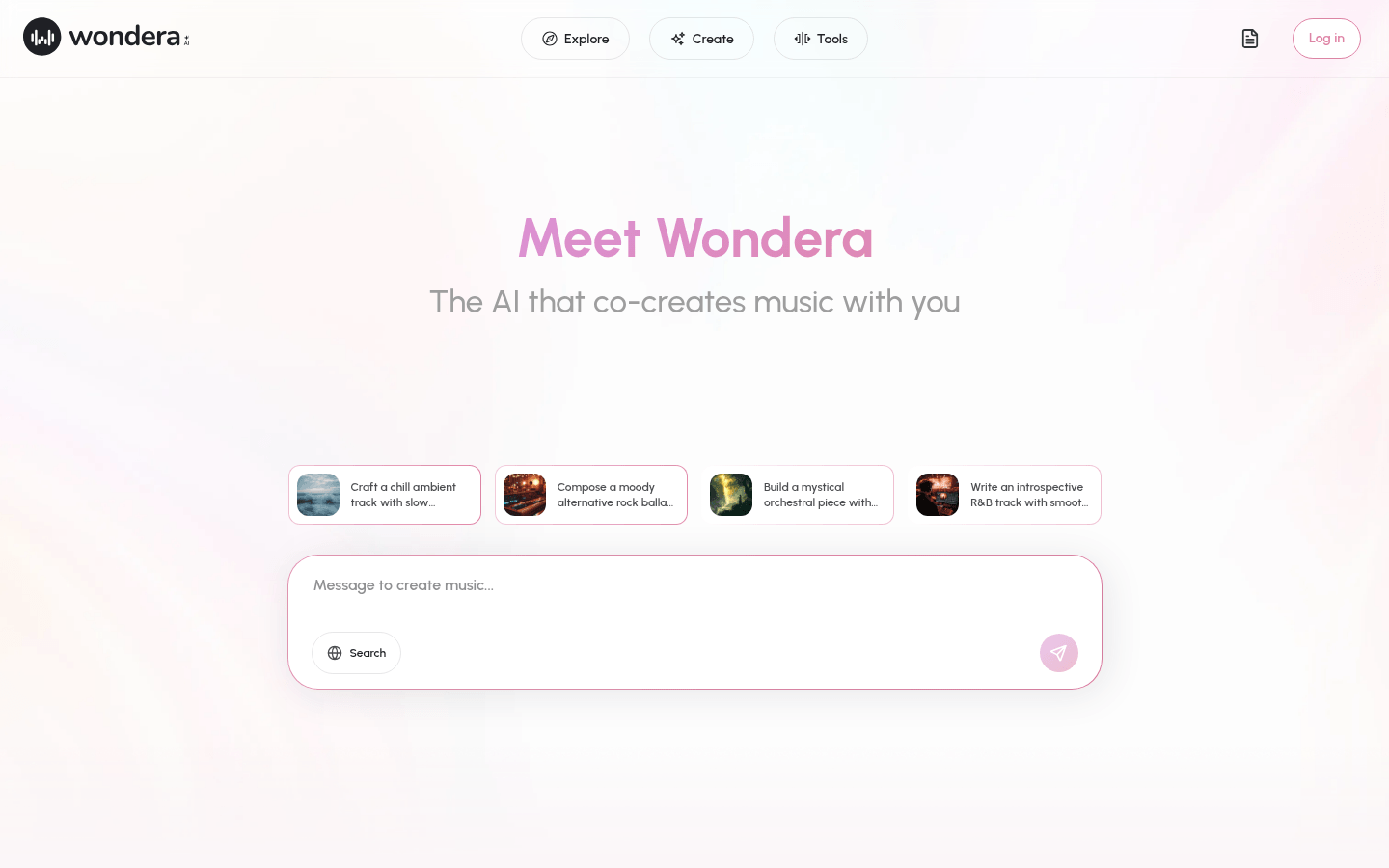
Screenshot archived from the listing page, for preview only.











