
Workforce AI
AI worker for daily tasksAutomate email, meetings, and follow-ups
Highlights
What you can do with it
- Draft and answer daily business emails faster.
- Manage customer records and follow up on sales leads.
- Auto-reply to customer questions and log issues.
How to use it
- 1 Visit the site and click Start free.
- 2 Enter your email to set up the trial.
- 3 Pick functions like email drafting or meeting recording.
- 4 Configure rules, then let the AI employee work and review.
Who it is for
Pros
- Handles email, meetings, and follow-ups in one place.
- Custom review rules keep control over output.
- Free trial available to test email drafting.
Limitations
- Free trial scope may change; confirm current terms.
- AI output still needs review before it goes out.
- Meeting recording should follow consent and privacy rules.
What Workforce AI is
Workforce AI offers configurable AI employees that take on routine business tasks. It drafts emails in your own language style, joins Zoom meetings and records key points, keeps a customer file with full communication history, and follows up on tasks so work does not slip. It also handles repetitive jobs and works across channels like email, chat, WhatsApp, and Zoom. You set your own review rules so the output stays on your standards. A free trial covers email drafting, and a full-feature free trial is available. It is built for managers, business professionals, sales teams, and customer service staff who want to trim the daily workload.
What you can do with it
- Draft and answer emails in your own tone.
- Record Zoom meetings and capture key points.
- Store customer details and communication history.
- Auto-follow up on tasks and repetitive work.
- Connect across email, chat, WhatsApp, and Zoom.
Who it is for
- Enterprise managers who handle daily operations.
- Sales teams tracking customers and follow-ups.
- Customer service staff answering routine questions.
- Business professionals who send a high volume of email.
What to watch out for
The free trial's scope may change, so confirm what is included before you plan around it. AI output still needs a human review before it reaches customers, since tone and facts can drift. Meeting recording should follow consent and privacy rules in your region, and lawful use is your responsibility. Connecting email, chat, and calendars means granting access to sensitive systems, so review permissions carefully. Start with the free trial and a narrow set of tasks before widening the AI role.
FAQ
What can I try for free?
Email drafting is available in a free trial, and a full-feature free trial is offered. Check the site for current details.
Does it join meetings?
Yes. It can join Zoom meetings and record key content for later review.
Can I control what it sends?
Yes. You set your own review rules and check the AI output before it goes out.
Why it is free
What the official page says: for freefree trial
Free limits, trial length and features are decided by the official site and can change at any time.
Product preview
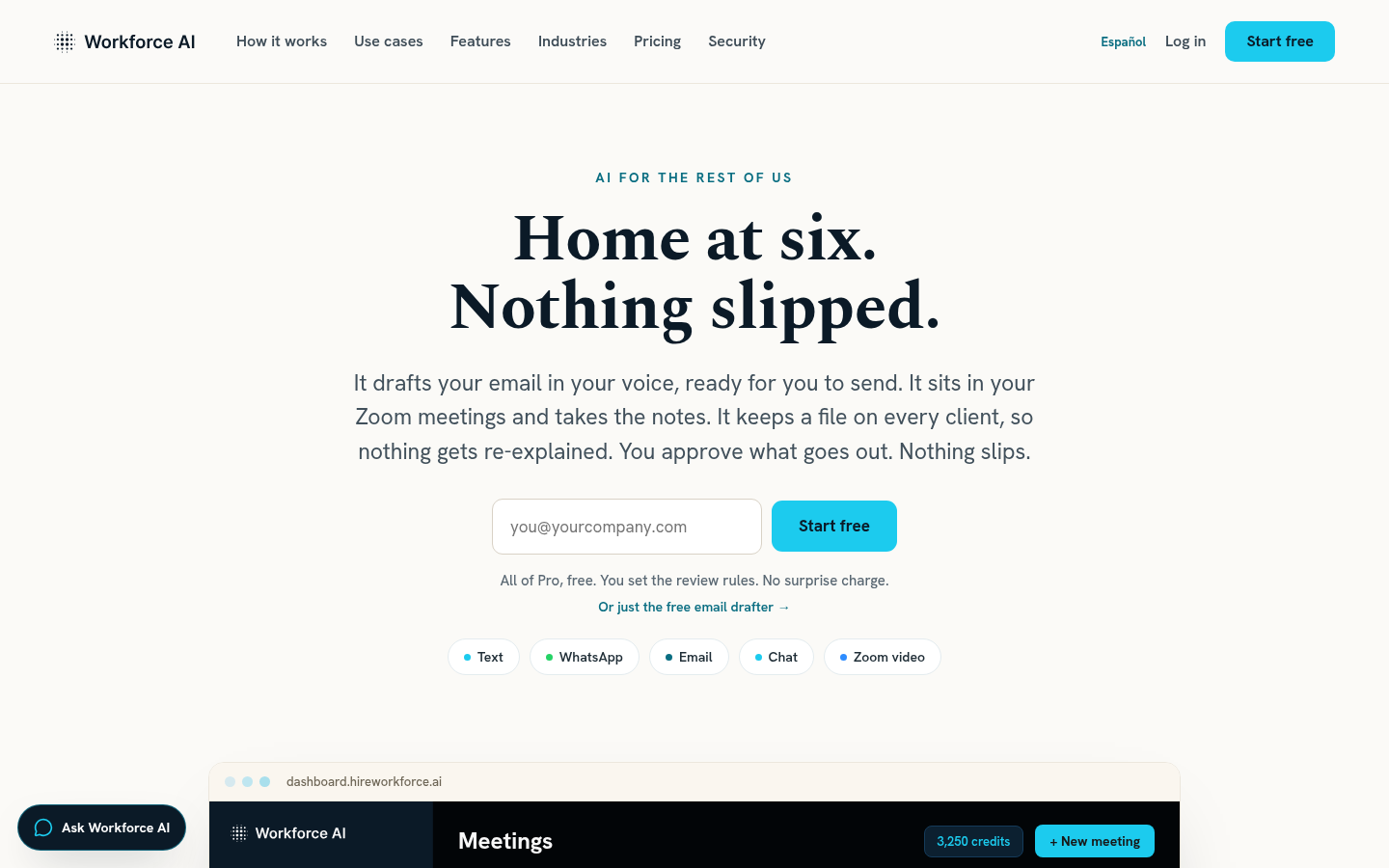
Screenshot archived from the listing page, for preview only.











