Writeasily AI
AI blog writer with templates and voice inputTurn a short prompt into blog content
Highlights
What you can do with it
- A blogger drafts a post from a single prompt and edits it
- A small business produces email and social copy from templates
- A marketer drafts website and video content in one place
How to use it
- 1 Open writeasily.com and sign in
- 2 Pick the template you need, such as a blog post or an email
- 3 Enter a prompt or some context for the piece
- 4 Generate the draft and edit it to fit your voice
- 5 Upgrade if you need more templates, words or images
Who it is for
Pros
- Free plan available to start
- Wide template range across content types
- Voice to text speeds up drafting
Limitations
- Paid plans are needed for more templates, words and images
- Generated copy needs editing to avoid generic phrasing
- Site status in the listing is unreliable, so check availability first
What Writeasily AI is
Writeasily AI is an AI blog writing tool. You give it a short prompt or a little context and it generates blog content for you to edit. The template library goes beyond blogs and covers email templates, social media posts, video content, website content and catchphrases, so one tool can serve several content jobs. It also supports voice to text input and code generation. The stated advantage is speed: drafts arrive faster and your time goes into refining rather than starting from a blank page. There is a free plan, and paid plans add more templates, more word count, more images and more voice to text conversions.
What you can do with it
- Generate blog posts from a short prompt or context
- Draft email, social, video and website copy from templates
- Use voice to text instead of typing
- Generate code snippets where needed
- Edit generated drafts into your own voice
Who it is for
- Bloggers who publish on a fixed schedule
- Small businesses producing email and social copy
- Marketers who need website and video content quickly
- Anyone who finds the first draft the slowest part
What to watch out for
The free plan is limited, and the paid tiers are where the extra templates, word count, images and voice conversions live, so estimate your volume before committing. Generated copy tends toward generic phrasing, and publishing it unedited is a good way to sound like everyone else. The site status recorded in the listing is unreliable, so confirm the service is reachable before you plan work around it. Always fact check anything the tool asserts, particularly in blog posts that carry claims.
FAQ
Is there a free plan?
Yes. Writeasily offers free and paid plans, with paid plans adding more templates, word count, images and voice to text conversions.
What kinds of templates are included?
Blog posts, email templates, social media posts, video content, website content and catchphrases.
Can I dictate instead of typing?
Yes. It supports voice to text as well as typed prompts.
Why it is free
What the official page says: 免费
Free limits, trial length and features are decided by the official site and can change at any time.
Product preview
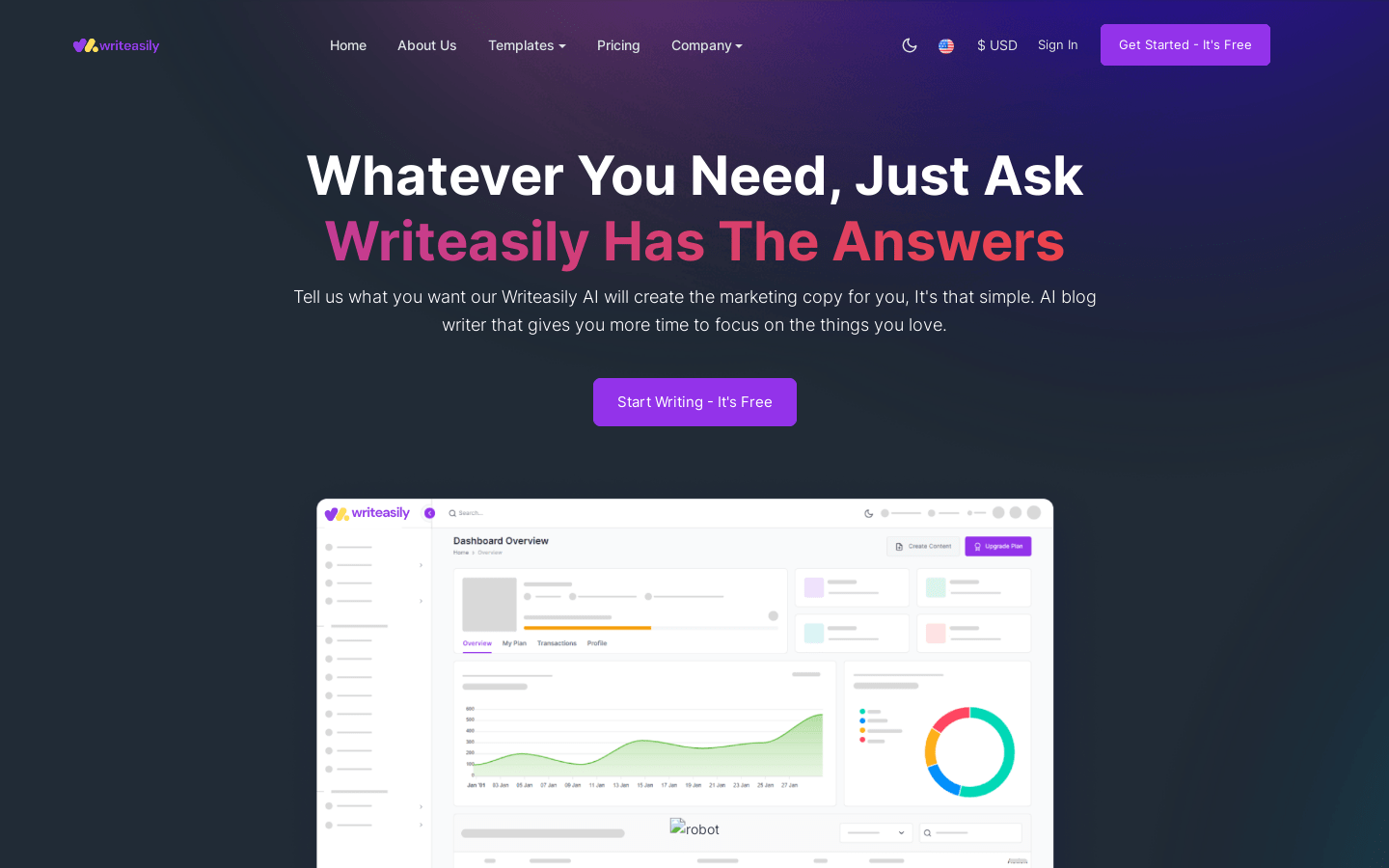
Screenshot archived from the listing page, for preview only.