
WriteMyCoverLetter
Assistant app for voice, notes and schedulingSpeech, translation, notes and reminders in one app
Highlights
What you can do with it
- Using speech translation for international communication
- Scheduling and reminding tasks to stay productive
- Managing notes and memos to stay organised
How to use it
- 1 Install the app and open the assistant
- 2 Choose the function you need, such as speech translation, scheduling or notes
- 3 Speak or type the request and let the assistant handle it
Who it is for
Pros
- Several assistant functions in one app
- Both a free and a paid option are described
- Speech input suits hands-busy situations
Limitations
- The site did not respond when this entry was last checked, so availability is uncertain
- The documented feature list is thin and the scope may be narrower than expected
- Pricing depends on the services chosen and is not itemised
- Speech recognition accuracy depends on microphone quality and accent
What WriteMyCoverLetter is
WriteMyCoverLetter is an assistant app that combines several everyday functions in one place. Speech recognition and translation sit next to scheduling, reminders, note management, memo keeping, intelligent search and recommendations. The vendor describes the algorithms as able to handle instructions quickly and accurately, and says both a free version and a paid version exist depending on which services you pick. In practice the use cases are mundane but useful: speaking a sentence and getting it translated, setting a reminder without typing, or dumping a note and finding it again later through search. Two caveats matter. The documentation is thin, so the real scope may be narrower than the feature list suggests, and the website did not respond when this entry was last checked.
What you can do with it
- Use speech recognition to dictate instead of typing
- Translate speech for cross-language communication
- Set schedules and reminders for tasks
- Keep notes and memos in one place
- Search stored content and get recommendations
Who it is for
- People who need quick translation while talking to others
- Professionals juggling tasks, reminders and notes
- Anyone who prefers voice input on a phone
What to watch out for
The site did not respond when this entry was last checked, so confirm the app still exists and is maintained before you build a habit around it. Pricing depends on which services you choose and is not itemised, so ask what the paid tier actually adds. Speech recognition quality varies with microphone conditions, background noise and accent, so important dictation should be reviewed before it is sent. Finally, any assistant handling your calendar and notes holds sensitive data, so check the privacy terms before granting broad access.
FAQ
Is WriteMyCoverLetter free?
The vendor says pricing depends on the service content you choose and that free and paid versions are offered, so check the current listing.
What does it actually do?
Speech recognition, translation, scheduling, reminders, note management, and intelligent search with recommendations.
Why the caution?
The website did not respond during the last check of this entry and the documentation is thin, so verify availability and features before relying on it.
Why it is free
What the official page says: 免费
Free limits, trial length and features are decided by the official site and can change at any time.
Product preview
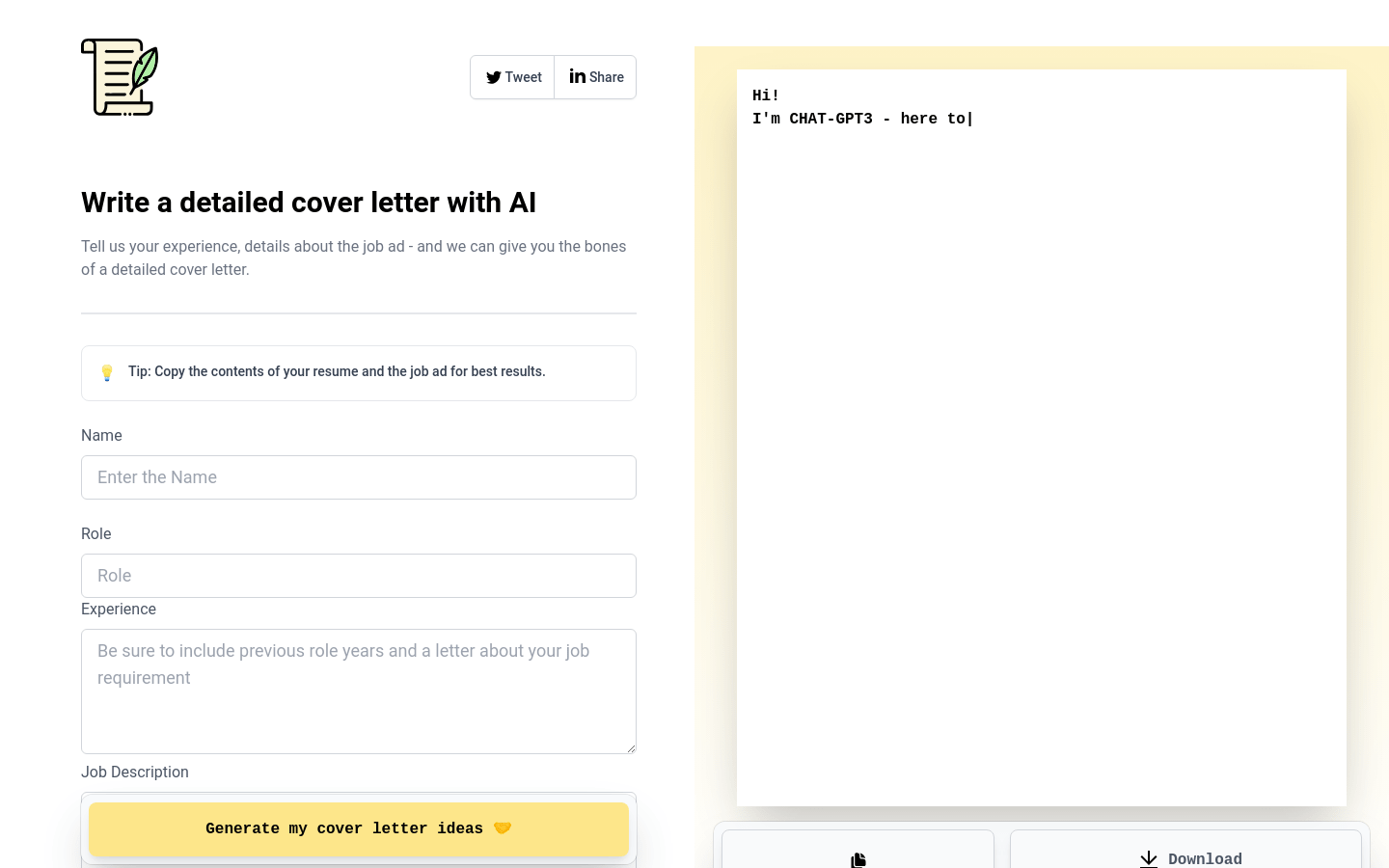
Screenshot archived from the listing page, for preview only.











