
Writier
AI writing assistantBeat writer's block with AI suggestions
Highlights
What you can do with it
- Draft a blog post or article when you have an idea but no opening.
- Clean up grammar and phrasing before sending something out.
- Rework the structure of a long piece so it reads in a sensible order.
How to use it
- 1 Open Writier in your browser and start a new document.
- 2 Write your opening or paste in a rough draft.
- 3 Read the AI suggestions and accept the ones that fit.
- 4 Run the grammar check and fix what it flags.
- 5 Look at the structure suggestions and reorder sections if needed.
- 6 Copy the finished text out or save it.
Who it is for
Pros
- Free to use for the core writing help.
- Suggestions arrive in line, so the draft keeps moving.
- Grammar and structure help sit in the same tool.
- Useful for getting past a blank page.
Limitations
- The free level covers the basics and advanced features are paid.
- AI suggestions need a human pass; they are not always right.
- It is a writing aid, not a fact checker or a research tool.
- Output still sounds generic unless you rewrite it in your own voice.
What Writier is
Writier is an AI based writing assistant aimed at people who need to get words on a page and do not want to stall halfway. The listing describes three main functions: AI driven suggestions that appear as you write, grammar checking, and recommendations about how an article should be structured. It is free to use, with paid advanced features for anyone who wants more than the core set. The tool is positioned as a way to raise both speed and quality, so the focus is on the drafting and editing loop rather than on research or publishing.
What you can do with it
- Get suggestions while you type so the draft keeps moving.
- Check grammar and phrasing before you send or publish.
- Restructure an article so the sections run in a sensible order.
- Turn a rough set of notes into something closer to a finished piece.
Who it is for
- Bloggers and content writers working to a deadline.
- Students drafting essays, reports and assignments.
- Non native speakers who want a second pass on their English.
- Marketers who need first drafts quickly and will edit later.
What to watch out for
Free use covers the core features, and the advanced functions sit behind a paid plan, so check what is included before you build a workflow around it. More importantly, AI suggestions are suggestions. They can be wrong about tone, facts and context, and a grammar checker will happily accept a sentence that is clean but meaningless. Treat the output as a first draft that you rewrite in your own voice, because unedited AI text tends to read flat and can repeat itself. The tool does not check whether a claim is true, so anything factual still needs a source. Finally, free tiers and feature sets change, so confirm the current offer rather than assuming yesterday's limits still apply.
FAQ
Is Writier free?
It is free to use, and there are paid advanced features on top.
What kind of suggestions does it give?
AI driven suggestions while you write, plus grammar checks and article structure recommendations.
Can it write a whole article for me?
It helps you write and structure content, but you should review and edit everything it produces.
Who is it for?
Writers, students, marketers and non native speakers who want help drafting and editing.
Why it is free
What the official page says: free to use
Free limits, trial length and features are decided by the official site and can change at any time.
Product preview
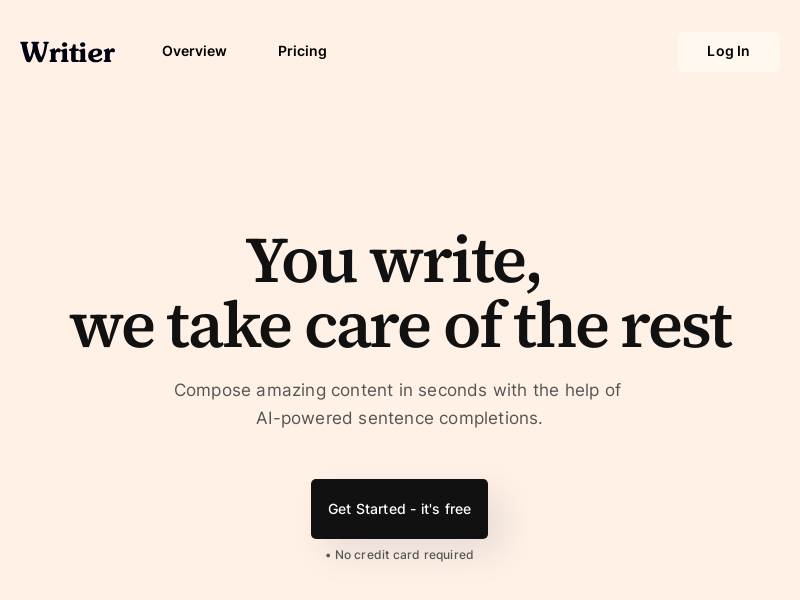
Screenshot archived from the listing page, for preview only.











