
YOMO
AI meeting assistant for product research interviewsCapture insights from user interviews automatically
Highlights
What you can do with it
- Run a user research interview and capture the key points
- Turn interview recordings into a shareable report
- Understand buyer needs and market gaps before building
How to use it
- 1 Create a YOMO account and set up your session.
- 2 Add the questions you want covered.
- 3 Run the interview with recording enabled on a paid plan.
- 4 Read the generated insights and feedback.
- 5 Share the report with your team and act on it.
Who it is for
Pros
- Free plan to test the workflow
- Removes manual note-taking during calls
- Reports are structured for team sharing
Limitations
- Recording and transcription need the paid Basic plan
- AI summaries can miss nuance in what was said
- Interview recordings contain sensitive data
What YOMO is
YOMO is an AI meeting assistant built for product teams. It captures key insights from user research interviews, lets you customize the questions you ask, provides feedback, and generates detailed reports that feed product decisions. It is aimed at solo founders, UX researchers, and product leads who need customer insight they can act on rather than a pile of recordings. There is a free plan, and the Basic plan at 10 dollars a month adds recording, transcription, downloadable shareable clips, advanced meeting reports, per-meeting analysis, and unlimited integrations and members.
The specific focus on research interviews is what distinguishes it from a general meeting notes tool. A sales call needs action items; a research interview needs observations, verbatim moments, and the ability to point a teammate at the exact second where a user hesitated. The shareable clips exist for that reason, because a report that quotes the recording is far more persuasive than one that summarizes it.
What you can do with it
- Capture key points from a research interview automatically
- Customize the questions you want covered
- Get feedback and per-meeting analysis
- Produce a report you can share with a team
- Use insight to decide what to build or fix
Who it is for
- Solo founders running their own customer calls
- UX researchers handling a high volume of interviews
- Product managers who need evidence behind decisions
- Teams that cannot afford a dedicated research operation
What to watch out for
Recording and transcription sit behind the paid Basic plan, so the free tier will not capture a full session. AI summaries compress what was said and can miss hesitation, sarcasm, or the order of remarks, so keep the original recording for anything important and check the summary against it. Interviews often contain personal data from participants, so confirm consent and check how the service stores files. Pricing and feature boundaries can change, so verify current plans before subscribing.
FAQ
What does YOMO capture?
Key insights from user research interviews, plus feedback and reports.
What does Basic add?
Recording, transcription, shareable clips, advanced reports, per-meeting analysis, and unlimited integrations and members for 10 dollars a month.
Who is it for?
Solo founders, UX researchers, and product teams.
Why it is free
What the official page says: free plan
Free limits, trial length and features are decided by the official site and can change at any time.
Product preview
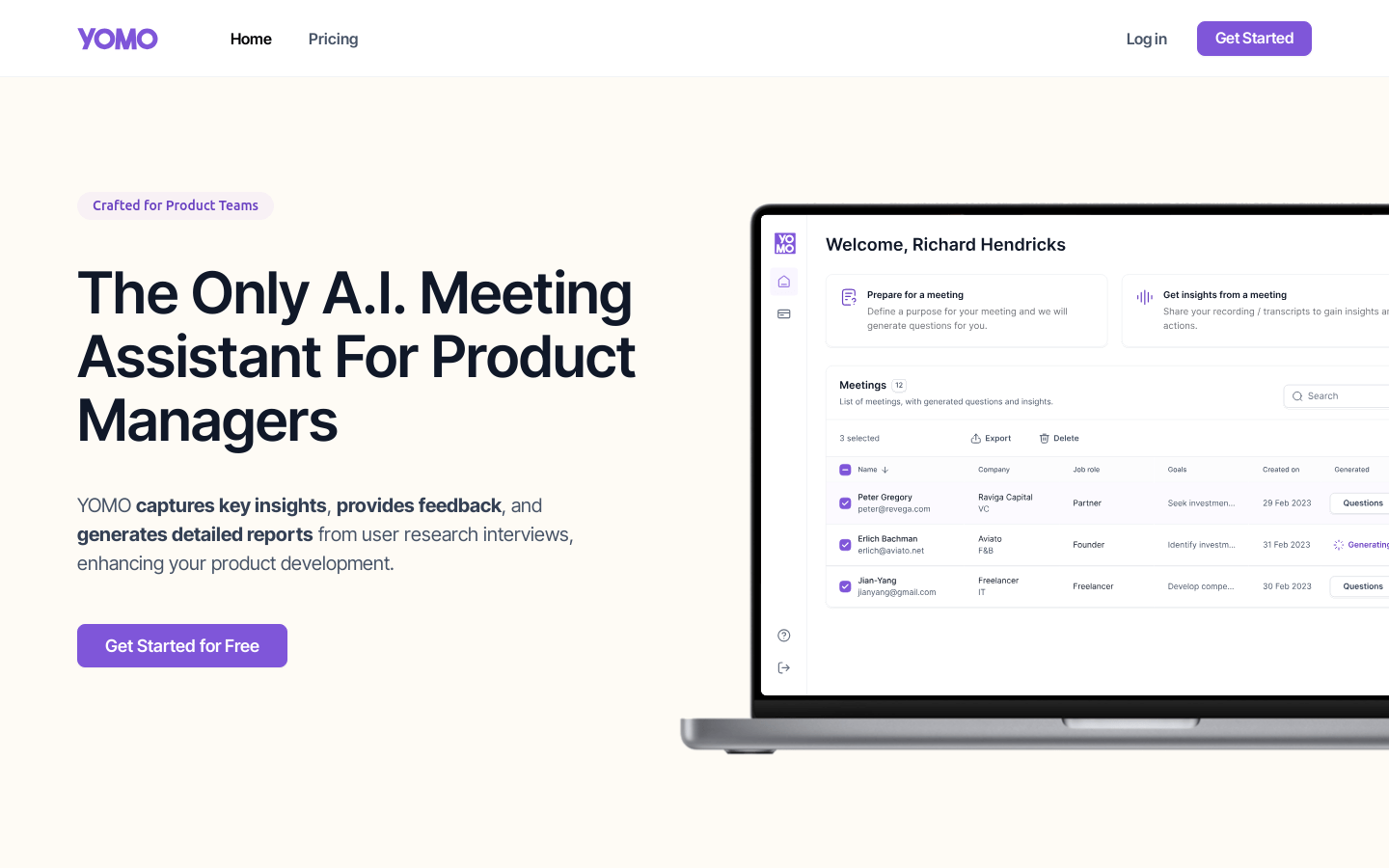
Screenshot archived from the listing page, for preview only.











