
YouTube Transcript Generator
Free YouTube transcriptsCopy any YouTube video's text
Highlights
What you can do with it
- Turn a long video into readable text for notes
- Search a video for a specific quote or fact
- Create subtitles or captions from a transcript
How to use it
- 1 Copy the YouTube video URL
- 2 Paste it into the input box on the site
- 3 Click the transcribe button
- 4 Search, copy, or download the transcript
Who it is for
Pros
- Completely free, no login needed
- Multiple export formats including subtitle files
- Searchable transcript for fast lookup
Limitations
- Works on public videos; private or restricted ones will not
- Transcription quality depends on the source audio
- Free service terms and availability may change over time
What YouTube Transcript Generator is
YouTube Transcript Generator, at transcriptgenerator.org, extracts and displays the full transcript from a YouTube video. Instead of watching a whole video to find one part, you can read the text, search it, and save it for later. According to the product, it works on public YouTube videos across different languages, lengths, and topics. You can copy or download the text in formats such as TXT, DOCX, VTT, or SRT, which also makes it useful for subtitles. The service is described as completely free and requires no login, with a simple interface built for speed.
What you can do with it
- Pull the complete transcript from a public YouTube video
- Search the text for a specific word or phrase
- Download the transcript as TXT, DOCX, VTT, or SRT
Who it is for
Students who want notes from lectures or long explainers can read the text instead of scrubbing back and forth through the video. Content creators can mine a video for quotes, facts, and ideas without replaying it start to finish. Researchers and analysts who review competitors, talks, or interviews get a searchable text version they can skim and quote from quickly. Anyone who regularly needs the words from a video, rather than the visuals, will get the most use out of a plain transcript.
What to watch out for
It targets public YouTube videos, so private, unlisted, or restricted videos will not work at all, and neither will non-YouTube sources. The accuracy of the transcript depends on the original audio, so heavy accents, background music, crosstalk, or poor sound can produce errors you will need to fix by hand. Because it is a free service with no login, the terms and availability could change without much notice. If you rely on it for captions or published quotes, always proofread the exported text, since subtitle mistakes are easy for viewers to spot.
FAQ
Is it free?
Yes, it is completely free with no login.
What formats can I export?
TXT, DOCX, VTT, and SRT.
Does it work on any video?
It is designed for public YouTube videos.
Why it is free
What the official page says: completely free
Free limits, trial length and features are decided by the official site and can change at any time.
Product preview
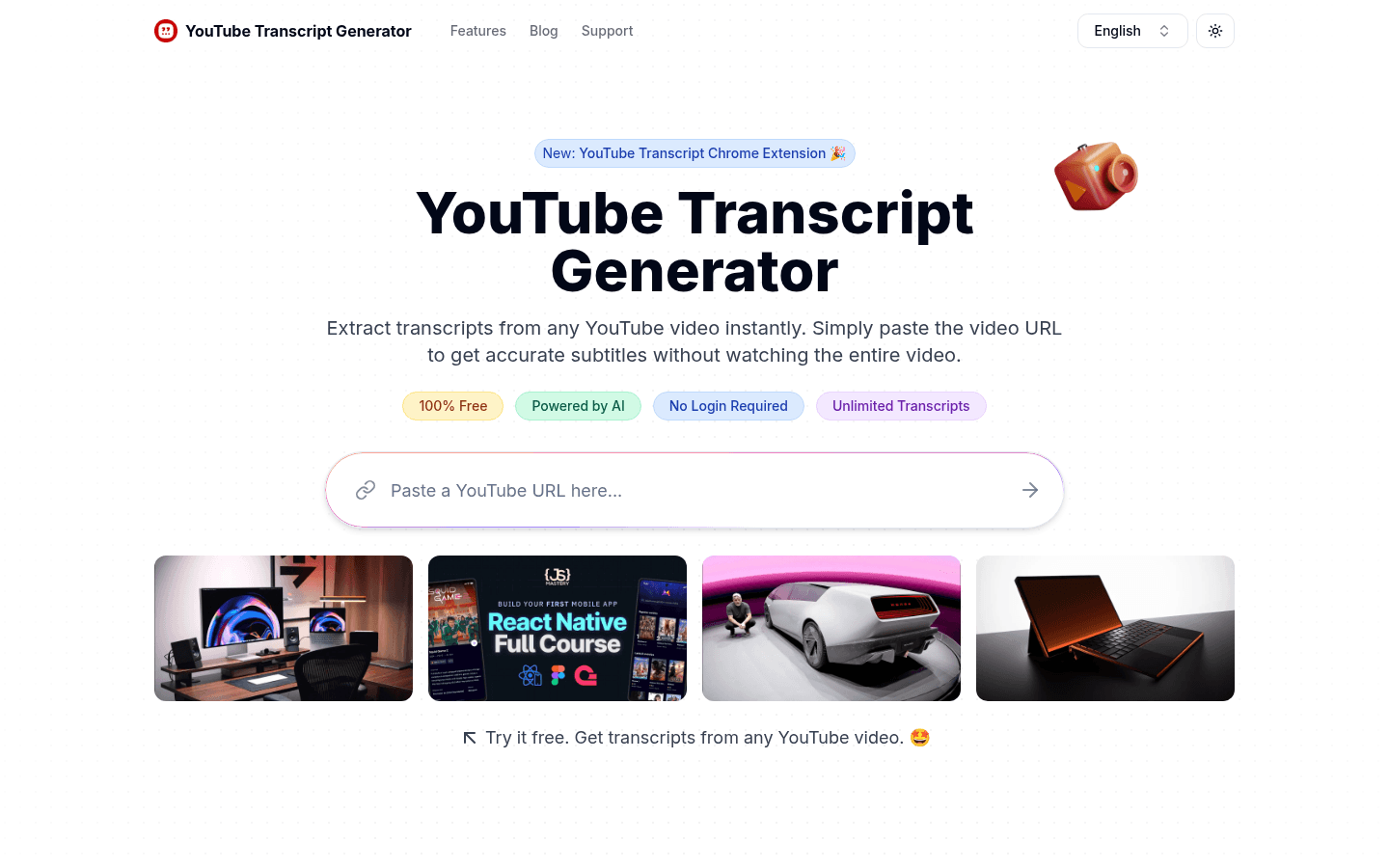
Screenshot archived from the listing page, for preview only.











