
Yujing
AI language processing platformTranslate, analyze, and polish your text
Highlights
What you can do with it
- Writers translating a novel into several languages
- Translation companies extracting key information from text
- Marketing teams checking grammar in advertising copy
How to use it
- 1 Visit the Yujing website and register an account
- 2 Choose a function such as text analysis or translation
- 3 Upload or paste the text you want processed
- 4 Review the analysis or translation and edit as needed
- 5 Save or export the result, or connect through the API
Who it is for
Pros
- Several language tasks in one platform
- Multilingual support across major languages
- API access for integration into other apps
- Straightforward interface lowers the barrier to use
Limitations
- Pricing is not final, so free and paid terms may change
- Machine translation and proofreading still need human review
- API integration requires development work
- Feature depth for specialized domains is not guaranteed
What Yujing is
Yujing is a platform for language processing built on natural language processing technology. It brings three jobs together: text analysis, translation, and proofreading. The analysis side looks at sentiment and topics, the translation side works across major world languages in real time, and the proofreading side flags grammar problems and suggests improvements. The interface is designed to be simple, and there is API access for developers who want to add these features to other applications. Pricing details are not defined yet, but free trials and paid versions are expected.
What you can do with it
- Analyze text for sentiment and topics
- Translate content between major languages
- Proofread and polish wording before publishing
- Connect the features to your own app through the API
Who it is for
- Writers who work in more than one language
- Translation teams that need fast first drafts
- Developers adding language tools to their products
What to watch out for
Pricing is not settled, so what is free today may change once plans are published. Machine translation and automated proofreading are starting points, and important texts still need human review for tone and accuracy. API integration takes development work and testing. Coverage of specialized vocabulary and document formats varies, so test with your own content before relying on it for client work. For best results, start with a small test file and review the output carefully before working on anything important. Free tiers can change over time, so it is worth checking the current limits on the official page before you rely on the tool daily. If the result is not quite right, try adjusting your input description or settings and run the task again.
FAQ
Is Yujing free?
Pricing details are not defined yet. Free trials and paid versions are expected based on the services offered.
What can it do?
It handles text analysis, translation, and proofreading, with multilingual support and API access.
Can I use it in my own app?
Yes, it offers API access for developers to integrate into other applications.
Why it is free
What the official page says: for freefree trial
Free limits, trial length and features are decided by the official site and can change at any time.
Product preview
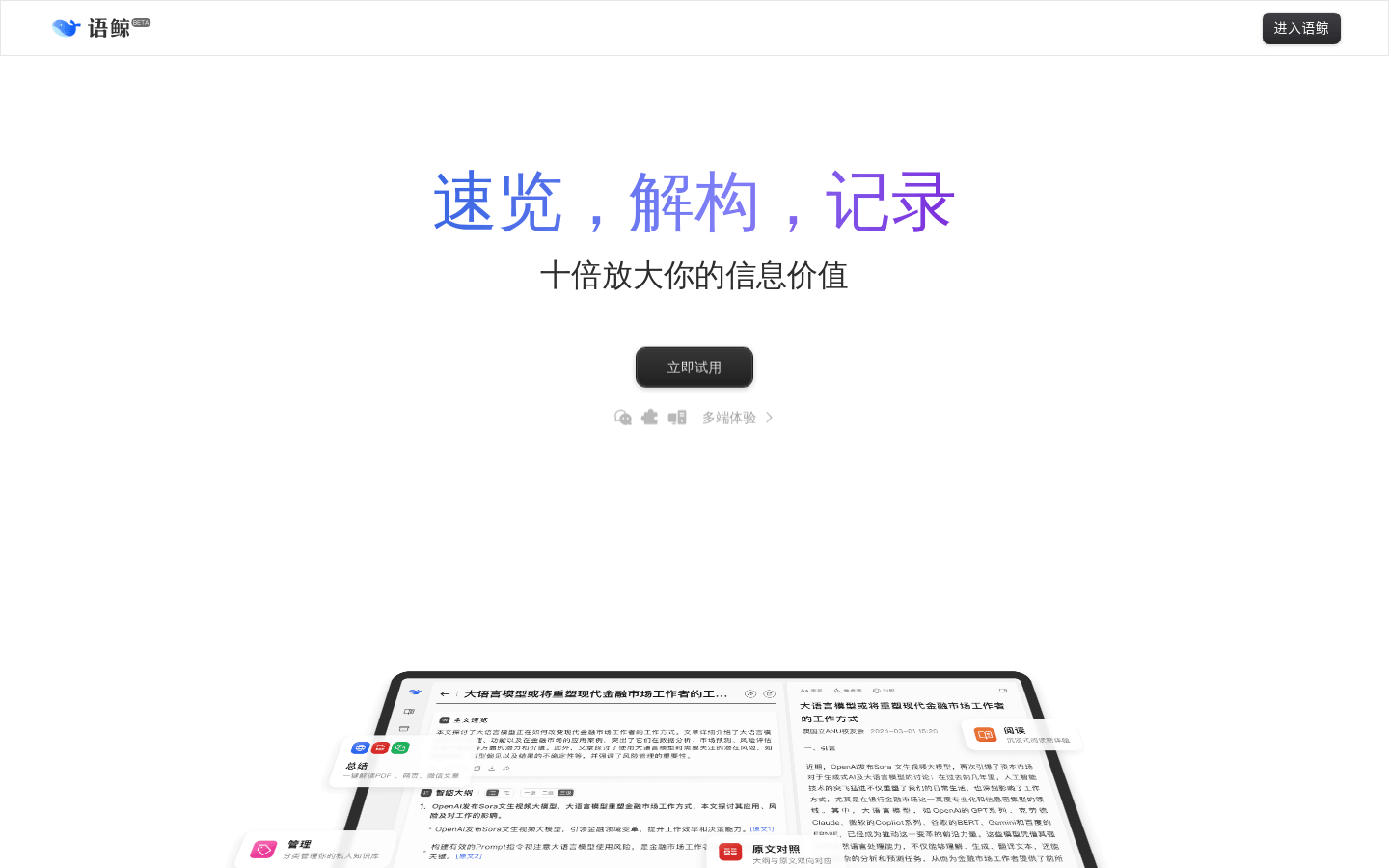
Screenshot archived from the listing page, for preview only.











