Yulu
Academic writing assistantSearch material, rewrite, export
Highlights
What you can do with it
- Drafting a paper with source material alongside
- Reworking passages that overlap too closely with a source
- Organizing material before writing begins
How to use it
- 1 Install Yulu on Windows
- 2 Search for material by keyword
- 3 Draft in the editor with the material available
- 4 Run the rewrite feature where overlap is too high
- 5 Export the finished document
Who it is for
Pros
- Material search and drafting in one window
- Auto-save and local storage reduce lost work
- Document export for hand-in or submission
- Currently free on Windows
Limitations
- Rewriting to reduce overlap can cross academic integrity lines, and consequences fall on you
- Windows only, with no other platform mentioned
- Free status can change
- Rewrite quality varies and needs manual checking
What Yulu is
Yulu is an AI-powered academic writing tool for Windows. It combines two jobs that usually sit in separate apps: finding material and writing against it. You search by keyword inside the tool, keep the results next to your draft, and write with the source visible. The second feature is content rewriting, which reworks text to reduce overlap with sources. Around the writing itself there is auto-save, local storage so drafts stay on your machine, and document export for the finished piece. The listing says it is currently free on Windows.
What you can do with it
- Search for source material by keyword without leaving the app
- Draft with material alongside the editor
- Rewrite passages where overlap is too high
- Rely on auto-save and local storage to avoid losing work
- Export the finished document for submission
Who it is for
Students writing papers and theses are the primary audience, since the search-plus-draft workflow matches how coursework actually gets produced. Researchers drafting manuscripts benefit from having source material and editor in one window. Anyone who regularly works from quoted or paraphrased sources and needs to rephrase carefully will find the rewriting feature relevant, though it comes with a caveat below.
What to watch out for
Be deliberate about the rewriting feature. Using it to reduce detectable overlap with a source, rather than to genuinely re-express your own understanding, can breach academic integrity rules at most institutions, and detection tools and penalties are the institution's decision, not yours. Cite properly and check your school's policy before relying on any paraphrasing tool. Beyond that, the app is Windows only, so Mac and Linux users are out, and free status is described as current rather than permanent. Rewrite quality also varies, so read every changed sentence yourself.
FAQ
Is Yulu free?
The listing says it is currently available for free on the Windows platform.
What does the rewriting feature do?
It reworks content to reduce overlap with source material. Use it carefully, since paraphrasing to hide copying can breach academic integrity rules.
Which platforms are supported?
Windows is the only platform mentioned.
Where are drafts stored?
Locally, with auto-save, and documents can be exported when finished.
Why it is free
What the official page says: for free
Free limits, trial length and features are decided by the official site and can change at any time.
Product preview
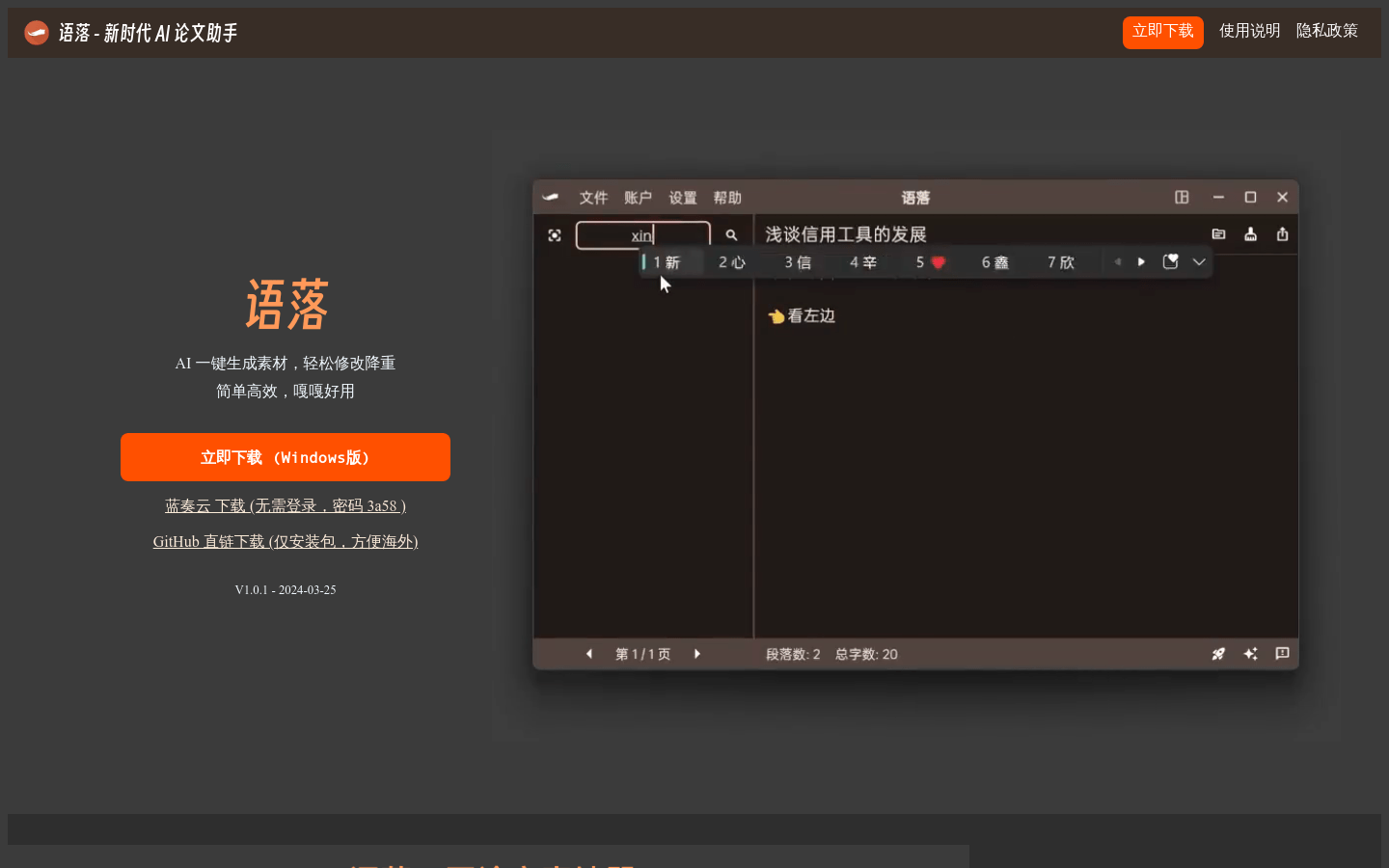
Screenshot archived from the listing page, for preview only.