
Zaro
Enterprise platform for building AI apps and agentsConnect data, run agents, generate apps
Highlights
What you can do with it
- A founder builds a news monitoring and surveillance app in days
- A sales team builds a pipeline tracker that updates automatically
- An operations team builds a facility management app from tickets and supplier data
How to use it
- 1 Set up a workspace and define data isolation scope
- 2 Connect enterprise data such as files, CRM, and Slack threads
- 3 Run agents on a schedule, trigger, or on demand
- 4 Describe the apps, dashboards, or trackers you need and let Zaro build them
Who it is for
Pros
- Context accumulates across tools instead of resetting
- Data ownership stays with the enterprise
- Model routing reduces single-provider downtime risk
Limitations
- Free access is a trial; paid terms are not published
- Requires connecting sensitive internal built-in informations
- Generated apps still need review before operational reliance
What Zaro is
Zaro is a platform for building intelligent systems for enterprises. It pulls files, call records, CRM records, Slack threads, and specifications into one versioned workspace so context accumulates instead of resetting. From that data it generates applications and runs agents that can be scheduled, triggered, or run on demand, writing results back into the workspace. A proprietary routing mechanism switches models automatically if one fails. A free trial is offered, and the detailed paid model is not published.
What you can do with it
- Build personalized apps such as pipeline trackers and news monitors.
- Run agents on a schedule, trigger, or on demand.
- Integrate enterprise data without changing existing workflows.
- Capture documents, calls, decisions, and work orders in one place.
- Rely on automatic model switching during outages.
Who it is for
- Enterprise sales teams tracking pipelines.
- Marketing teams monitoring news and media coverage.
- Operations teams managing facilities and suppliers.
- Product and R&D teams consolidating specifications and progress.
What to watch out for
Free access is a trial and pricing is not published. Connecting internal built-in informations raises permission and security questions that need review before rollout. Generated apps and agent output should be validated before the business depends on them. Start with a small sample to confirm the output meets your expectations before processing the full batch. Free tiers and usage limits can change, so check the current rules on the official page before relying on it long term. Name and archive exported files consistently so you can find and reuse them, and keep a backup copy of key data. When quality matters, export a small draft first to confirm the result before producing the final file.
FAQ
Is there a free trial?
Yes, a free trial is offered. The detailed payment model is not mentioned on the page.
What data can it connect?
Files, call records, CRM records, Slack threads, and specifications, without changing how the team works.
What happens if a model fails?
The proprietary routing mechanism automatically switches models so the agent keeps working.
Why it is free
What the official page says: free trial
Free limits, trial length and features are decided by the official site and can change at any time.
Product preview
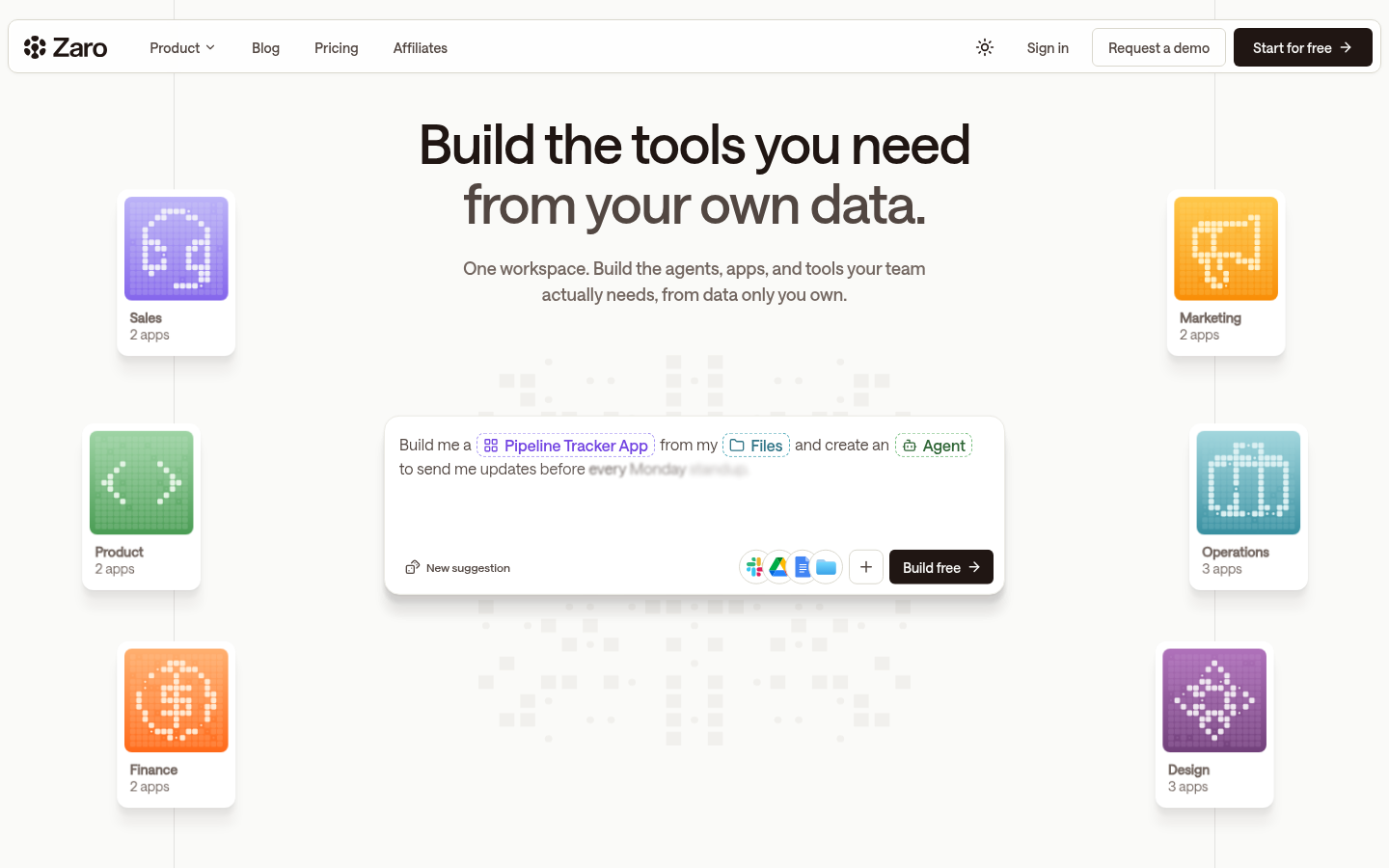
Screenshot archived from the listing page, for preview only.











