
ZEnhancer
Free online AI photo enhancerSharpen, restore and enlarge photos, ten free runs a day
Highlights
What you can do with it
- A photographer rescues a shaky shot before an exhibition
- A seller raises product photos for a detail page
- A family brings colour back to an old black and white portrait
How to use it
- 1 Upload a JPG, PNG or WebP photo by dragging, browsing or picking an example.
- 2 Let the AI analyse blur, noise, light, colour and resolution.
- 3 Compare the original and the result side by side.
- 4 Pick PNG, JPG or WEBP and download the enhanced file.
Who it is for
Pros
- Free daily allowance with no account needed
- No watermark on the output
- Many fixes in one place, from deblur to colour
- Side by side preview before you download
Limitations
- The free allowance is ten runs a day, so bulk work will be slow
- The paid plan discount is a promotion and may end
- Enhancement cannot invent detail that was never captured
- Results vary with how bad the original blur or noise is
What ZEnhancer is
ZEnhancer is a free online AI photo enhancer. You get ten free uses per day, you do not need to log in, and the output carries no watermark. When you upload a picture the tool checks its type and then applies the matching enhancement, looking at blur, noise, light, colour and resolution. It can sharpen a soft frame, clean grain out of a low light shot, add natural colour to a black and white family photo, restore a faded print, enlarge a product image to 4K and cut out a background. You can compare the original and the result side by side before you download, and you can pick PNG, JPG or WEBP as the output.
What you can do with it
- Improve clarity and remove blur from soft or shaky photos
- Clean noise out of low light and grainy shots
- Add colour to black and white photos and restore faded prints
- Enlarge an image to 4K and remove its background
Who it is for
- Photographers who need to rescue a soft or noisy frame
- Social media users who want sharper posts
- E commerce sellers improving product photos for a listing
- Families bringing old photographs back to life
What to watch out for
Ten free runs a day is enough for a few pictures but slow for a full shoot, and the paid plan was showing a promotional discount that can end. The tool cannot invent detail that was never captured, so a heavily blurred or tiny original will only improve so far. Output quality also depends on the source file, and the automatic detection may not always pick the treatment you would have chosen by hand. If you work with many images a day, compare the paid plan cost against the free allowance first.
FAQ
How many free uses do I get?
The tool states ten free uses per day, with no login needed.
Does it add a watermark?
No. The description says the output has no watermark.
What formats can I upload?
JPG, PNG and WebP files, and you can download in PNG, JPG or WEBP.
Can it fix a very blurry photo?
It can reduce blur from soft focus, shake, motion and compression, but it cannot recover detail that the camera never recorded.
Why it is free
What the official page says: 免费使用免费额度免费
Free limits, trial length and features are decided by the official site and can change at any time.
Product preview
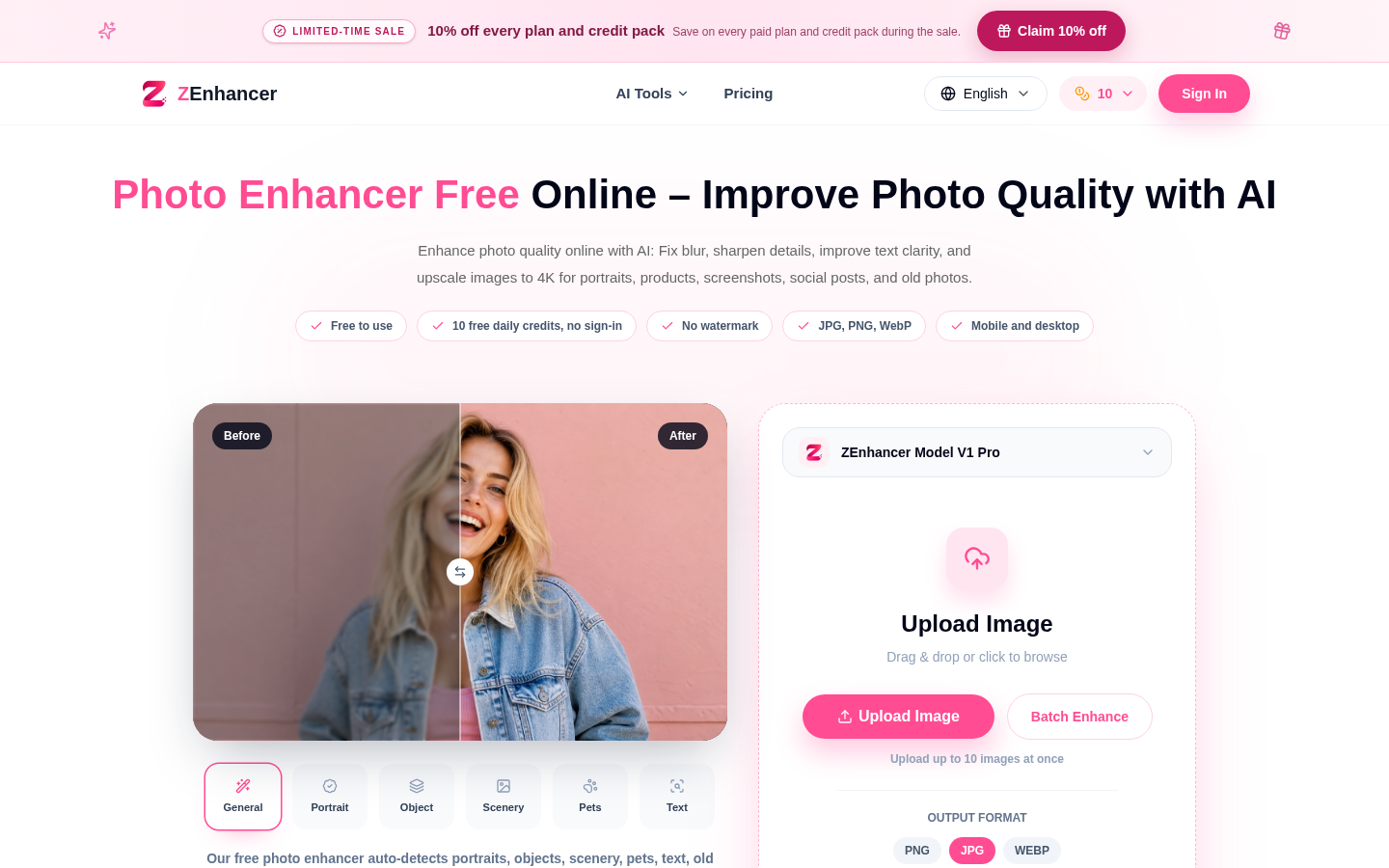
Screenshot archived from the listing page, for preview only.











