
ZSky AI
Free AI image and video generatorImages in seconds, video with audio in thirty
Highlights
What you can do with it
- Artists generating concept art for exhibitions or commissions
- Video creators producing promotional clips quickly
- Designers creating realistic product renderings
How to use it
- 1 Open zsky.ai and click Start Free.
- 2 Choose image generation, video generation, or image-to-video.
- 3 Enter a prompt or upload an image, then set ratio and resolution.
- 4 Click generate and wait for the result.
- 5 Edit, download, or share the output.
- 6 Upgrade if you want watermark-free or higher resolution output.
Who it is for
Pros
- Free version with no credit card required
- Very fast image generation
- Commercial usage rights stated across all plans
Limitations
- Free outputs have watermarks until you pay
- Free plan limits and pricing can change
- Highest resolutions sit on paid tiers, not free
- Quality varies with prompts, and service load affects speed
What ZSky AI is
ZSky AI is a free AI image and video generation platform founded by Cemhan Biricik, running on a private NVIDIA RTX 5090 GPU cluster. The speed claims are the headline: images in about two seconds, and videos with synchronized audio in roughly thirty seconds on the free version. It covers the usual generation modes, text to video, image to video, text to image, plus editing functions that let you change aspect ratio, scale an image, push video up to 4K, and use advanced camera controls. An AI creative guidance feature helps with prompt optimization and style direction. The free version is real rather than a trial, no credit card is required, and the platform states that all plans carry full commercial usage rights. Watermarks appear on free outputs and are removed on paid plans.
What you can do with it
- Generate images from text in about two seconds
- Generate short videos with synchronized audio from text or a still
- Edit images and video, including aspect ratio and scaling
- Get prompt and style guidance from the built-in creative assistant
- Browse a public gallery for inspiration
Who it is for
- Artists and illustrators generating concept work
- Designers producing product renderings and visuals
- Video creators and social publishers who need volume
What to watch out for
Free outputs carry small watermarks, so if you need clean files that is a paid feature, and the top resolutions sit behind the higher tiers. The free version is a current offering rather than a permanent guarantee, and pricing can change without notice. Generation quality depends heavily on your prompts, so expect to iterate rather than get it right first time, and keep a record of the prompts that produced results you liked. Speed also depends on server load even with dedicated hardware, and the commercial rights statement should be confirmed against the live terms before you attach it to a client contract.
FAQ
Is ZSky AI free?
There is a free version that generates images and videos without a credit card. Paid plans remove watermarks and unlock higher resolutions.
What resolution do I get for free?
The free version generates high-definition video with synchronized audio, while Pro reaches 1080p and Max reaches Ultra 4K.
Can I use the output commercially?
The platform states that all plans include full commercial usage rights. Check the current terms before a major commercial release.
Why does my output have a watermark?
Free version outputs carry small watermarks by design. Removing them requires a paid plan.
Why it is free
What the official page says: free version
Free limits, trial length and features are decided by the official site and can change at any time.
Product preview
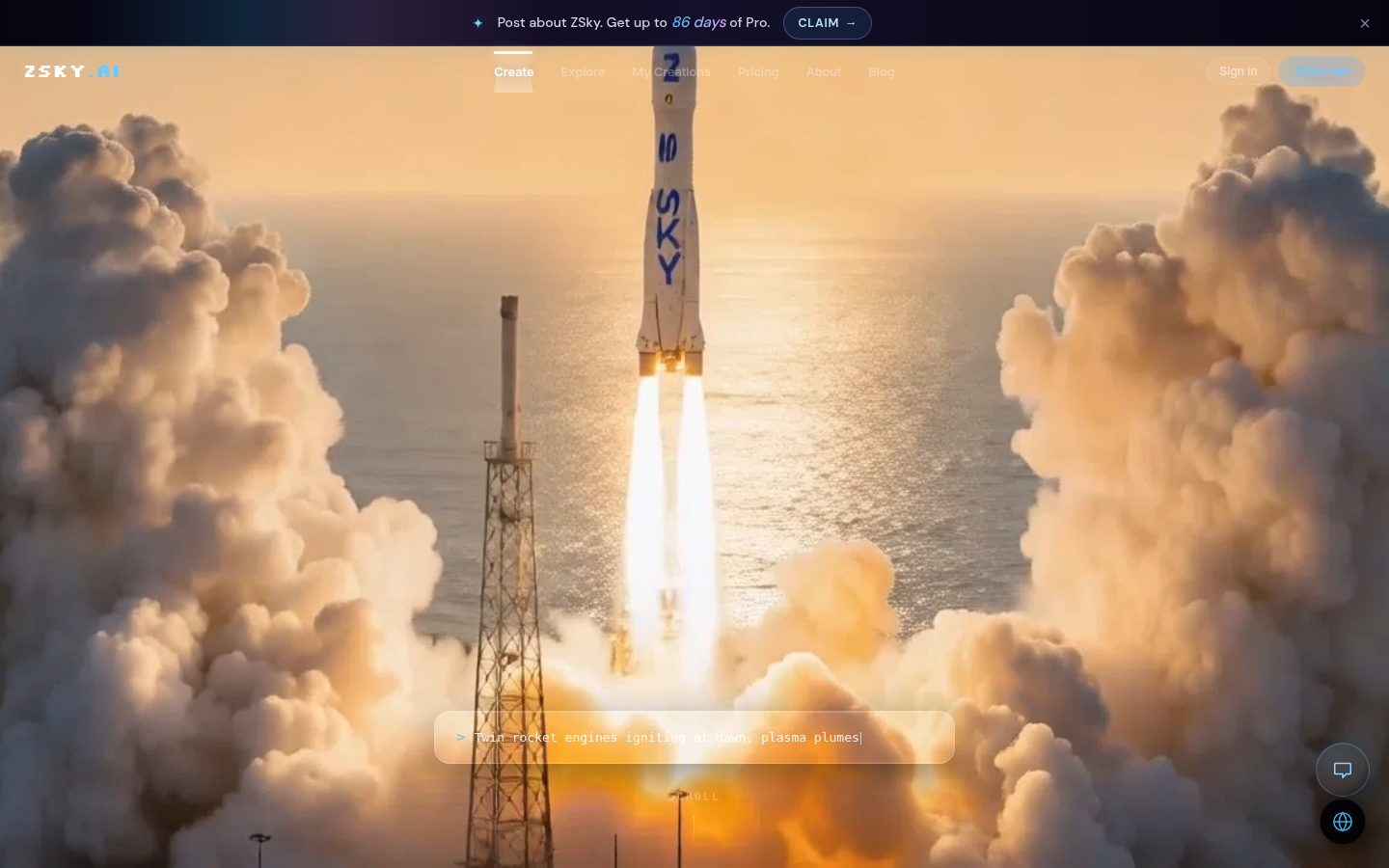
Screenshot archived from the listing page, for preview only.











