Zyler AI
AI analysis layer for Google AnalyticsAsk a question, get a chart
Highlights
What you can do with it
- Producing a monthly performance report quickly
- Drilling into a traffic drop by dimension
- Sharing an exported report with a team
How to use it
- 1 Register at the Zyler AI app
- 2 Connect and authorise your Google Analytics account
- 3 Choose a preset question or build your own view
- 4 Review the AI insights and charts
- 5 Drill down, pick a template and export the report
Who it is for
Pros
- Preset questions remove the need to know every metric
- Templates and export suit repeat reporting
- Trial lets you test the connection first
Limitations
- Only works with Google Analytics data, so other sources are out of scope
- AI summaries need checking against the raw numbers
- Trial limits apply and continued use is paid
What Zyler AI is
Zyler AI is an analysis layer that sits on top of Google Analytics. You connect your property, and instead of building a report from scratch you either pick one of the preset business questions or drag and drop your own dimensions to see the data from a different angle. The system returns AI-driven insights along with charts, and there is a multi-level drilling feature for going deeper when a number looks wrong. More than 50 pre-built templates cover common reporting needs, and finished reports export to PDF or Excel for sharing. The stated advantages are a short learning curve and fast output, which is the point: it is for people who need a report today, not a course in analytics.
What you can do with it
- Connect Google Analytics and start analysing without setup work
- Pick from preset business questions or build custom views
- Generate visual charts from the data in one step
- Drill down through multiple levels to find the cause of a change
- Export reports as PDF or Excel for a team
Who it is for
- Marketing teams that report on web performance regularly
- Analysts who need quick answers without rebuilding a dashboard
- Businesses that circulate analytics reports to non-analysts
What to watch out for
Scope is the main limitation: this works with Google Analytics data, so if your numbers live somewhere else you will be exporting and importing rather than analysing in place. AI summaries are a convenience layer, not a verification layer, and a confidently worded insight built on a misread dimension is worse than no insight, so spot-check against the raw figures before you present anything. Trial limits apply and continued use is paid, which matters if several people need access to the same reports.
FAQ
Does it connect to Google Analytics?
Yes, you connect and authorise your Google Analytics account, then analyse from there.
Can I export reports?
Reports can be exported in PDF and Excel formats.
Is there a free trial?
Zyler AI offers a free trial suitable for companies of different sizes.
Why it is free
What the official page says: free trial
Free limits, trial length and features are decided by the official site and can change at any time.
Product preview
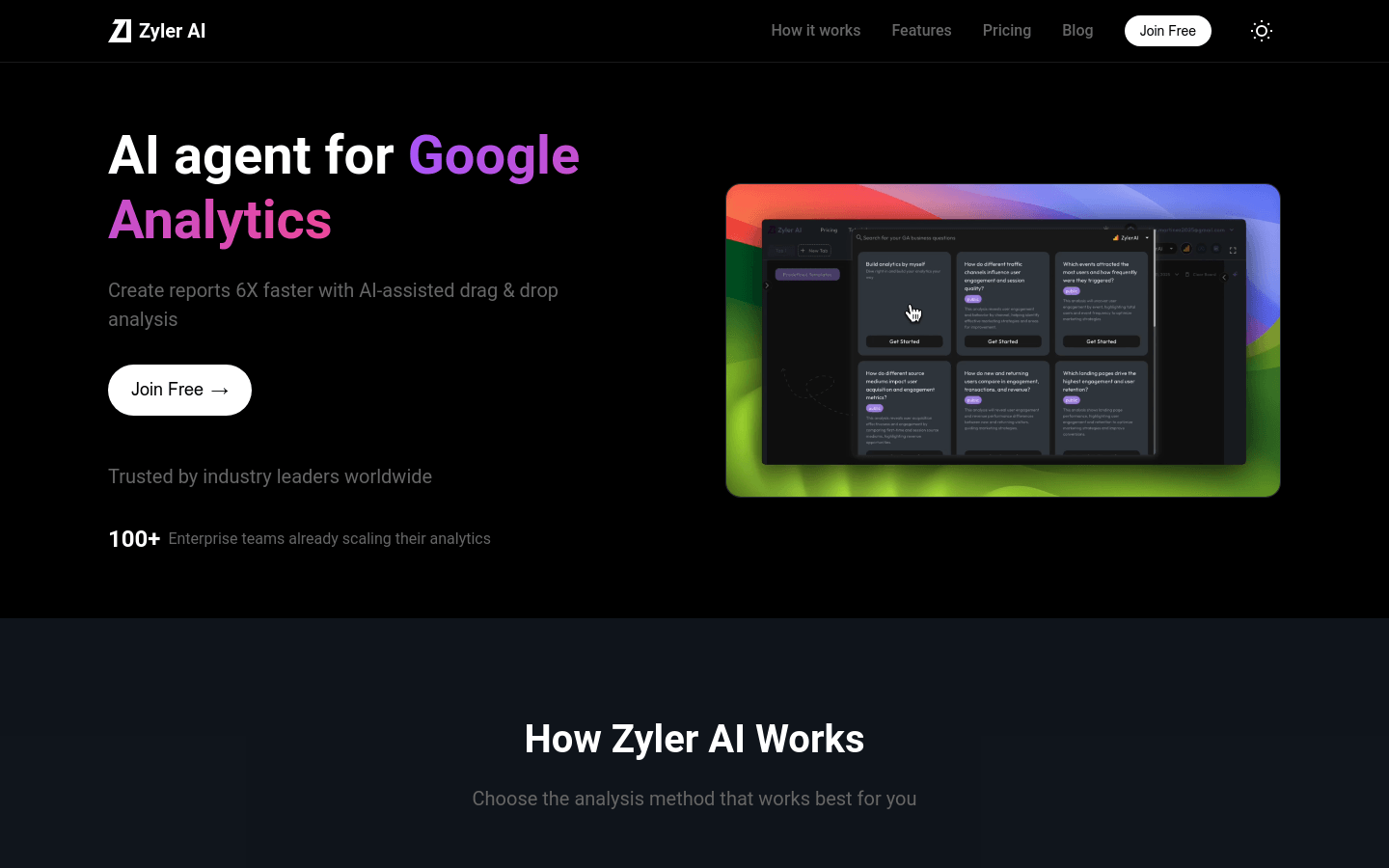
Screenshot archived from the listing page, for preview only.