100% FREE Mindmap Generator
AI mind map generator for coursesTurn a topic into a mind map in minutes
Highlights
What you can do with it
- Organize a course outline into a clear structure
- Prepare structured lesson plans for students
- Build personalized learning paths for learners
How to use it
- 1 Open the EverLearns mind map generator page
- 2 Start a new mind map or import existing content
- 3 Enter your course topic or concept
- 4 Adjust the structure, add details, then save and share
Who it is for
Pros
- Fast structure generation from a single topic
- Designed around education workflows
- No specialist skills required
Limitations
- Generated maps need review against your actual plan
- Trial terms can change
- Output quality depends on how clearly you frame the topic
What 100% FREE Mindmap Generator is
The 100% FREE Mindmap Generator from EverLearns uses AI to turn a course topic into a structured mind map. It is built for teaching and content roles: educators, teachers, teaching assistants, tutors, and homeschooling parents who need to present concepts in a way an audience can follow. You enter a topic, the AI proposes a structure, and you refine branches, add detail, and annotate before saving or sharing.
What you can do with it
- Generate a mind map from a course topic or concept
- Organize and visualize teaching material
- Adjust branches and add detail and annotations
- Build personalized learning paths for students
- Save and share the finished map
Who it is for
- Teachers preparing structured lesson plans
- Tutors designing personalized learning paths
- Homeschooling parents organizing subjects
- Content creators structuring course outlines
What to watch out for
The AI gives you a structure, not a curriculum. Review every branch against your actual lesson plan, because a confident-looking map can still miss key concepts or sequence them badly. The trial covers the features today, but trial terms can change, so confirm current access before you plan a term around it. Framing matters: a vague topic produces a vague map, so spend a moment sharpening what you type before generating. Generated suggestions are for reference only, so verify anything that affects professional judgment or important data. Start with a small sample to confirm the output meets your expectations before processing the full batch. Save a backup of the original file before large batch jobs, and keep an exported copy of key results in case the page or service becomes temporarily unavailable.
FAQ
Who is it for?
Content creators, educators, teachers, teaching assistants, tutors, and homeschooling parents.
How long does a mind map take?
The tool says a course mind map can be generated in about five minutes.
Is the trial really free?
The listing states it offers a free trial so users can experience all features without cost.
Why it is free
What the official page says: free to use
Free limits, trial length and features are decided by the official site and can change at any time.
Product preview
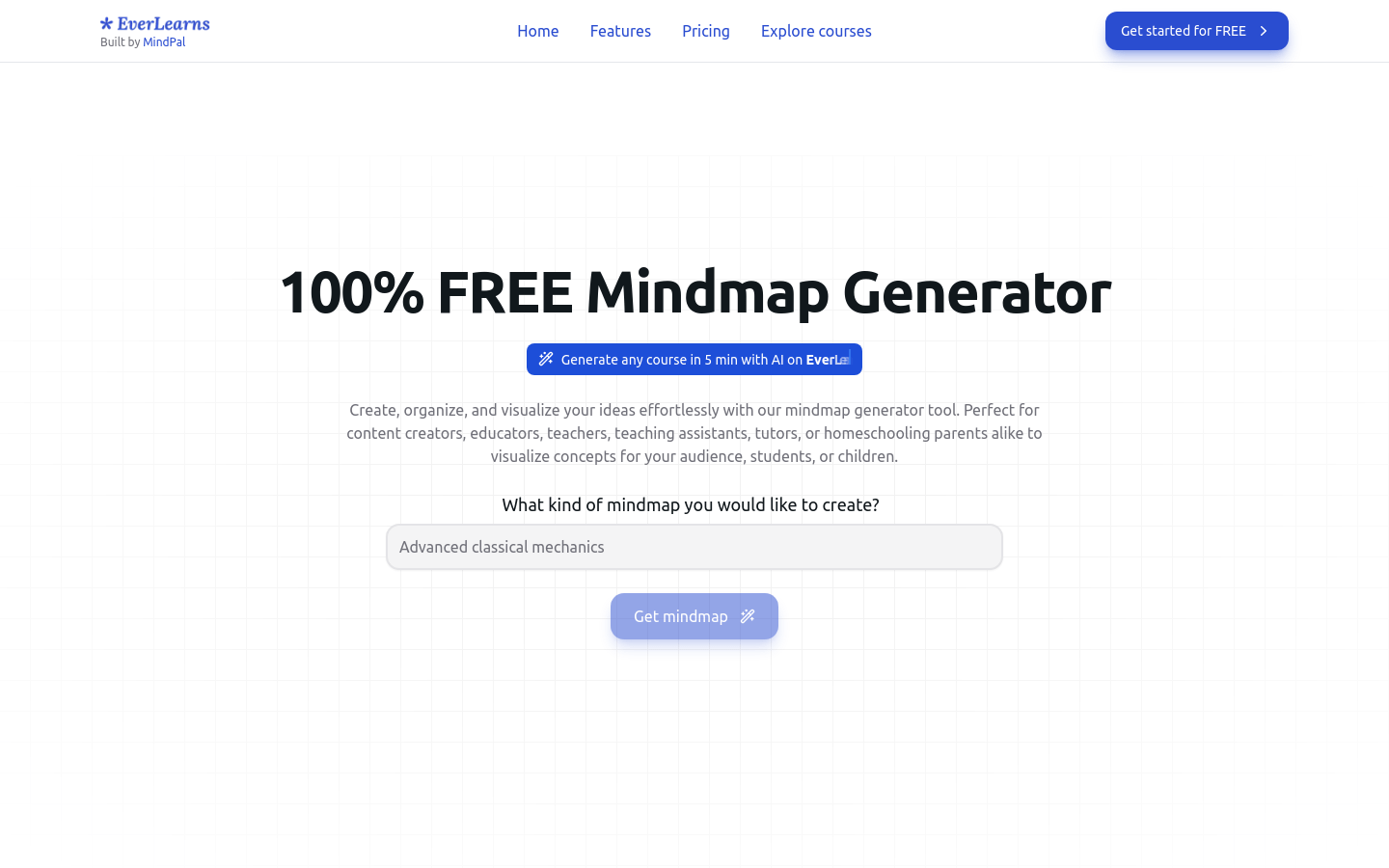
Screenshot archived from the listing page, for preview only.