Agree.com
AI contract platformDraft, sign, and get paid
Highlights
What you can do with it
- A small business managing customer contracts end to end
- A law firm generating contract summaries and answers
- A freelancer handling client agreements and payment
How to use it
- 1 Create an Agree.com account.
- 2 Start a new contract or upload an existing one.
- 3 Edit and review with your team.
- 4 Use AI to summarise key terms and answer questions.
- 5 Send for signature and track status.
- 6 Set up integrated payments and invoicing.
Who it is for
Pros
- E-signature is included free with each agreement
- AI summaries shorten long contracts
- Payments and invoicing sit next to the document
Limitations
- Free e-signatures do not mean the whole platform is free, and pricing is not in the listing
- AI summaries are a reading aid, not legal advice, so a lawyer should still review important terms
- Contract and payment data is sensitive, so review security and compliance terms before onboarding
What Agree.com is
Agree.com is a platform for the whole agreement lifecycle. You draft or upload a contract, edit it with your team, send it for signature, and then collect payment without leaving the tool. The AI layer is the differentiator: it writes summaries in plain language, highlights key areas, drafts new contract text, and answers questions about a document on the spot. Every agreement can carry a free one-click e-signature with identity verification, and integrated payments plus automated invoicing are designed to shorten the gap between signature and cash, with the listing claiming collection speeds twice as fast as traditional methods. Over 30 integrations, including accounting software, are supported.
What you can do with it
- Draft a contract or upload an existing one
- Summarise terms and ask questions about a document
- Send for free e-signature and track signing status
- Invoice and collect payment through integrated tools
Who it is for
- Small businesses that send the same agreements repeatedly
- Law firms and legal teams working at volume
- Freelancers who want signing and billing in one flow
What to watch out for
A free e-signature is not the same as a free platform. The listing does not publish pricing, so check the plan structure before you move your contract workflow over, and work out what a busy month would actually cost. The AI summaries and Q&A are reading aids, not legal advice: they can miss nuance, and anything material should still be reviewed by a qualified lawyer. Contracts and payment data are sensitive, so read the security, retention, and compliance terms before you upload client documents. Finally, check that the integrations you rely on, especially your accounting software, are on the supported list before you commit.
FAQ
Is the e-signature free?
Yes, the listing includes a free one-click e-signature with identity verification in every agreement.
What does the AI do?
It generates summaries and reviews, highlights key areas, drafts new text, and answers contract questions.
Does it handle payments?
Yes, integrated payments and automated invoicing are listed.
Why it is free
What the official page says: 免费
Free limits, trial length and features are decided by the official site and can change at any time.
Product preview
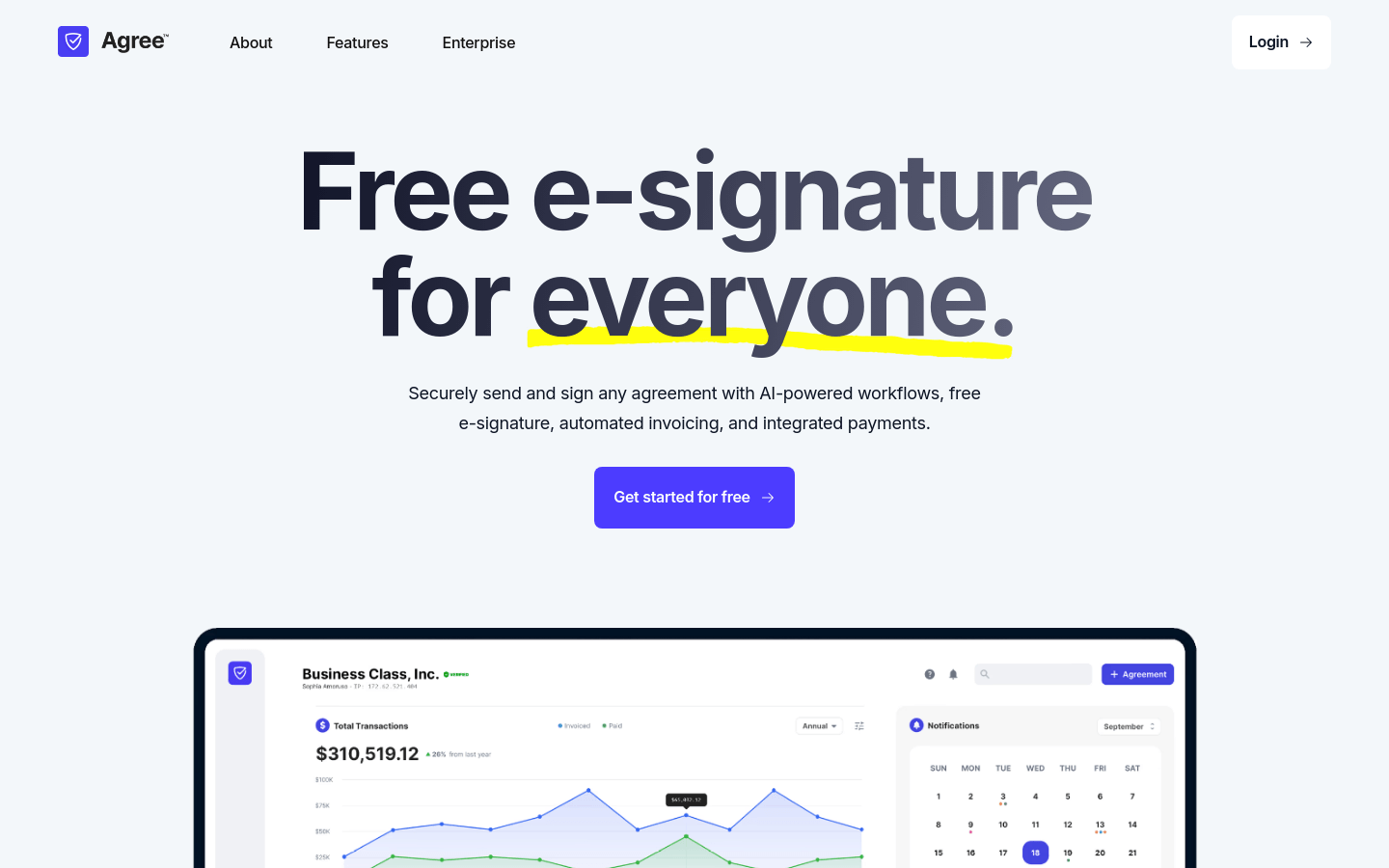
Screenshot archived from the listing page, for preview only.