AgreeGuard
Chrome extension that flags risks in terms of serviceRead the fine print before you click agree
Highlights
What you can do with it
- Check for auto-renewal traps before signing up for a service
- Review data usage clauses when evaluating work software
- Screen long contracts quickly for key clauses and risks
How to use it
- 1 Open Chrome and visit agreeguard.app
- 2 Click Add to Chrome to install the extension
- 3 Browse any page with terms of service or a privacy policy
- 4 Wait for the automatic analysis and open the summary
- 5 Review the risk alerts before deciding whether to agree
Who it is for
Pros
- Free version allows 3 analyses every day
- Low-cost upgrade options, including a one-time payment
- Surfaces clauses that most people skim past
Limitations
- The free daily cap is only 3 analyses
- Summaries are informational and are not a substitute for legal advice
- Results depend on the extension finding the correct documents on each site
What AgreeGuard is
AgreeGuard is an AI-driven Chrome extension from Aethorn Labs Ltd. It reads terms of service, privacy policies, and other legal agreements on the pages you visit and produces instant, easy-to-understand summaries. Its risk detection looks for clauses that affect your rights, including hidden automatic renewals, data sold to third parties, and no-refund traps. It also offers privacy insights that show how your information is collected and used, plus financial clause analysis for payment and cancellation terms. The free version allows 3 analyses per day, Ultimate is a one-time $3.99 payment for 50 analyses per day, and Pro is $1.99 per month with unlimited analyses and priority support.
What you can do with it
- Get a plain-language summary of any terms of service or privacy policy
- Spot auto-renewals, data sales, and refund traps before agreeing
- Understand how your personal data is collected and used
- Analyze up to 10 documents from one site at the same time
- Reach legal pages hidden behind heavy JavaScript with deep crawling
Who it is for
- Everyday users who accept terms of service without reading them
- Employees evaluating software and services for work
- Legal professionals who want a quick first-pass scan of agreements
What to watch out for
The free version is limited to 3 analyses per day, which is enough for occasional checks but not heavy contract review. The summaries are generated by AI and are informational only, so important agreements still deserve a careful human read, and this is not a substitute for legal advice. Detection quality depends on the extension finding the right documents, which can fail on unusual site layouts. Pricing and daily limits may change, so verify current terms on the official site.
FAQ
What does the free version include?
The free version allows 3 analyses per day. Ultimate is a one-time $3.99 payment for 50 analyses per day, and Pro is $1.99 per month for unlimited analyses.
Is AgreeGuard legal advice?
No. It provides AI-generated summaries and risk alerts to inform your decision, not formal legal advice.
Which browser does it support?
It is a Chrome extension, so it works in Chrome and compatible Chromium browsers.
How many documents can it analyze at once?
Up to 10 legal documents on a site can be analyzed together.
Why it is free
What the official page says: free version
Free limits, trial length and features are decided by the official site and can change at any time.
Product preview
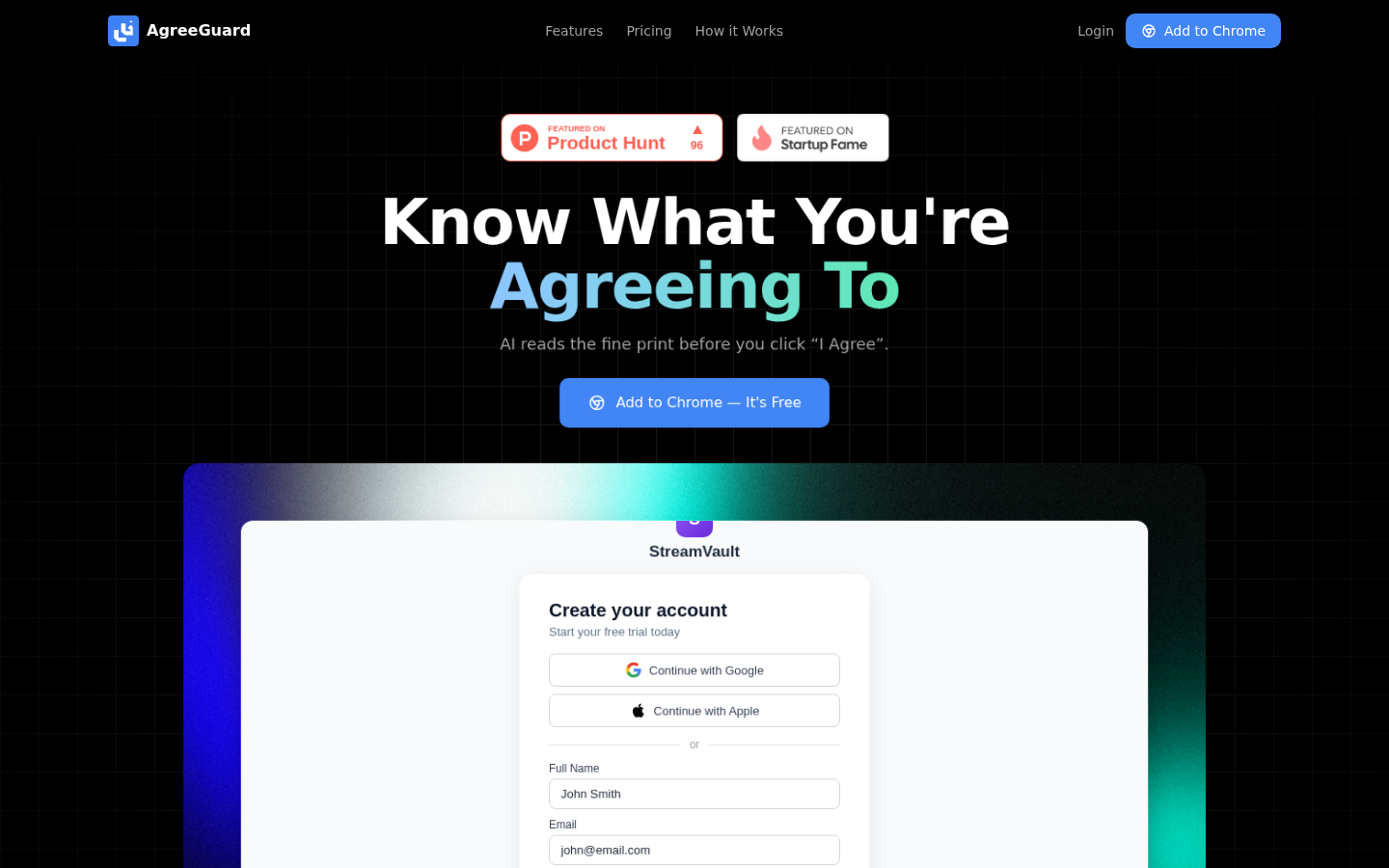
Screenshot archived from the listing page, for preview only.