
AI Actions
AI actions plugin for Apple ShortcutsBring the ChatGPT API into Shortcuts
Highlights
What you can do with it
- Add ChatGPT calls to Shortcuts automations
- Build AI steps into iOS workflows
- Use AI actions on macOS 13 or later
How to use it
- 1 Install AI Actions on your Apple device
- 2 Add your own OpenAI API key
- 3 Add the AI action to a Shortcuts workflow
- 4 Run the shortcut to call the ChatGPT API
Who it is for
Pros
- Free and ad-free plugin
- Brings the ChatGPT API into Shortcuts
- Works on both iOS and macOS
Limitations
- You must bring and pay for your own OpenAI API key
- macOS version is not on the App Store
- Requires macOS 13 or later for the Mac build
What AI Actions is
AI Actions is a free plugin that adds AI-related features to the Apple Shortcuts app. According to the site, it can interact with the ChatGPT API, but you must provide your own OpenAI API key to make it work, so the plugin itself does not include any credits. There is also a macOS version, which is not listed on the App Store because of review difficulties and can be downloaded directly instead, requiring macOS 13 or later. The author describes the plugin as free and ad-free and says they simply enjoy making apps. Because you supply your own API key, any usage cost is billed by OpenAI to your account rather than to the plugin. It is aimed at people who already build Shortcuts and want AI steps inside their automations.
What you can do with it
- Add ChatGPT API calls to Shortcuts automations on your device
- Build AI steps into iOS workflows you already use daily
- Run AI actions on macOS 13 or later through the Mac build
- Combine prompts and API calls inside a single shortcut flow
Who it is for
- Shortcuts users who build automations on Apple devices
- iOS and macOS power users who want AI inside workflows
- People who already have an OpenAI API key and credits
- Tinkerers who enjoy wiring small tools together
What to watch out for
You must bring your own OpenAI API key, and calls to that key are billed by OpenAI, so the plugin being free does not make usage free, and heavy automation can add up. The macOS build sits outside the App Store, so you install it at your own discretion, it needs macOS 13 or later, and it will not update through the normal store channel. The plugin depends on the ChatGPT API staying compatible, so upstream changes to that API can break shortcuts you built. It also requires the Shortcuts app, so it only fits inside Apple's ecosystem and does nothing on Windows or Android.
FAQ
Is AI Actions free?
The author describes the plugin as free and ad-free.
Do I need an API key?
Yes. The plugin requires your own OpenAI API key.
Is there a macOS version?
Yes, but it is not on the App Store and needs macOS 13 or later.
Why it is free
What the official page says: 免费
Free limits, trial length and features are decided by the official site and can change at any time.
Product preview
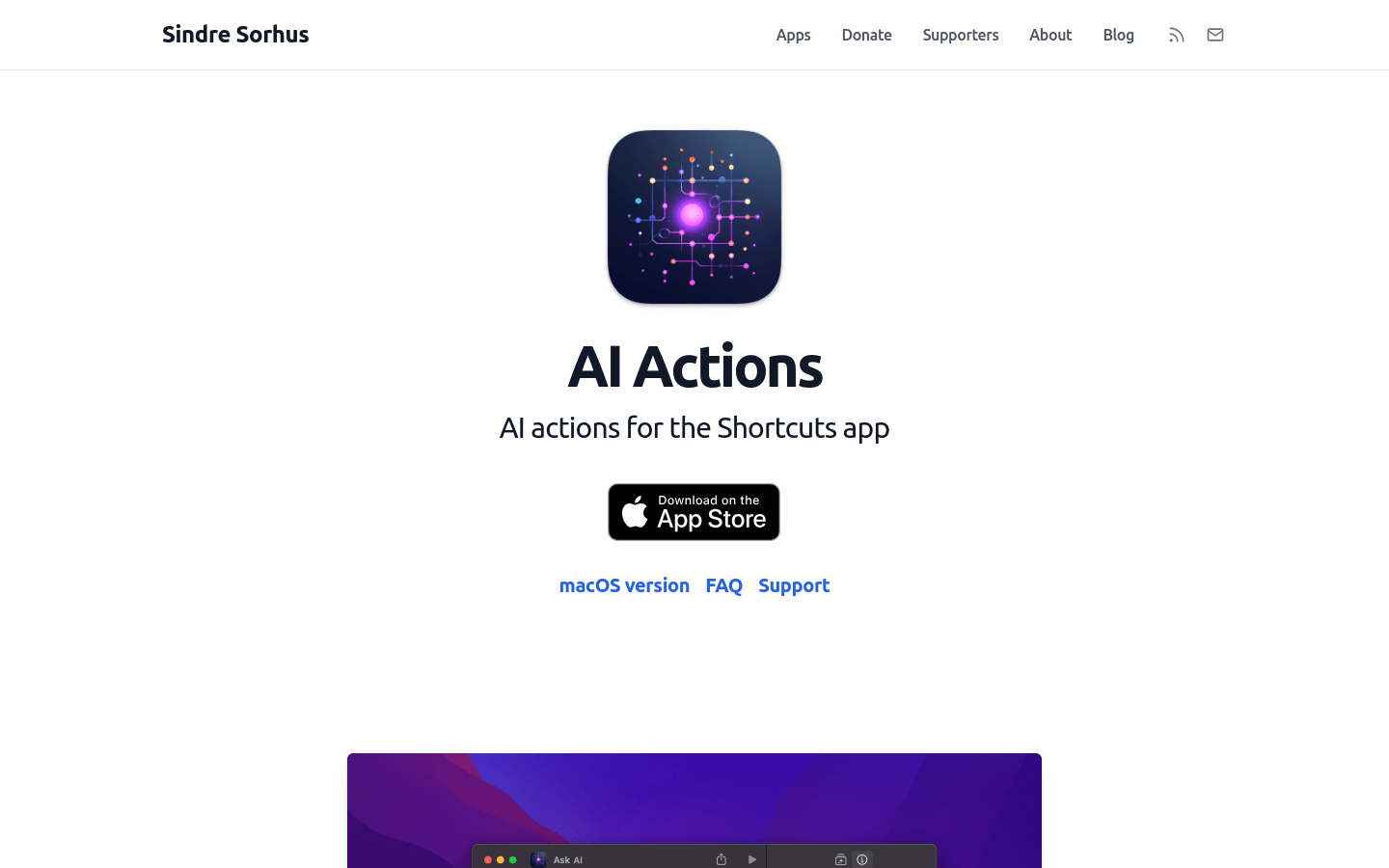
Screenshot archived from the listing page, for preview only.











