AI Color Wheel
Automated color palette generatorUpload art, get color palettes fast
Highlights
What you can do with it
- A designer auto colorizes a draft and gets palettes
- An illustrator adjusts analogous or complementary schemes
- A developer adds palette features through the API
How to use it
- 1 Open the AI Color Wheel page
- 2 Upload your design file
- 3 Let the tool generate color palettes automatically
- 4 Adjust the scheme, such as analogous or complementary
- 5 Copy or export the colors you want
Who it is for
Pros
- No registration, files stay in the browser
- A free API is offered for non commercial projects
- Palette generation is quick and gives many options
Limitations
- The API is limited to non commercial use
- Generated palettes still need a designer's judgment
- Because files stay local in the browser, long projects need manual saving
What AI Color Wheel is
AI Color Wheel is an automated colorization tool that generates color palettes quickly. Upload a design file and it can produce thousands of unique palettes, covering both classic and modern art styles. Beyond generation, you can adjust color schemes such as analogous and complementary combinations, which makes it useful for illustrators as well as designers. The uploaded files are saved in the browser, no registration is required, and the site offers a free API that supports non commercial use.
What you can do with it
- Upload a design file and let the tool colorize it automatically.
- Generate many palette options in one pass.
- Adjust analogous, complementary, and other color schemes.
- Use the free API to add palette generation to a non commercial project.
Who it is for
- Designers who need palette options fast.
- Illustrators who want to test color relationships.
- Developers who want to build a palette feature into an app.
What to watch out for
The API is for non commercial use, so commercial projects need another plan. Generated palettes are a starting point, not a final answer, and a trained eye is still needed to pick what fits the brand. Since files stay in the browser, keep your own copies of anything important, and note that access rules can change. Behavior may vary across browsers and devices, so test before production use and consult the help docs if errors appear. Features and interface details may change between versions, so review the latest notes on the page before you start. Save a backup of the original file before large batch jobs, and keep an exported copy of key results in case the page or service becomes temporarily unavailable.
FAQ
Do I need an account?
No, the site says uploaded design files are saved in the browser and no registration is required.
Is the API free?
A free API is provided, and it supports non commercial use.
Which styles are supported?
The site lists classic and modern art styles.
Can I adjust the color scheme?
Yes, you can adjust analogous, complementary, and other schemes.
Why it is free
What the official page says: no registration
Free limits, trial length and features are decided by the official site and can change at any time.
Product preview
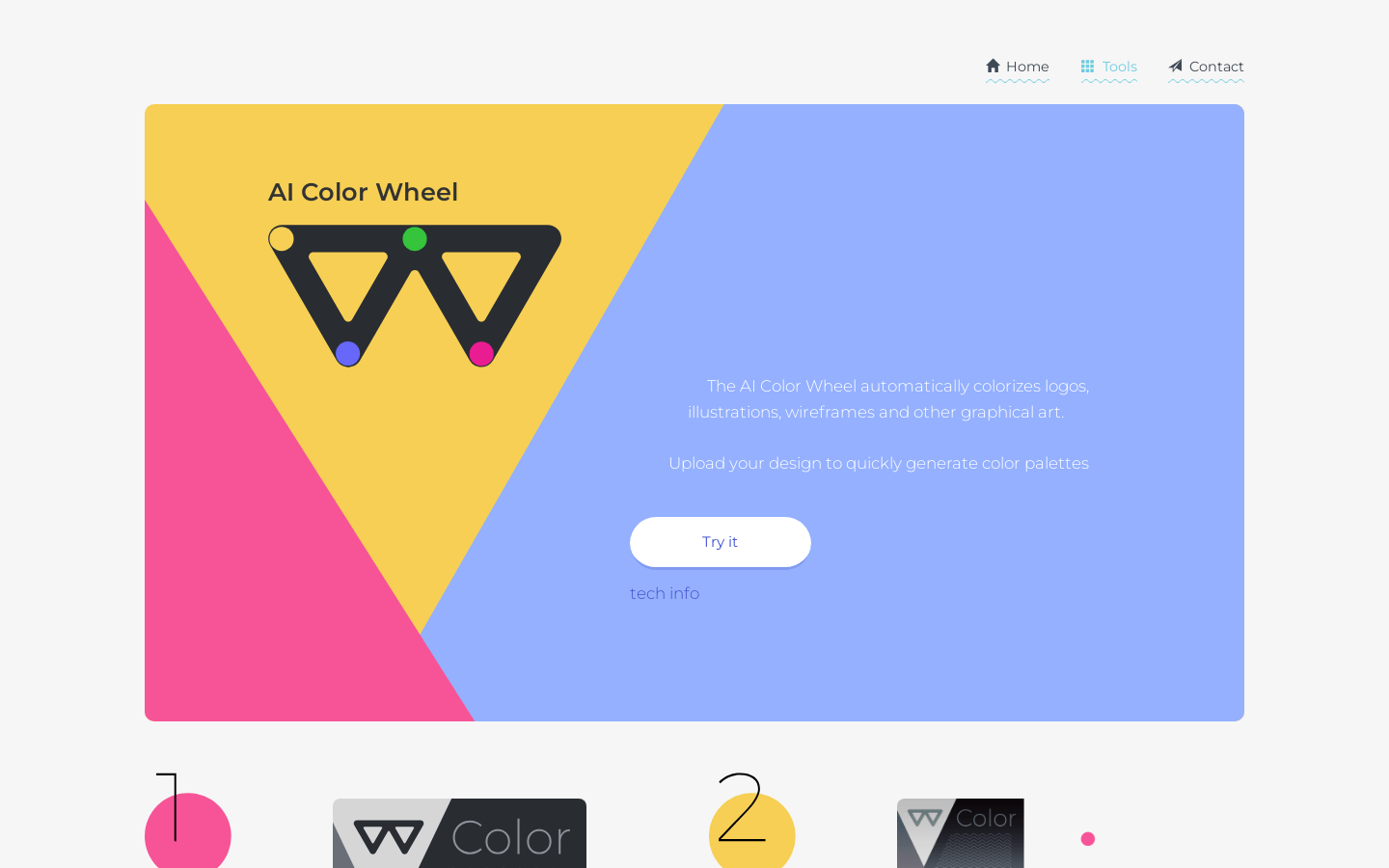
Screenshot archived from the listing page, for preview only.