AI Course Creator
Free AI course outline generatorTurn a topic into a course outline
Highlights
What you can do with it
- Businesses building employee training and upskilling material
- Schools and institutions designing online courses
- Individual educators creating engaging lesson content
How to use it
- 1 Enter your topic and click the generate button
- 2 Review the course outline the tool returns
- 3 Customise the outline so it fits your goals
- 4 Add resources and interactive elements with the outline tool
- 5 Present the finished course to learners
Who it is for
Pros
- Removes the blank page problem at the start of course design
- Outline is editable, so you keep control of the content
- Works for business training and formal education alike
- Listed as free to use
Limitations
- Free status can change, so confirm current terms on the site
- Generated outlines still need subject review before teaching
- Focused on structure, so it will not write a whole course for you
- Quality depends on how clearly you describe the topic
What AI Course Creator is
AI Course Creator is an online tool that takes a topic and returns a course outline broken into modules and lessons. It sits in the AI education assistant category and is listed as free to use. The point is to shorten the planning stage of course design: you describe the subject, read the structure the tool produces, then reshape it. The listing frames it as a way for educators and businesses to design and deploy courses faster, with less manual scaffolding at the start.
What you can do with it
- Generate a full course outline from a single topic description.
- Review the modules and lessons and reorder or rename them to fit your goals.
- Add supplementary resources and interactive elements through the online outline tool.
- Turn the finished structure into material for learners in a classroom or online.
- Reuse the same process for employee training, school courses or solo teaching projects.
Who it is for
- Teachers and course authors who need a first draft structure quickly.
- Training managers who build internal upskilling material for staff.
- Institutions that want a repeatable format for online course design.
- Solo educators who teach a subject repeatedly and want a template.
What to watch out for
The tool builds the outline, not the teaching material. You still need to check the subject matter, fill in detail and decide what actually works for your audience. Free status is the current listing, and terms can change, so confirm before you plan a term of work around it. Because the structure comes from the topic you type, vague input gives vague output, so spend time on the description. Treat the result as a first draft that a human edits.
FAQ
Is AI Course Creator free?
The listing describes it as a free online course outline generator.
What does it produce?
A course structure with modules and lessons that you can then edit and expand.
Can I add my own material?
Yes, the workflow includes customising the outline and adding supplementary resources and interactive elements.
Who is it for?
The listed uses are business training teams, educational institutions and individual educators.
Does it write the lessons for me?
It builds the outline and structure. Lesson content still needs to be written or expanded by you.
Why it is free
What the official page says: for free
Free limits, trial length and features are decided by the official site and can change at any time.
Product preview
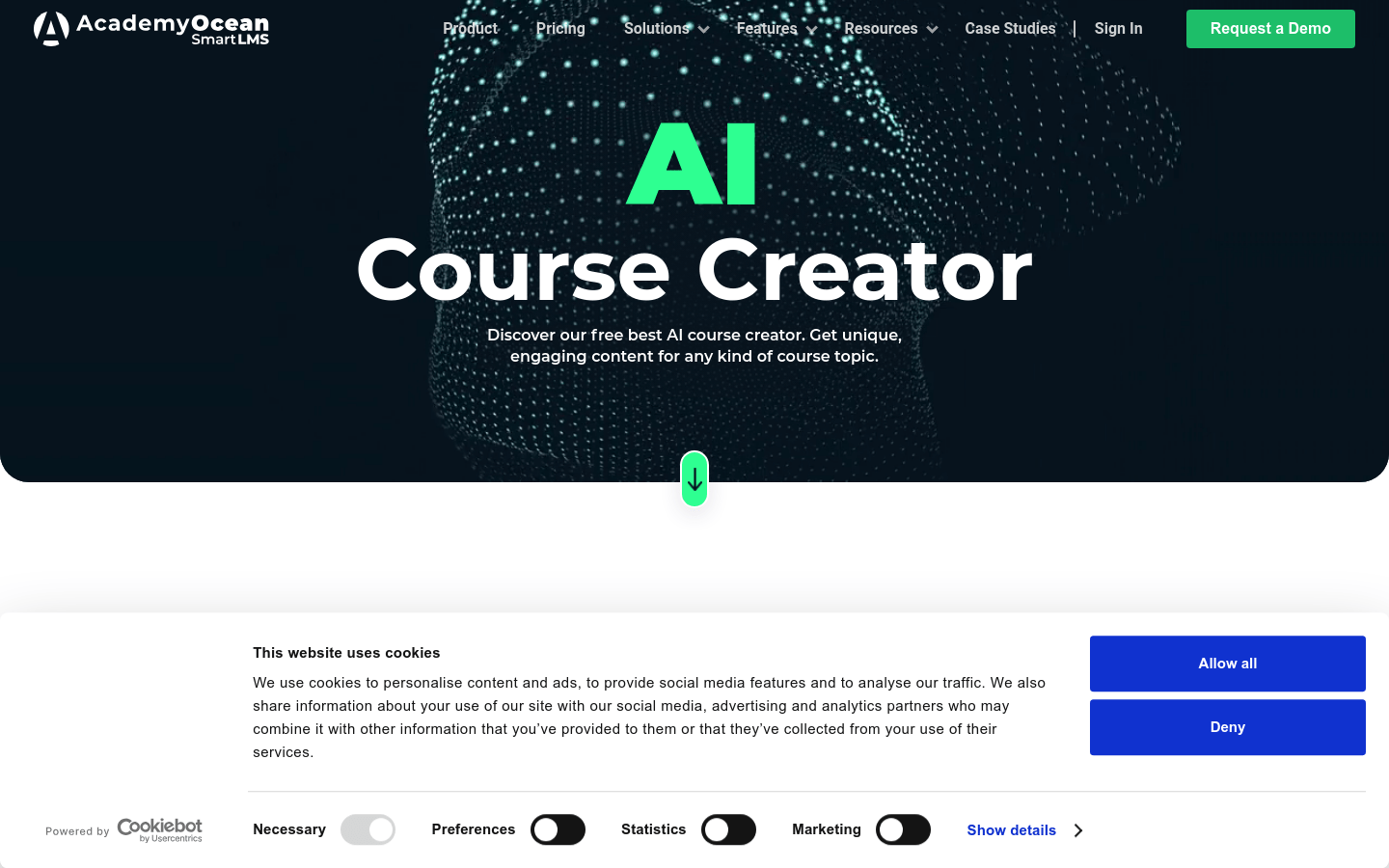
Screenshot archived from the listing page, for preview only.