Tinkercad
Free 3D design and codeConcept to creation in minutes
Highlights
What you can do with it
- Students build a printable part and export it for a 3D printer
- Teachers run a STEM lesson covering design, circuits, and code together
- Hobbyists prototype product models before committing to materials
- Classrooms practise electronics concepts without physical components
How to use it
- 1 Open Tinkercad in the browser and create a free account
- 2 Start a 3D design, electronics, or coding project
- 3 Follow the guided lessons if it is your first project
- 4 Build, simulate, and test your work inside the workspace
- 5 Export or share the finished model, circuit, or program
Who it is for
Pros
- Free access to 3D design, electronics, and coding in one place
- Runs in the browser, so no install or powerful machine is needed
- Built around project based learning with guided material
- Simple enough for first time users in a classroom setting
Limitations
- Aimed at learning and prototyping, not production grade engineering
- Free browser based services can change or add limits as they evolve
- Modelling features are limited compared with desktop CAD software
- Circuit simulation stays at a beginner level
What Tinkercad is
Tinkercad is a free, browser based app for 3D design, electronics, and coding. The listing describes it as a user friendly way to get from concept to creation in minutes, and it is built around project based learning rather than long lectures. That means you start by building something small and learn the tools as you go, which is why it shows up so often in classroom STEM work. The same workspace handles product models, printable parts, electronic circuits, and beginner coding programs, so a single lesson can cover several subjects without switching software. Access to the app is free, and because it runs online, a school can put a whole class on it without installing anything. Older learners and hobbyists also use it to prototype a part before sending it to a 3D printer.
What you can do with it
- Model product concepts and printable parts in a simple 3D workspace.
- Build and simulate electronic circuits using drag and drop components.
- Write beginner level coding programs in the same environment.
- Export or share finished work so it can be printed, shown in class, or submitted.
Who it is for
- Students working on STEM projects who need a low pressure place to start.
- Teachers who want one free tool that covers design, electronics, and coding.
- Hobbyists and beginners who want to test a part before spending on materials.
- Anyone who has never opened 3D software and does not want a steep learning curve.
What to watch out for
Tinkercad is built for learning and prototyping, not for production engineering. The modelling tools are deliberately simple, so complex surfaces, precise tolerances, and large assemblies will feel limiting next to desktop CAD packages. Circuit simulation also stays at a beginner level and does not cover advanced electronics design. Because it is a free online service, features, storage limits, and access rules can change over time, and heavy 3D work in a browser can feel slow on older machines. Check current terms and any school policy before relying on it for graded coursework.
FAQ
Is Tinkercad free?
The material describes it as a free app for 3D design, electronics, and coding, so the core tools cost nothing to use.
What can I make with it?
Product models, printable parts, electronic circuits, and beginner coding programs.
Do I need to install anything?
It is described as a user friendly app that runs online, so a browser is the main requirement.
Is it suitable for classrooms?
Yes, it is built around project based learning for STEM subjects in the classroom.
Why it is free
What the official page says: 免费
Free limits, trial length and features are decided by the official site and can change at any time.
Product preview
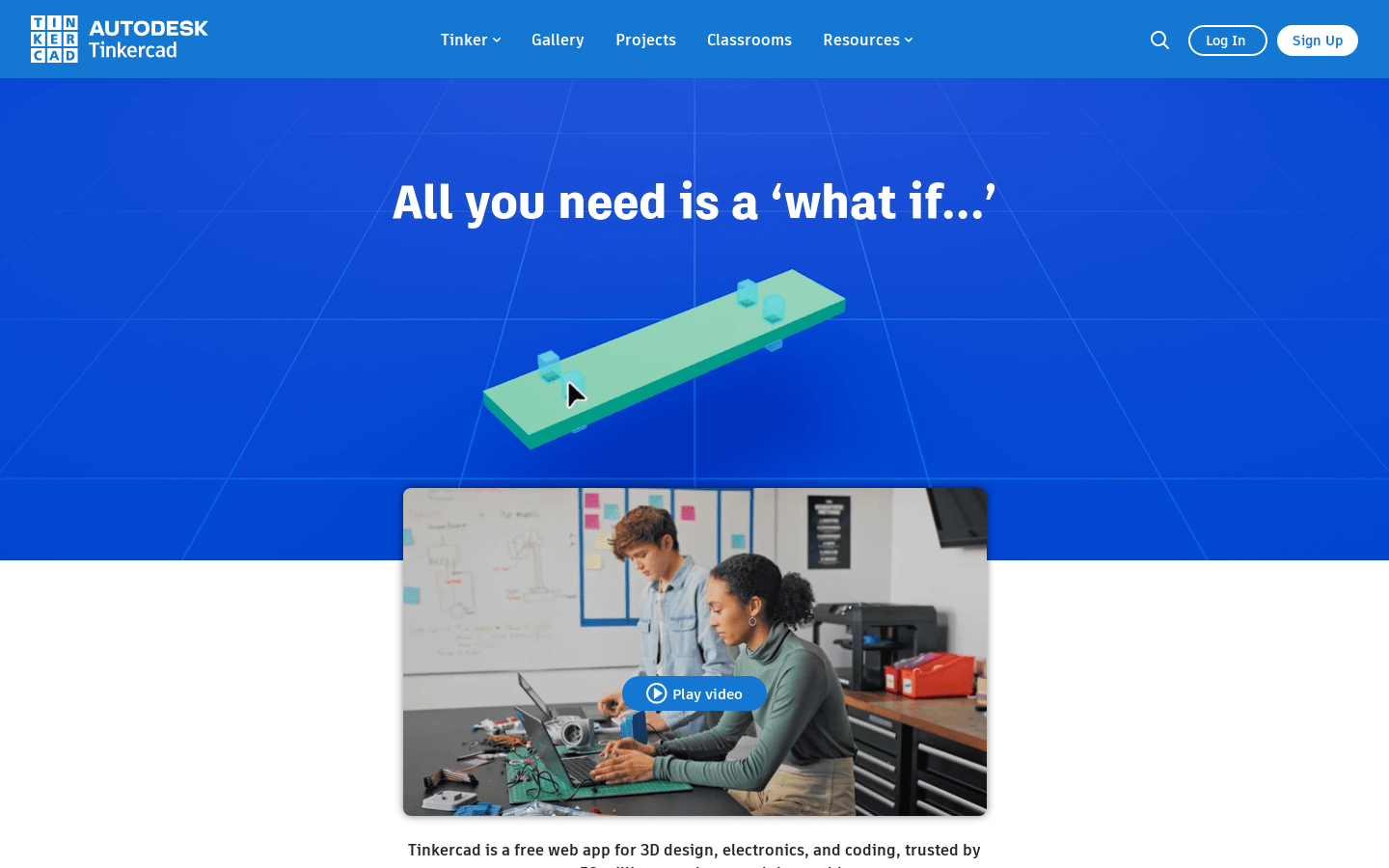
Screenshot archived from the listing page, for preview only.