
AI Excel Bot
AI Excel and Sheets formula helperWrite Excel formulas from plain text
Highlights
What you can do with it
- Generate a SUM formula from a description
- Create a VLOOKUP formula for a lookup task
- Write and explain a VBA macro
How to use it
- 1 Install the AI Excel Bot plugin or Chrome extension
- 2 Open Excel or Google Sheets
- 3 Describe the formula or task in plain text
- 4 Insert the generated formula or VBA into your sheet
Who it is for
Pros
- Turns plain text into working formulas
- Explains complex formulas and VBA
- Free version available
Limitations
- Pro features and higher limits need a paid plan
- Generated formulas should be checked before you trust them
- VBA help is limited to writing and explaining, not full debugging
What AI Excel Bot is
AI Excel Bot is a plugin that helps you write Excel and Google Sheets formulas more quickly. Instead of remembering syntax, you type a simple text instruction and it generates a complex formula in seconds. It can also help you understand formulas you already have, and it supports writing and interpreting VBA code, which saves you from learning the language from scratch. A Chrome plugin lets you use the AI without leaving Google Sheets or Excel. Pricing is simple and clear, with a free version and a Pro version, and the Pro annual plan offers a discount.
What you can do with it
- Generate Excel or Google Sheets formulas from plain text
- Get help understanding a complex formula
- Write and explain VBA code
- Use the Chrome plugin inside your spreadsheet
Who it is for
- Spreadsheet users who struggle with formula syntax
- Analysts who live in Excel or Google Sheets
- People who need light VBA help
What to watch out for
The free version has limits, and Pro features and higher usage need a paid plan, with pricing that can change. Generated formulas are a starting point, so test them on sample data before you rely on them for important work, since a wrong reference can quietly break results. VBA support covers writing and explaining code, not full debugging or complex automation. Keep a backup of your file before you run any generated macro. Free tiers and usage limits can change, so check the current rules on the official page before relying on it long term. Processing speed depends on file size and network conditions, so retry later if a task stalls during peak hours.
FAQ
Is there a free version?
Yes. There is a free version and a Pro version, with a discount on the Pro annual plan.
What does it generate?
It generates Excel and Google Sheets formulas from text and can write and explain VBA code.
Where does it run?
There is a Chrome plugin so you can use it without leaving Google Sheets or Excel.
Why it is free
What the official page says: free version
Free limits, trial length and features are decided by the official site and can change at any time.
Product preview
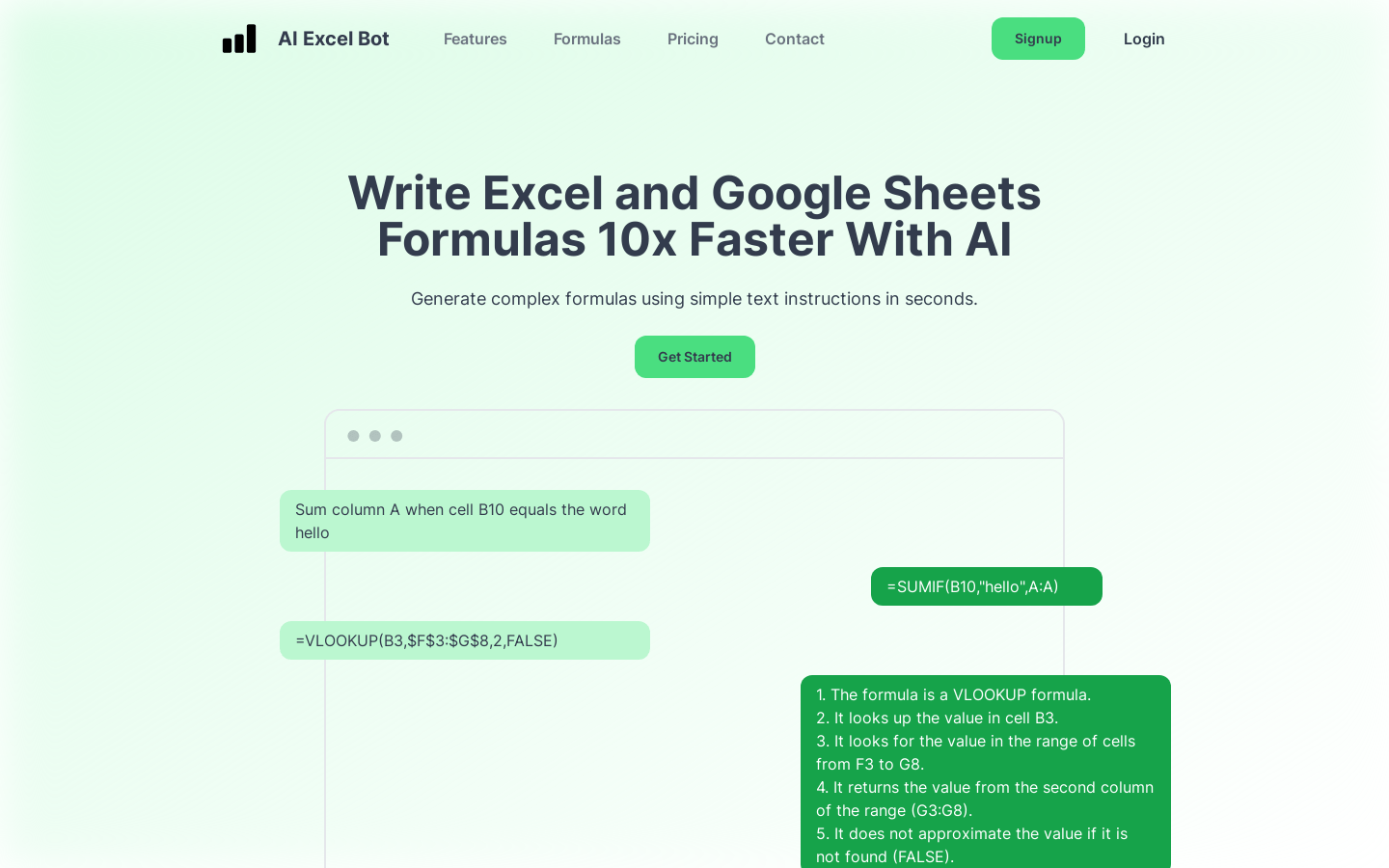
Screenshot archived from the listing page, for preview only.











