
AI Formatter
AI document formatting for resumes and moreFormat resumes, cover letters, and agendas fast
Highlights
What you can do with it
- A job seeker builds a professional resume quickly
- A student writes a cover letter for an internship
- A company formats a meeting agenda for a session
How to use it
- 1 Visit the site and upload a file or paste text
- 2 Pick a professional template
- 3 Click Start Formatting and review the result
- 4 Edit, then download as PDF or Word
Who it is for
Pros
- Free to use with no credit card required
- Templates aimed at passing ATS screening
- Handles multiple document types in one place
Limitations
- Formatting cannot fix weak or thin content
- ATS-friendly layout does not guarantee interviews
- Free service and features can change over time
What AI Formatter is
AI Formatter is an AI document formatting tool that turns rough content into clean, professional documents. You upload a file or paste text, pick a template, and it reformats the layout in moments, so you spend time on wording instead of spacing. It handles resumes, cover letters, and meeting agendas, and the templates are designed to pass applicant tracking systems. The tool claims up to 95% content retention, so your original wording stays intact while the structure improves. It is free to use and needs no credit card, and it supports downloading in more than one file format so the finished document fits wherever it needs to go. It is built for people who need a tidy, professional document quickly, from job seekers to teams.
What you can do with it
- Format a resume, cover letter, or meeting agenda instantly
- Choose professional templates aimed at applicant tracking systems
- Edit the formatted document before you export it
- Download in PDF or Word format
Who it is for
- Job seekers who need a clean, applicant-tracking-ready resume
- Students writing cover letters and applications
- Teams formatting meeting agendas and internal documents
What to watch out for
Formatting improves layout, not substance; a tidy resume with weak content will still struggle, so write strong material first. An applicant-tracking-friendly template helps you get read, but it does not guarantee interviews or callbacks. Because the service is free and web-based, features and availability can change, so confirm the current terms before you depend on it. Review the formatted output to make sure nothing was dropped, misordered, or changed in meaning. For best results, start with a small test file and review the output carefully before working on anything important.
FAQ
Is AI Formatter free?
Yes. It is described as completely free to use, with no credit card needed for instant formatting.
What documents can it format?
Resumes, cover letters, and meeting agendas, among other document types.
Will it pass ATS?
It offers professional templates designed to pass ATS screening, though a passing layout is not a guarantee of an interview.
Why it is free
What the official page says: 免费使用免费
Free limits, trial length and features are decided by the official site and can change at any time.
Product preview
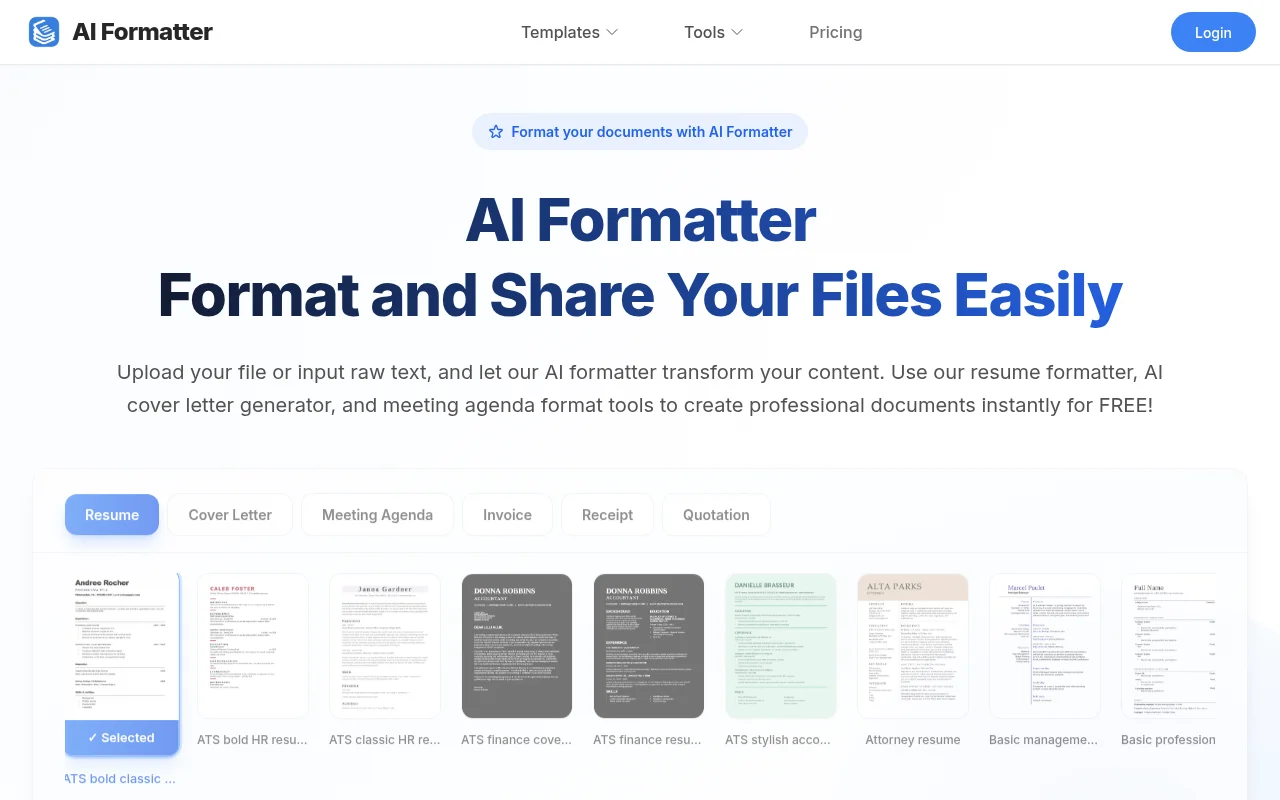
Screenshot archived from the listing page, for preview only.











