
AI HEIC to JPG Converter
Free browser-based HEIC to JPG converterTurn iPhone photos into JPG without uploading anything
Highlights
What you can do with it
- Move iPhone photos into a Windows office system that does not accept HEIC files.
- Deliver a full photo shoot to clients as JPG so it opens on any device.
- Insert an iPad photo into a school assignment when campus printers reject HEIC.
How to use it
- 1 Open the site and click 'Choose HEIC files' or drag HEIC and HEIF photos into the page.
- 2 Wait while each file is decoded and converted; time depends on your device and the number of files.
- 3 Download each JPG on its own or grab everything as a single ZIP archive.
Who it is for
Pros
- Completely free with no account or upload required.
- Batch support up to 200 photos saves time on big jobs.
- Local processing protects privacy since nothing leaves the browser.
Limitations
- Free access and features could change as the site evolves.
- Speed depends on your device, so large batches may take a while.
- Only handles HEIC and HEIF input; it is not a general image editor.
What AI HEIC to JPG Converter is
AI HEIC to JPG Converter is a free online tool that turns HEIC and HEIF images into the standard JPG format. Photos taken on iPhones and iPads are usually saved as HEIC because it saves space, yet many Windows applications, printers, and older editors cannot open that format. This converter was built to close exactly that gap. It is free to use, needs no upload to a server, and processes every file inside your browser through an open-source HEIC decoder. Because nothing is sent away, your photos, screenshots, and location metadata stay on your own device, which is the main reason people choose it over upload-based converters.
What you can do with it
The site focuses on one job and does it well: making Apple photos usable everywhere.
- Convert HEIC and HEIF photos from Apple devices into JPG for wider compatibility.
- Batch process up to 200 files at once, then download each one or grab a single ZIP archive.
- Choose an output quality of 80, 92, or 100 to balance detail against file size.
- Keep the original pixel dimensions and orientation so converted images look the same.
Who it is for
It serves anyone who runs into the HEIC wall when sharing, uploading, or printing photos.
- iPhone and iPad owners who need JPG copies for websites, apps, or office systems.
- Professionals handling customer photos that must open on Windows machines or older software.
- Photography enthusiasts managing large sets of HEIC files from events and shoots.
What to watch out for
The tool is free today, but free access and limits could change over time, so do not depend on it for critical recurring work without checking the site first. Conversion speed relies on your own device, and a batch of 200 photos may take a while on slower hardware. It only accepts HEIC and HEIF input and does not edit or retouch images, so you will still need separate software for anything beyond simple format conversion. Treat it as a focused format converter rather than a full image editor, and test a few files first to confirm the quality setting gives the result you want.
FAQ
Do I need to upload my photos to a server?
No. Conversion runs in your browser with an open-source HEIC decoder, and the site states that photos, screenshots, and location metadata are not sent out.
How many photos can I convert at once?
You can select up to 200 HEIC or HEIF photos in a single batch.
Will the converted JPG keep the original size?
Yes. The tool keeps the original pixel dimensions and orientation, and you can choose quality 80, 92, or 100.
Why it is free
What the official page says: 免费使用免费
Free limits, trial length and features are decided by the official site and can change at any time.
Product preview
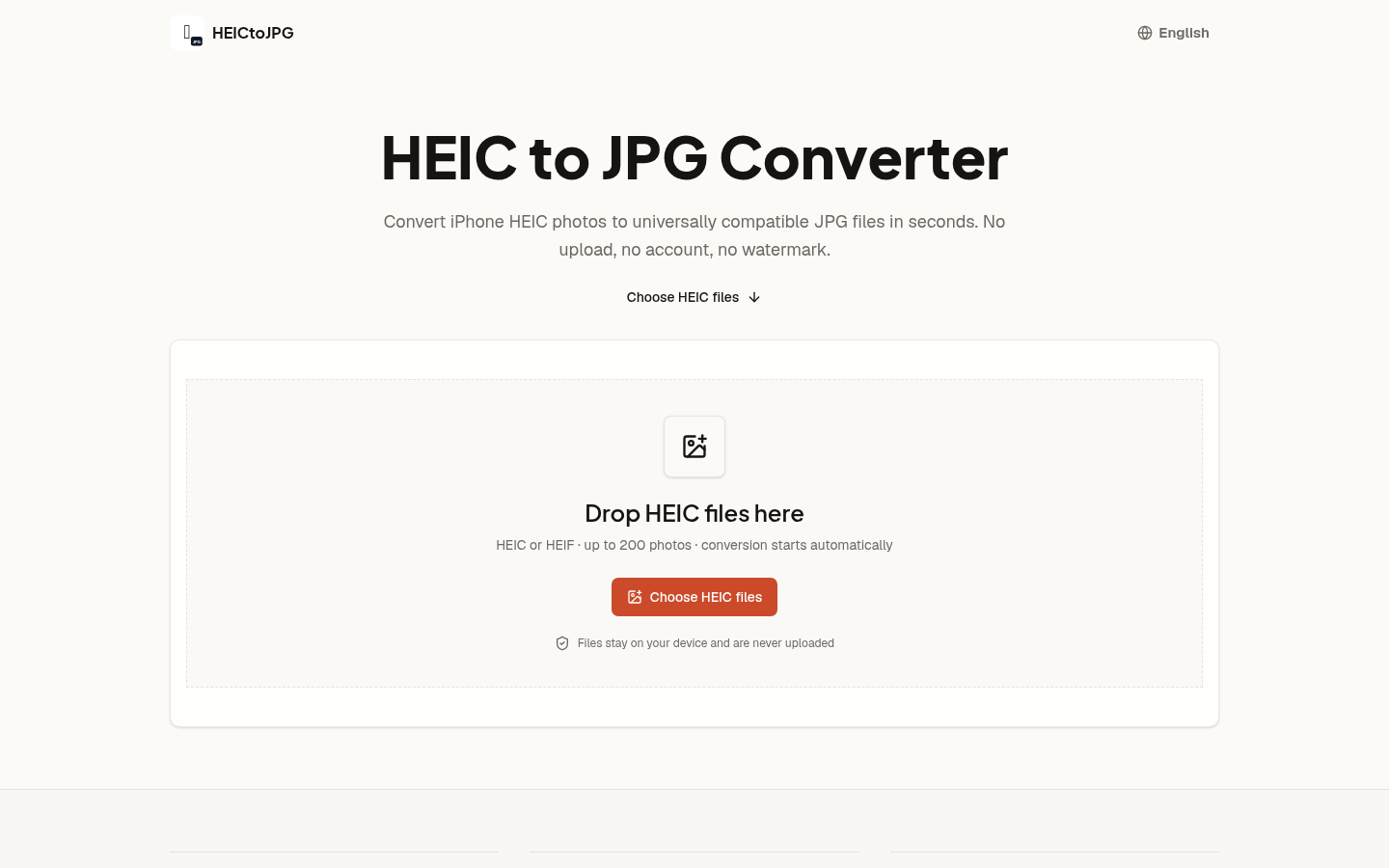
Screenshot archived from the listing page, for preview only.











