
AI-ME
AI task and schedule assistantTasks, schedule, and reminders in one place
Highlights
What you can do with it
- Keep a personal task list and plan the working week in one place.
- Set reminders so deadlines and appointments do not slip.
- Let the assistant learn your routine and suggest a plan that fits it.
How to use it
- 1 Open the AI-ME site and create an account.
- 2 Add the tasks you want tracked and set their due dates.
- 3 Build a schedule around those tasks and attach reminders.
- 4 Use the assistant regularly so its learning can adapt to your habits.
- 5 Move to the paid version only if you need more than the free tier.
Who it is for
Pros
- Covers the everyday basics of tasks, schedule, and reminders.
- The learning element means the assistant can adapt to you over time.
- A free version lets you try it before paying anything.
Limitations
- The public material is thin, so the exact feature set is hard to verify.
- Free tier limits and paid pricing can change at any time.
- Any assistant that learns your habits needs access to your routine, so check the privacy terms first.
What AI-ME is
AI-ME presents itself as an intelligent assistant for work and personal efficiency. The product page describes a set of practical building blocks: task management, schedule planning, and a reminder function, wrapped in an intelligent learning ability that is meant to shape the service around your own habits and needs. On pricing, the page says there are flexible options with both a free version and a paid version, so you can try the basics before committing money. It sits in the personal assistant and efficiency categories, and its stated goal is simple: help you manage time and tasks better. Nothing on the page promises automation of your job, only a tidier way to hold what you already have to do.
What you can do with it
- Keep tasks in one list with due dates so nothing gets forgotten.
- Plan a day or a week on a schedule instead of juggling it in your head.
- Set reminders for deadlines, meetings, and follow-ups.
- Rely on the learning element to shape suggestions around your routine.
Who it is for
- Anyone who wants tasks, calendar, and reminders inside a single assistant.
- Professionals who need help structuring a heavy working day.
- Users who want to test a free tier before paying for extra features.
What to watch out for
The information published about AI-ME is short. There is no detailed documentation of the free tier's limits, and the learning-based personalisation implies the assistant needs to see your habits and schedule, so read the privacy terms before you hand over much personal data. Pricing and free tier rules can change without notice, and a young or intermittently available site can change shape or disappear, so keep a backup for anything important. Treat this as a tool to evaluate rather than a system to depend on for critical deadlines.
FAQ
Is AI-ME free?
The product page mentions both a free version and a paid version, so you can start without paying. Check the site for what the free tier includes today.
What does AI-ME do?
It is pitched as a work assistant with task management, schedule planning, reminders, and learning that adapts to user habits and needs.
Which devices does it support?
The listing does not say. Visit ai-me.group to confirm platform support, account requirements, and current free tier limits.
Why it is free
What the official page says: 免费版免费
Free limits, trial length and features are decided by the official site and can change at any time.
Product preview
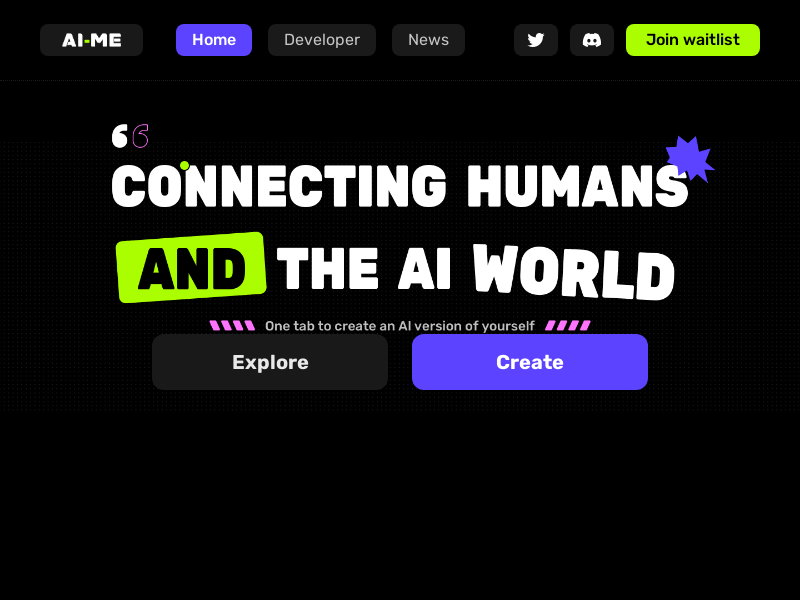
Screenshot archived from the listing page, for preview only.











