AI Natural Write
Free AI text humanization toolRewrite AI drafts into natural-sounding prose
Highlights
What you can do with it
- Students reshaping an AI draft into their own voice
- Bloggers making generated articles read more naturally
- Marketing staff polishing AI-written promotional copy
How to use it
- 1 Open ainaturalwrite.com in your browser.
- 2 Paste the AI-generated text into the input area.
- 3 Click the process button and wait for the rewrite.
- 4 Review the natural-language output on the page.
- 5 Copy the result if you are happy with it.
Who it is for
Pros
- Free of charge to use
- Simple paste-and-process flow
- Aims to preserve meaning while changing the style
Limitations
- Using it to hide AI authorship can break academic and platform rules
- Consequences of that fall entirely on you, not the tool
- Free of charge now, so limits and terms can change
- Rewriting can still distort meaning, so read the result carefully
What AI Natural Write is
AI Natural Write is a free AI text humanization tool. You paste in text that came out of ChatGPT or GPT-4, and it rewrites the vocabulary, sentence patterns, and expression habits so the result reads more like natural human writing. The stated aim is to make that text harder for AI detectors to flag as machine-generated, while keeping the core information and the logical structure of the original intact. It is free of charge, which lowers the barrier to trying it. The honest framing is that this is an editing tool for text you already have, and how you use it is your responsibility rather than the tool's.
What you can do with it
- Paste AI-generated text and get a rewritten version back
- Adjust vocabulary, sentence patterns, and expression habits
- Target content that came specifically from ChatGPT or GPT-4
- Review the output before copying it anywhere else
Who it is for
- Students reshaping an AI draft into their own voice
- Bloggers and copywriters making generated articles read naturally
- Marketing staff polishing AI-written promotional copy
What to watch out for
This is the important part. Using the tool to disguise AI authorship and pass the result off as your own work can violate academic integrity policies, platform terms, and in some contexts the law. Detection methods and human reviewers may still identify the source, and any penalty lands on you rather than the tool, so the risk is entirely personal. If you use it, use it as a drafting aid where disclosure is allowed, and cite AI assistance properly. Beyond that, the free status is a current offer that can change, and rewrites can still shift meaning, so read every output before you rely on it. Nothing here is an endorsement of submitting machine-written work as original.
FAQ
Is AI Natural Write free?
It is described as free of charge. Limits and terms can change at any time, so check the site.
What does humanizing text actually do?
It adjusts vocabulary, sentence patterns, and expression habits so the writing reads less like machine output while trying to keep the original meaning.
Can I submit the result as my own coursework?
You should not. Many schools and platforms prohibit presenting AI-generated work as your own, and detection tools and instructors may still catch it. The consequences are yours to carry.
Does it change the meaning?
It is designed to preserve core information and structure, but rewrites can still shift nuance. Always read the output before you use it.
Why it is free
What the official page says: free of charge
Free limits, trial length and features are decided by the official site and can change at any time.
Product preview
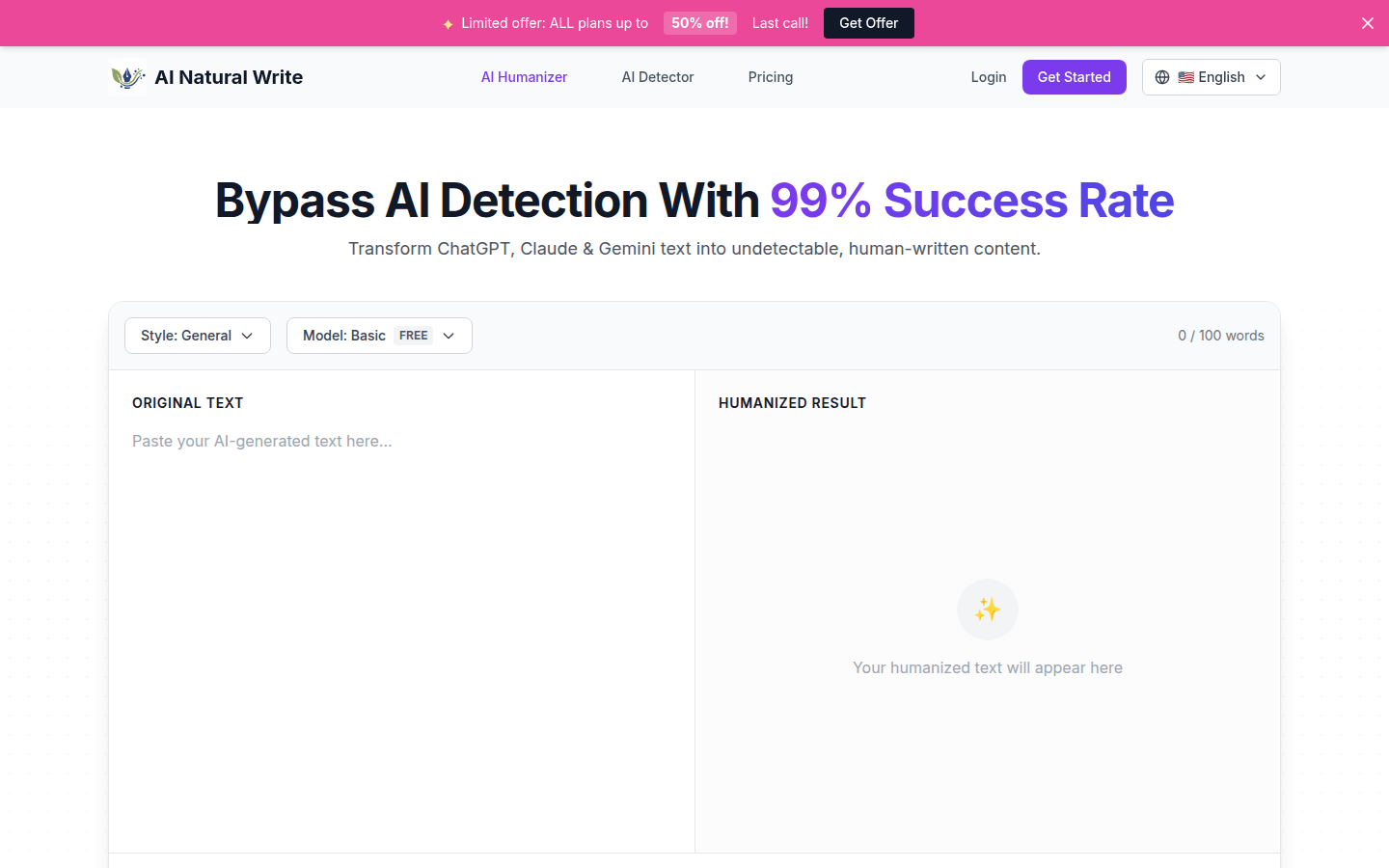
Screenshot archived from the listing page, for preview only.