
Akmon AI Humanizer
Free tool that humanizes AI-generated textMake AI text read naturally, free web and iOS app
Highlights
What you can do with it
- Rewrite an AI-generated paper draft so the language reads naturally
- Polish advertising copy after getting inspiration from AI
- Summarize and translate cross-border business contract PDFs
How to use it
- 1 Open akmon.app in a browser or install the iOS app.
- 2 Select the function you need, such as text rewriting or PDF summary.
- 3 Paste or upload the content you want processed.
- 4 Run the function and review, edit, or save the result.
Who it is for
Pros
- Free to use with no registration
- Web and iOS access with fast processing
- Multiple text and PDF tools in one place
Limitations
- Humanizing AI text can be used to avoid AI detection, which may break school or platform rules, and any consequences fall on the user
- The free tier's rules and limits may change over time
- Rewritten text still needs a human check for tone and accuracy
What Akmon AI Humanizer is
Akmon AI Humanizer is a free web tool with a matching iOS app that rewrites AI-generated text so it reads more like natural human language. There is no registration, and processing is quick. Alongside the humanizer, the same toolbox detects invisible Unicode characters, solves math problems step by step, summarizes PDF documents in seconds, translates PDFs into 10 different languages, and cleans formatting by removing long and short dashes, extra spaces, tabs, and unwanted line breaks. You pick a function, paste or upload your content, and review the processed result. Students, copywriters, and business people are the main users, for example smoothing out an AI-generated paper draft, polishing ad copy, or summarizing a cross-border contract.
What you can do with it
- Rewrite AI-generated text into more natural language
- Detect hidden Unicode characters in your text
- Summarize PDFs and translate them into 10 languages
- Solve math problems with step-by-step answers
- Clean up dashes, extra spaces, tabs, and line breaks
Who it is for
- Students who want AI-assisted drafts to read more naturally
- Copywriters polishing and rewriting marketing text
- Business people summarizing and translating documents
What to watch out for
Using a humanizer to disguise AI-written work can break school or platform rules on AI use, and any consequences sit with you, so treat it as an editing aid rather than a way to avoid detection. Rewritten text still needs a human pass for tone, accuracy, and context, especially in academic or professional settings. The free access rules and feature set can change over time. For best results, start with a small test file and review the output carefully before working on anything important.
FAQ
Is Akmon AI Humanizer free?
Yes. It is free to use and needs no registration.
Where can I use it?
On the web at akmon.app or through the iOS app.
What else can it do besides humanizing text?
It also detects invisible characters, solves math problems, summarizes and translates PDFs, and cleans up formatting.
Can I use it to avoid AI detection?
That use may violate school or platform rules, and any consequences are yours. It is better used to make drafts read more naturally.
Why it is free
What the official page says: 免费使用免费无需注册
Free limits, trial length and features are decided by the official site and can change at any time.
Product preview
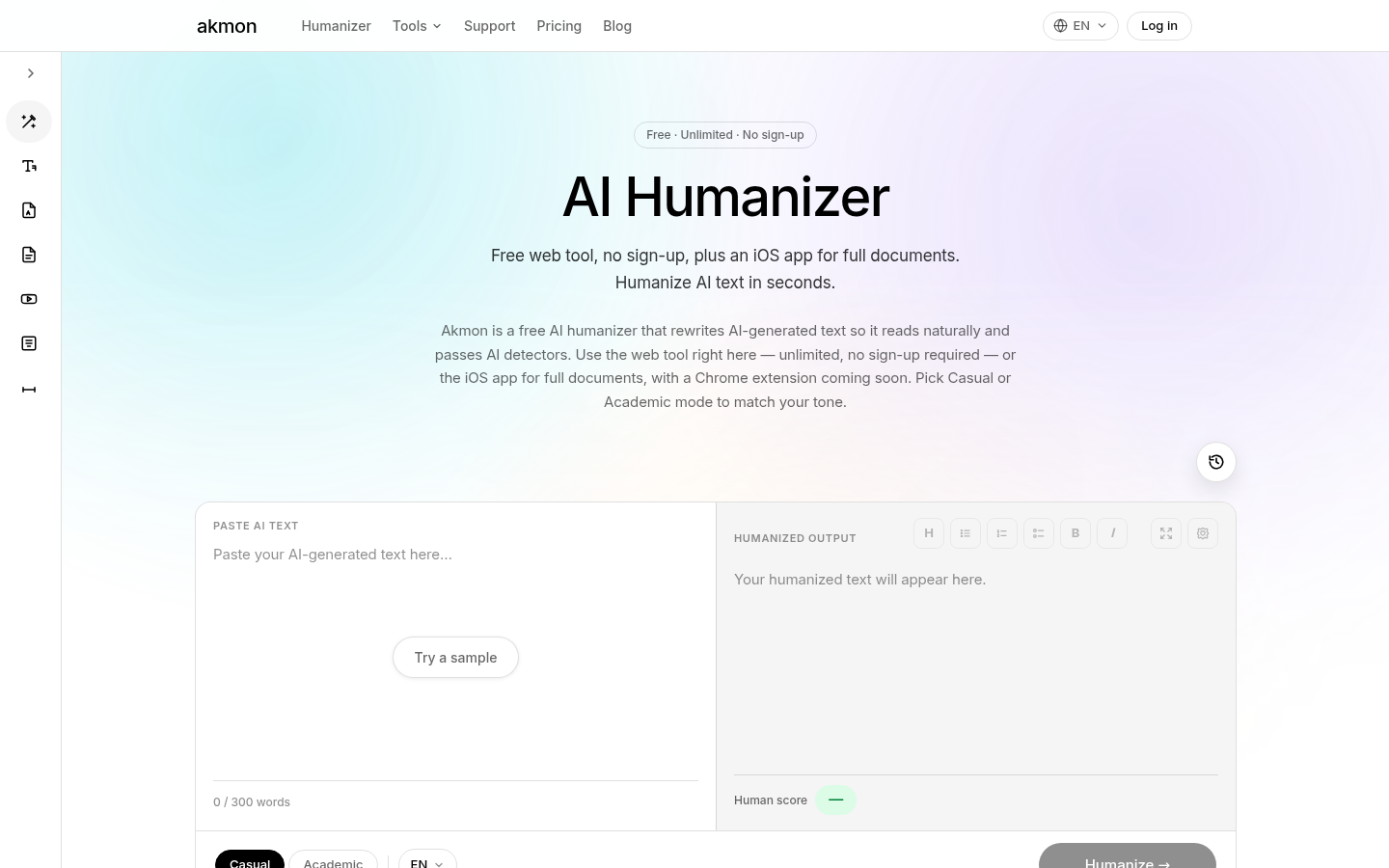
Screenshot archived from the listing page, for preview only.











