
AI Pdf Summarizer
Free AI PDF summarizer with chatLong documents into short summaries
Highlights
What you can do with it
- A student condenses a textbook before an exam
- A consultant reviews a stack of reports and keeps the key points
- A researcher triages dense academic material
How to use it
- 1 Upload a PDF, DOCX, or TXT file, or paste a PDF link
- 2 Click Summarize and wait for the scan to finish
- 3 Read the summary, then copy, edit, or download it
- 4 Ask the AI follow-up questions about the content
Who it is for
Pros
- Free to use with no plan required
- Fast summaries shorten long reading sessions
- Follow-up chat helps explain unclear sections
Limitations
- Summaries can miss nuance and should be checked against the original
- Uploading files to a third-party site carries privacy risk
- The hosting domain looks unrelated to the tool's function
- Accuracy varies with document quality and formatting
What AI Pdf Summarizer is
Lucky AI PDF Summarizer is a free online tool that condenses PDF documents and lets you ask questions about them. You add a file by dragging it in, selecting it from your device, or pasting a PDF link, and the system scans the document, reads the context, and identifies the most important points. The result is a short summary you can copy, edit, or download, and a chat panel lets you ask follow-up questions and get explanations of concepts and key insights. The site says it handles large files such as long reports, textbooks, and research papers without delays.
What you can do with it
- Summarize a PDF, DOCX, or TXT document in seconds.
- Paste a PDF link instead of uploading a file.
- Ask the AI questions about the content and get explanations of specific concepts.
- Copy, edit, or download the summary for later use.
- Work through long reports and textbooks without reading every page.
Who it is for
- Students and academic staff facing thick textbooks and dense papers.
- Professionals who review reports, manuals, and proposals every day.
- Researchers and content creators who need the key points from a pile of documents.
What to watch out for
Summaries are extracts, not replacements: nuance, caveats, and numbers can drop out, so verify anything important against the original document. Uploading files to a third-party website carries privacy risk, and in this case the tool is hosted under a domain that appears unrelated to its function, which is a reason for extra caution with confidential material. Accuracy also depends on document quality, so scans and unusual formatting can degrade results. Treat the output as a first pass that speeds up reading rather than a final answer.
FAQ
Is it free?
Yes, the tool is described as free to use.
Which file formats are supported?
It supports PDF, DOCX, and TXT, and you can also paste a PDF link.
Can it handle large files?
The site says it summarizes long reports, textbooks, and research papers without delay or restriction.
Is my document private?
Files are processed by a third-party website, so review the privacy terms before uploading anything sensitive.
Why it is free
What the official page says: free to use
Free limits, trial length and features are decided by the official site and can change at any time.
Product preview
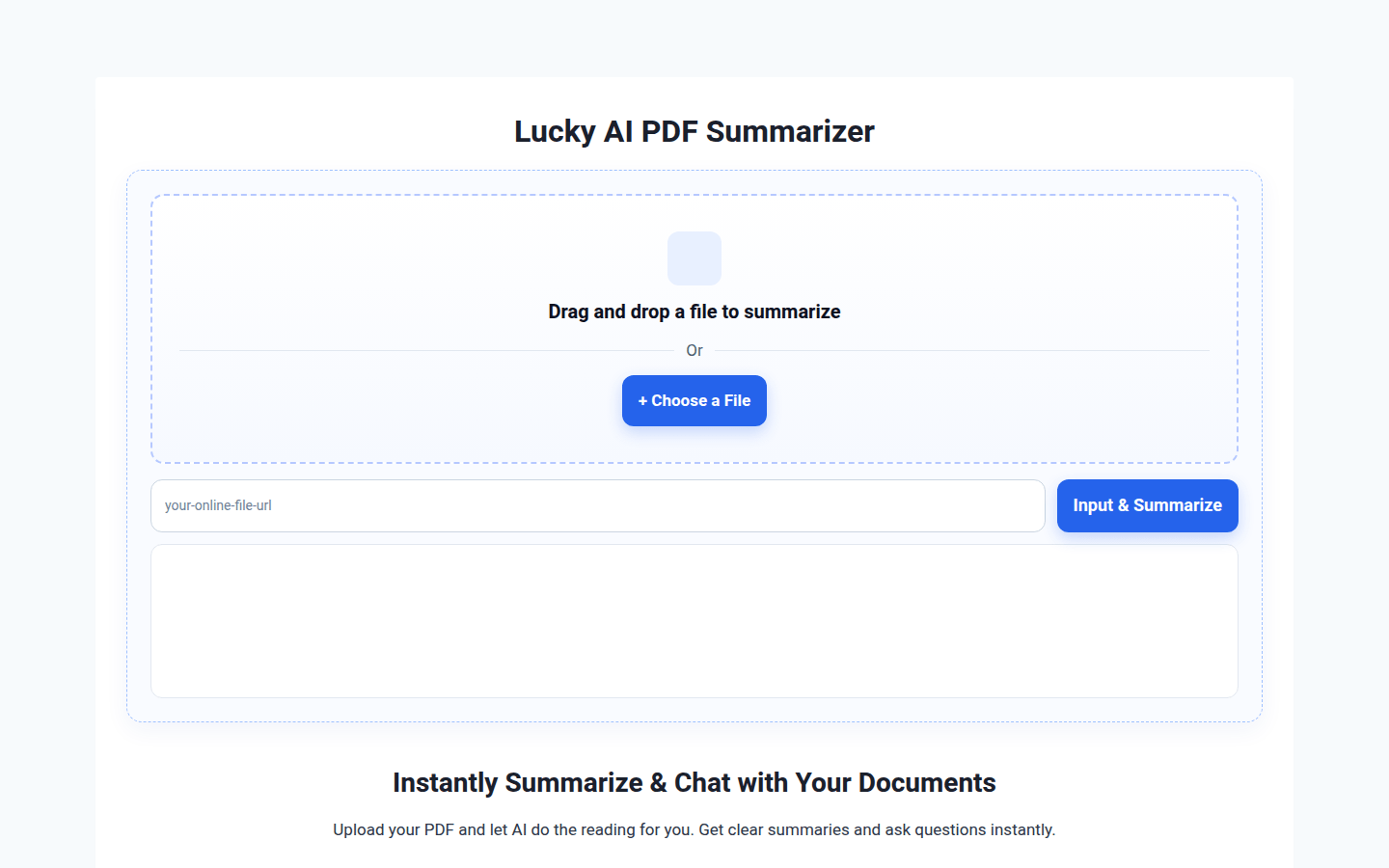
Screenshot archived from the listing page, for preview only.











