AI Poster Maker
AI poster generatorDescribe it, get a poster
Highlights
What you can do with it
- A promotional poster for a product launch
- Visual material for an online seminar
- A recruitment poster for a school event
How to use it
- 1 Visit the site and log in.
- 2 Describe the poster you want.
- 3 Choose a style and an aspect ratio.
- 4 Add text and set its style and position.
- 5 Use the magic prompt for extra detail.
- 6 Preview, adjust, set visibility, then generate and download.
Who it is for
Pros
- No design skills needed to get a first result
- Style and ratio options cover common placements
- Private mode keeps drafts off the public gallery
Limitations
- A free trial only, and paid rates are not listed
- Generated text can come out misspelled or badly placed, so proofread before printing
- Results depend on how specific your description is
What AI Poster Maker is
AI Poster Maker is an online design tool that builds a poster from a written description. You type what the poster is for, pick a style and a shape, and the tool returns a finished design, which removes the need for layout software or design experience. Styles cover standard, realistic, graphic, 3D, and anime, and aspect ratios include 9:16 for phones, 1:1 for square posts, and 16:9 for widescreen. Text can be part of the design, with control over style and position, and a magic prompt field lets you add detail, atmosphere, and direction. Each poster can be public or private. A free trial is the entry point.
What you can do with it
- Generate a poster from a plain text description
- Switch between standard, realistic, graphic, 3D, and anime styles
- Pick an aspect ratio for phone, square, or widescreen placement
- Add and position text, then refine with the magic prompt
- Keep drafts private or publish them
Who it is for
- Small business owners producing their own promo material
- Event organisers who need a poster the same day
- Social media managers making quick visual posts
- Anyone who wants a first layout without opening design software
What to watch out for
The trial is the free entry point, and paid pricing is not in the listing, so check rates if you plan regular use. AI-generated text is the weak spot: spelling, spacing, and line breaks can come out wrong, so always proofread and re-place text before you print or publish. The quality of the design also tracks the quality of your description, and a vague prompt usually returns a vague poster, so use the magic prompt field to add specifics. Finally, check that any images or fonts in a generated poster are cleared for the use you have in mind, and remember that a poster built for print needs a resolution check before it goes to the printer.
FAQ
Do I need design skills?
No. The tool generates the poster from your description.
What styles are available?
Standard, realistic, graphic, 3D, and anime.
Can I keep posters private?
Yes, visibility can be set to public or private.
Why it is free
What the official page says: free trial
Free limits, trial length and features are decided by the official site and can change at any time.
Product preview
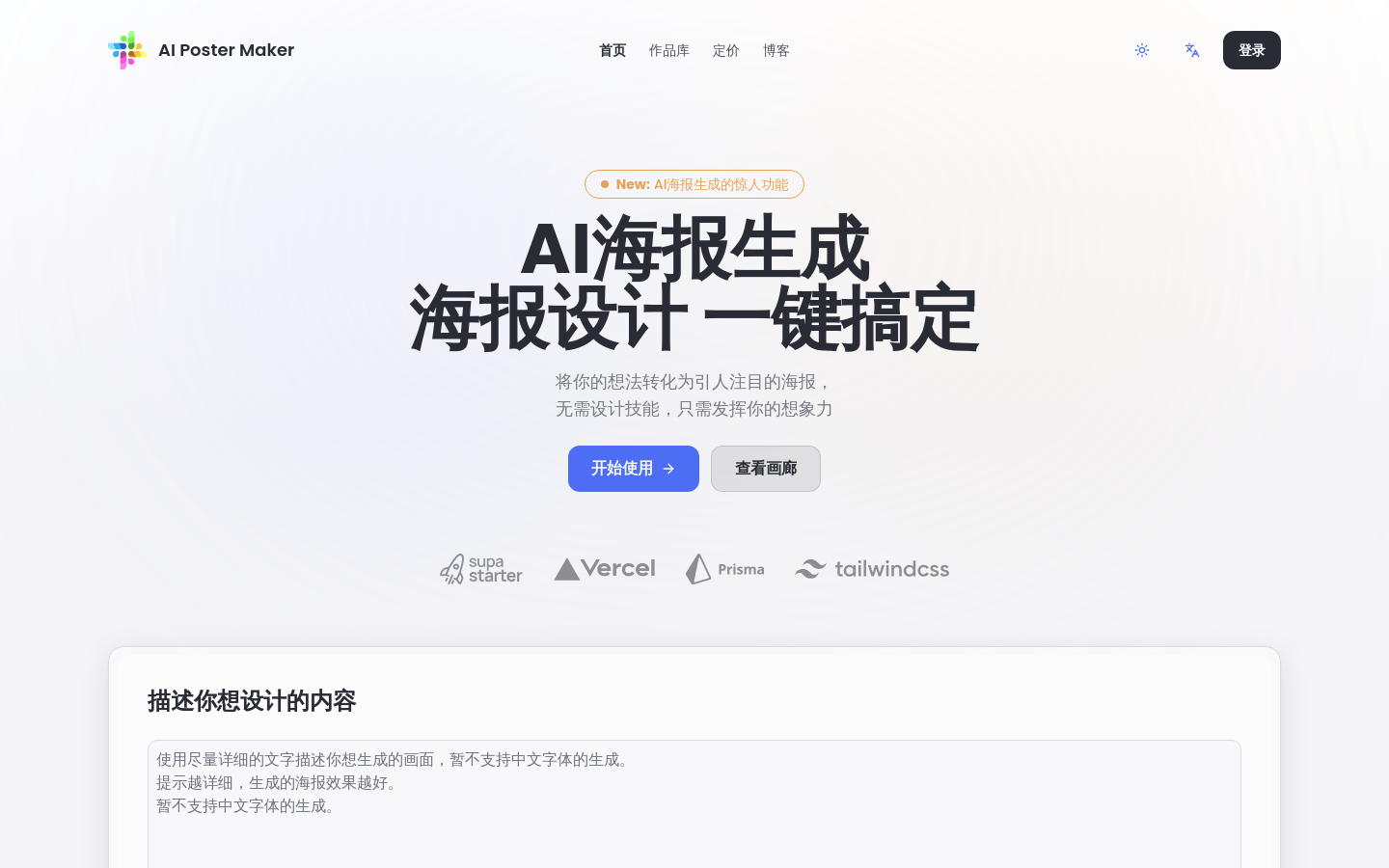
Screenshot archived from the listing page, for preview only.