AI Signature Generator
Create a free electronic signature in secondsType your name, get a signature PNG
Highlights
What you can do with it
- Signing digital contracts and documents
- Adding a signature to email and web pages
- Creating one consistent signature for a team
How to use it
- 1 Open the AI Signature Generator site
- 2 Enter your name or initials, or draw directly
- 3 Adjust the style, color, and size
- 4 Download the PNG file
- 5 Insert it into your document
Who it is for
Pros
- Completely free with unlimited downloads
- Fast rendering with no waiting
- Works without drawing skill
Limitations
- Free rules and download limits can change
- It produces a signature image, not a verified e-signature service
- The page has shown redirect behavior
What AI Signature Generator is
AI Signature Generator is a free online tool for creating electronic signatures. You type a name or initials, then browse signature styles generated with AI and adjust color, thickness, and size. There is also an option to draw your own signature directly on screen so the final look can feel hand written. The finished signature downloads as a high-quality PNG that you can drop into PDFs, Word files, emails, or web pages. The site describes the tool as completely free, with unlimited downloads, fast rendering, and a simple interface. It is meant for personal use, professional branding, and teams that want one consistent signature style across documents.
What you can do with it
- Turn a typed name into a styled signature
- Draw your own signature and clean it up
- Customize color, thickness, and size
- Download unlimited PNG signatures
Who it is for
- Freelancers who sign documents often
- Companies that want uniform employee signatures
- Anyone adding a signature to email or a website
What to watch out for
The tool produces a signature image, not a verified e-signature service with audit trails or identity checks, so confirm what a given document actually requires before you use it. Free access and download limits can change. The page has shown redirect behavior, so verify you are on the official site before entering anything, and keep a copy of the original signature file in case you need to regenerate it later. For best results, start with a small test file and review the output carefully before working on anything important. Free tiers can change over time, so it is worth checking the current limits on the official page before you rely on the tool daily.
FAQ
Is the tool free?
Yes, the page states it is completely free with unlimited downloads.
What format are the downloads?
High-quality PNG files.
Can I draw my own signature?
Yes, there is a draw-on-screen option.
Why it is free
What the official page says: completely free
Free limits, trial length and features are decided by the official site and can change at any time.
Product preview
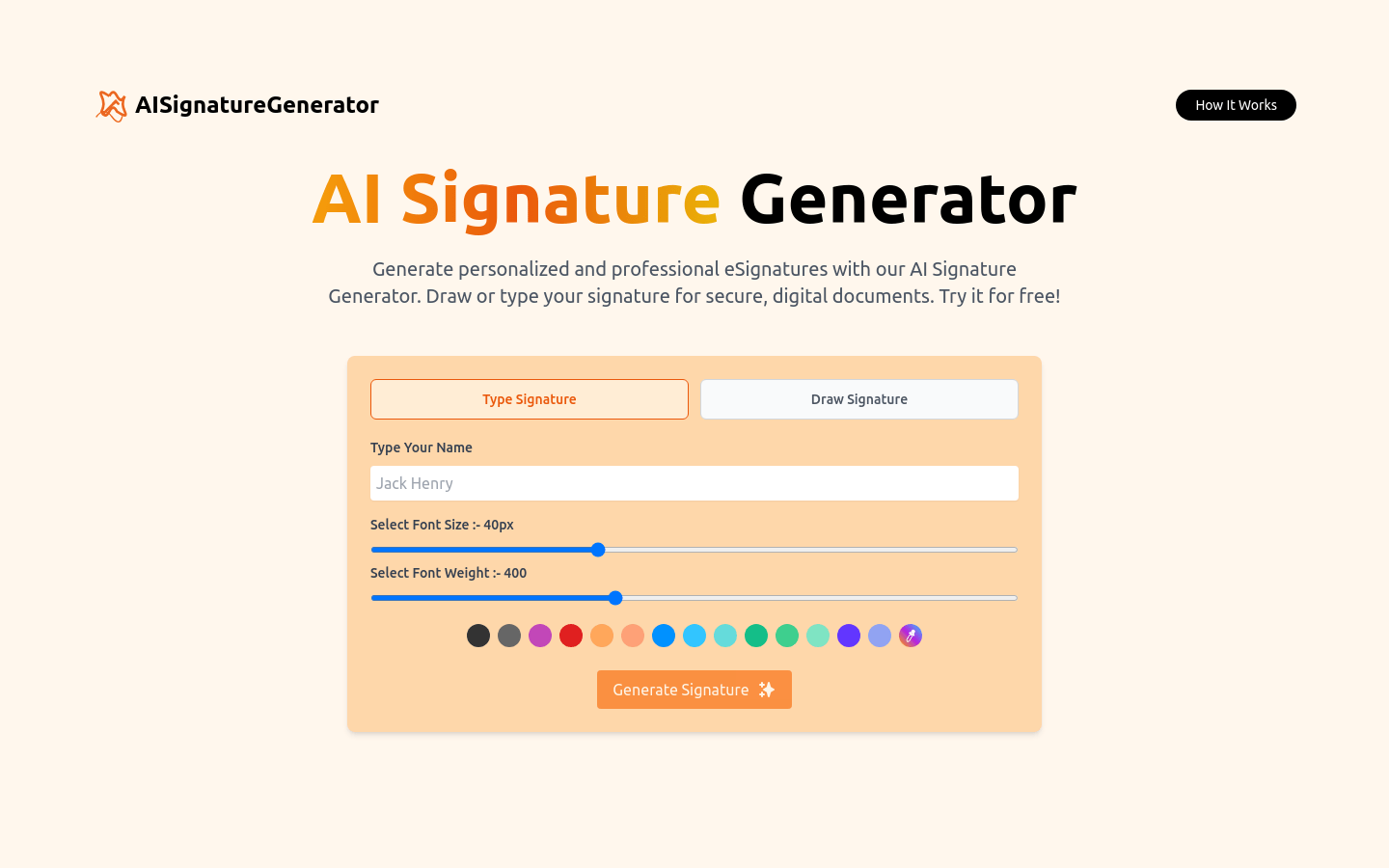
Screenshot archived from the listing page, for preview only.