PdfCompare
Client-side PDF comparisonCompare PDFs locally, nothing uploaded
Highlights
What you can do with it
- Compare old and new contract versions in a law firm
- Check financial reports from different periods
- Review revised construction blueprints
How to use it
- 1 Open the PdfCompare website.
- 2 Drop the baseline PDF into Slot 1 and the revision into Slot 2.
- 3 Click Compare Differences Now to start the local engine.
- 4 Read the side-by-side result with inline redlines.
- 5 Use the curtain slider for layout checks or download the audit log.
Who it is for
Pros
- Files stay on your own machine
- Handles both text redlines and visual pixel differences
- Free, with no file size or page cap stated
Limitations
- Speed depends on your device, since processing is local
- A very new site, so long term availability is uncertain
- Layout overlays take practice to read quickly
What PdfCompare is
PdfCompare is a free online tool that shows what changed between two PDF files. It is built on client-side WebAssembly, which means the comparison happens inside your browser and the documents are not uploaded to a remote server. You place the original in one slot and the revised version in the other, then run the local difference engine. The result is a synchronized side-by-side view with word level highlighting for changed text and inline redlines for added or removed clauses. There is no stated cap on file size or page count, and the service is described as free with no hidden fees.
What you can do with it
- See clause and word level changes side by side
- Compare images, logos, seals and blueprints with a pixel difference engine
- Drag a split curtain slider to overlay two versions visually
- Download an audit log of every change in the document
Who it is for
- Law firms and legal teams reviewing contract revisions
- Finance and accounting staff comparing reports across periods
- Construction and engineering teams checking blueprint revisions
What to watch out for
Because everything runs locally, speed depends on your own device, and large or image-heavy PDFs will be slower. The site is new, so treat long term availability as unproven. Layout and pixel overlays take a little practice before you can read them quickly. The free status carries no guarantee that it will stay that way, so keep a local copy of anything important. For best results, start with a small test file and review the output carefully before working on anything important. Free tiers can change over time, so it is worth checking the current limits on the official page before you rely on the tool daily.
FAQ
Are my files uploaded anywhere?
No. The page describes 100 percent client-side processing using WebAssembly, so the PDFs stay in your browser.
Is there a size limit?
The tool states it is not limited by file size or number of pages, though speed depends on your hardware.
Can I compare scanned drawings?
Yes. A visual pixel difference engine compares images, logos, seals and construction blueprints as pictures.
Why it is free
What the official page says: completely freefree to use
Free limits, trial length and features are decided by the official site and can change at any time.
Product preview
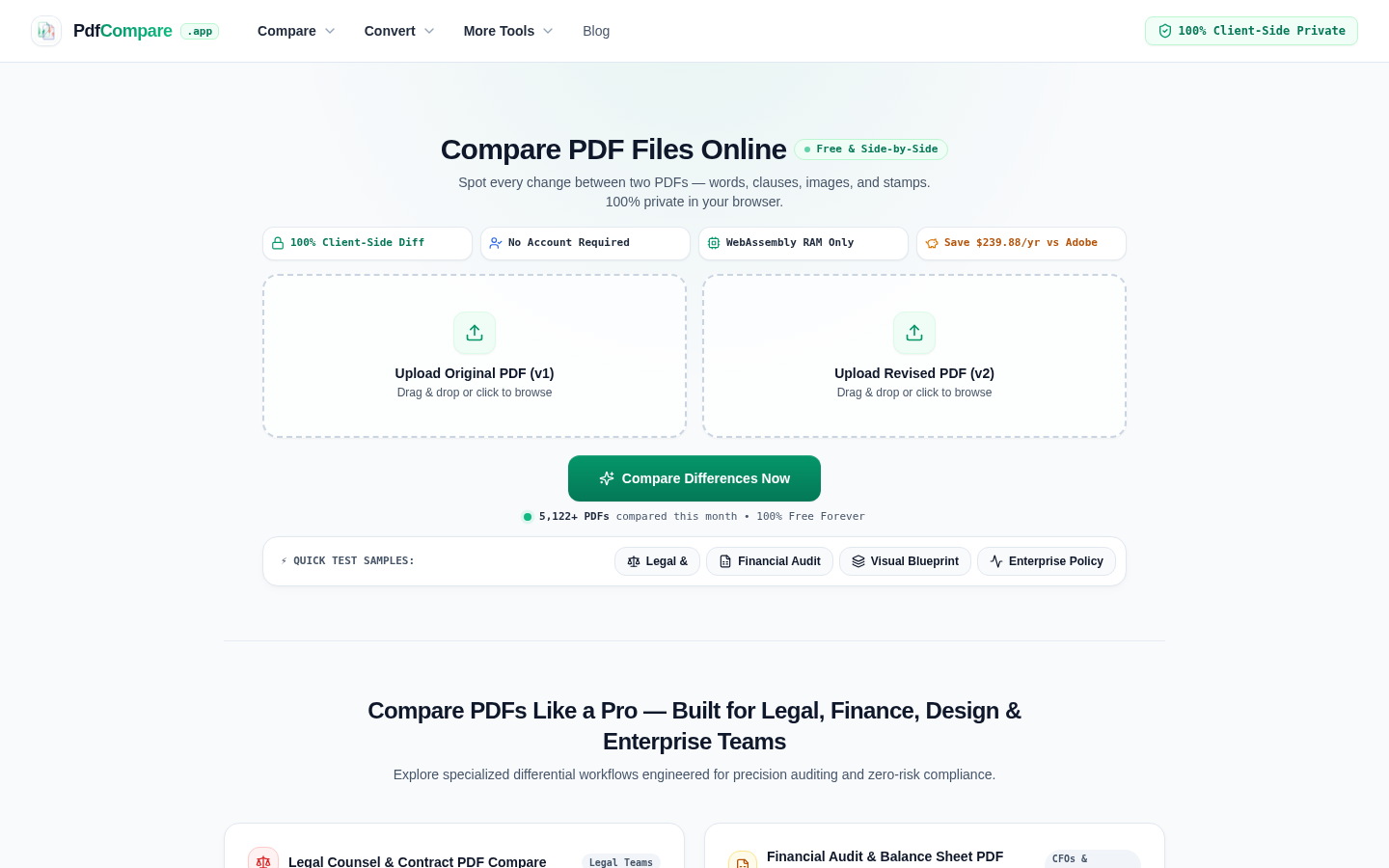
Screenshot archived from the listing page, for preview only.











