
AI Summarizer for YouTube (Mac App Store)
Free Mac app that summarizes YouTube videosThree summary styles for any YouTube video
Highlights
What you can do with it
- A student reviews a long video course quickly
- A professional grasps the key points of an industry lecture
- A researcher studies specific video content in depth
How to use it
- 1 Download InsightKeeper from the Mac App Store
- 2 Copy the link of the video you want summarized
- 3 Paste the link into the tool
- 4 Choose the summary type you want
- 5 Read the summary instead of watching the full video
Who it is for
Pros
- Genuinely free with no in app purchases
- Local processing avoids sending data to a server
- Three summary depths cover different needs
- Simple paste a link workflow
Limitations
- Mac only, so Windows and mobile users are excluded
- Local processing can be slower than cloud models
- Summary quality depends on the video's audio and structure
- Free apps can change terms or disappear
What AI Summarizer for YouTube is
InsightKeeper is a free Mac app that shortens YouTube videos into readable summaries. For any video it produces three different takes: a quick summary for the gist, a sequential summary that follows the order of the content, and an in depth discussion version for when you actually need the detail. That range matters because a quick skim and a real study session need different things. The app is free to use, with no subscription and no in app purchases, and the vendor says processing happens locally on the Mac rather than on a server.
What you can do with it
- Turn a long video into a quick summary
- Get a sequential summary that follows the video's structure
- Produce an in depth discussion version for closer study
- Save time on video courses and recorded lectures
- Process video links locally for privacy
- Decide how much detail you need before committing watch time
Who it is for
- Students reviewing long video courses and lectures
- Professionals who need the takeaways from a recorded talk
- Researchers studying specific video material in depth
- Anyone with a long watch list and limited hours
What to watch out for
It is Mac only, so Windows, Linux, and mobile users are out of luck. Local processing is better for privacy but can be slower than cloud based summarizers, especially on older hardware, and very long videos may take a while. Summary quality depends on the video itself, so unclear audio, heavy jargon, or a rambling structure will produce a weaker result. Free apps can change terms or vanish, and Mac App Store availability depends on Apple's policies, so do not build a study workflow that depends on one free app.
FAQ
What does InsightKeeper do?
It converts YouTube videos into three summary styles: quick, sequential, and in depth.
Is it really free?
Yes, it is free with no subscription and no in app purchases.
Does it need an internet connection?
It needs the video, but the vendor says data processing happens locally on the Mac.
Which platforms are supported?
It is a Mac app distributed through the Mac App Store.
Why it is free
What the official page says: 免费
Free limits, trial length and features are decided by the official site and can change at any time.
Product preview
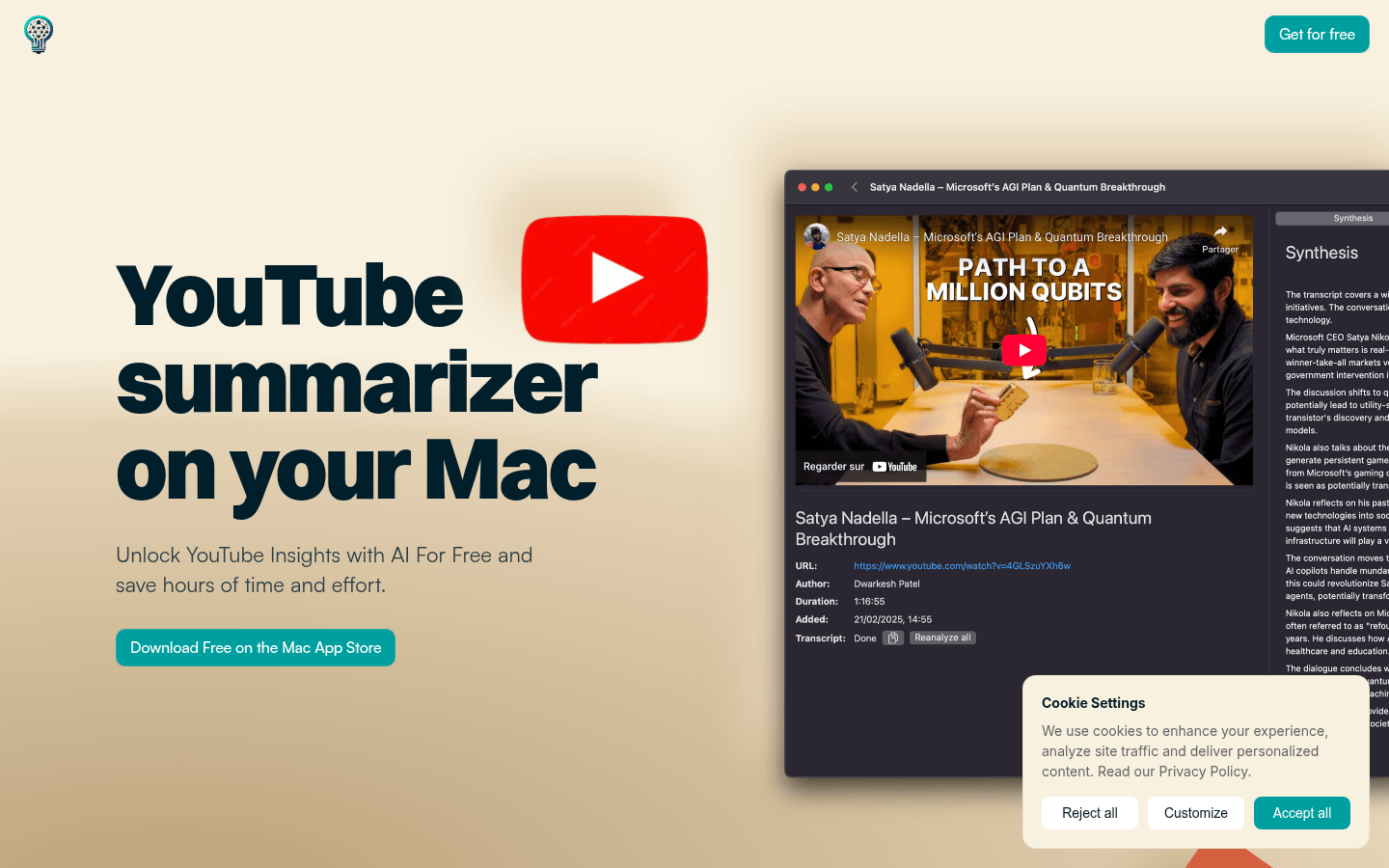
Screenshot archived from the listing page, for preview only.











