
AI Toolbox Video to GIF
Free video to GIF converterLocal video to GIF, no watermark
Highlights
What you can do with it
- Turn short videos into GIFs for social sharing.
- Make GIF stickers from funny clips for chats.
- Convert product demos into GIFs for product pages.
How to use it
- 1 Drag in or select a local video file.
- 2 Set start time, duration, FPS, and width for the GIF.
- 3 Click Convert to GIF and let the browser's local FFmpeg process it.
- 4 Preview the loop and download the GIF.
Who it is for
Pros
- Completely free with no watermark and no sign-up.
- Local processing keeps private video private.
- Fine control over clip length, FPS, and width.
- Broad format support and cleaner GIF colors.
Limitations
- Free, no-registration access may change; check the site for current terms.
- Local conversion speed depends on your device and clip length.
- Output is GIF, so file size grows quickly with long clips or high FPS.
- It converts to GIF only; other output formats are out of scope.
What AI Toolbox Video to GIF is
AI Toolbox Video to GIF is a free online tool that turns video clips into animated GIFs. The conversion runs on FFmpeg WebAssembly inside your browser, which means the video is processed locally and never uploaded to AI Toolbox or any third-party server. There is no watermark, no registration, and no software to install. You can crop the clip by choosing a start time and duration, then tune frames per second and output width to balance smoothness against file size. Palette technology keeps the GIF colors cleaner than a simple export would, and you can preview the loop before downloading.
What you can do with it
- Convert MP4, MOV, WebM, MKV, AVI, M4V, FLV, and 3GP files into GIFs.
- Trim a clip to just the seconds you need before converting.
- Adjust FPS and width to control quality and file size.
- Preview the looping result and download a watermark-free GIF.
- Keep colors clean thanks to palette generation and paletteuse technology.
Who it is for
- Social media users who share short clips as GIFs.
- Sticker and emoji creators making reaction images.
- Marketers and sellers illustrating product usage on a page.
- Students and teachers who need simple animated explanations.
- Anyone who wants a private converter that keeps video on their own device.
What to watch out for
The free, no-registration setup is the current model and could change, so check the site for current terms before relying on it. Because processing happens locally, conversion speed depends on your device; long or high-resolution clips take longer and can strain older machines. GIF files grow quickly with length and frame rate, so keep clips short and FPS modest if size matters. The tool only outputs GIF, so it will not replace a full video converter for other formats.
FAQ
Is this tool free?
Yes. It is free, adds no watermark, and requires no registration.
Are my videos uploaded?
No. Conversion happens in your browser with FFmpeg WebAssembly, so the video stays on your device.
Which formats can I convert?
Common formats such as MP4, MOV, WebM, MKV, AVI, M4V, FLV, and 3GP.
Can I convert only part of a video?
Yes. Set the start time and duration to keep only the clip you need.
How do I control GIF size?
Adjust the frames per second and output width to balance smoothness against file size.
Why it is free
What the official page says: for freeno registration
Free limits, trial length and features are decided by the official site and can change at any time.
Product preview
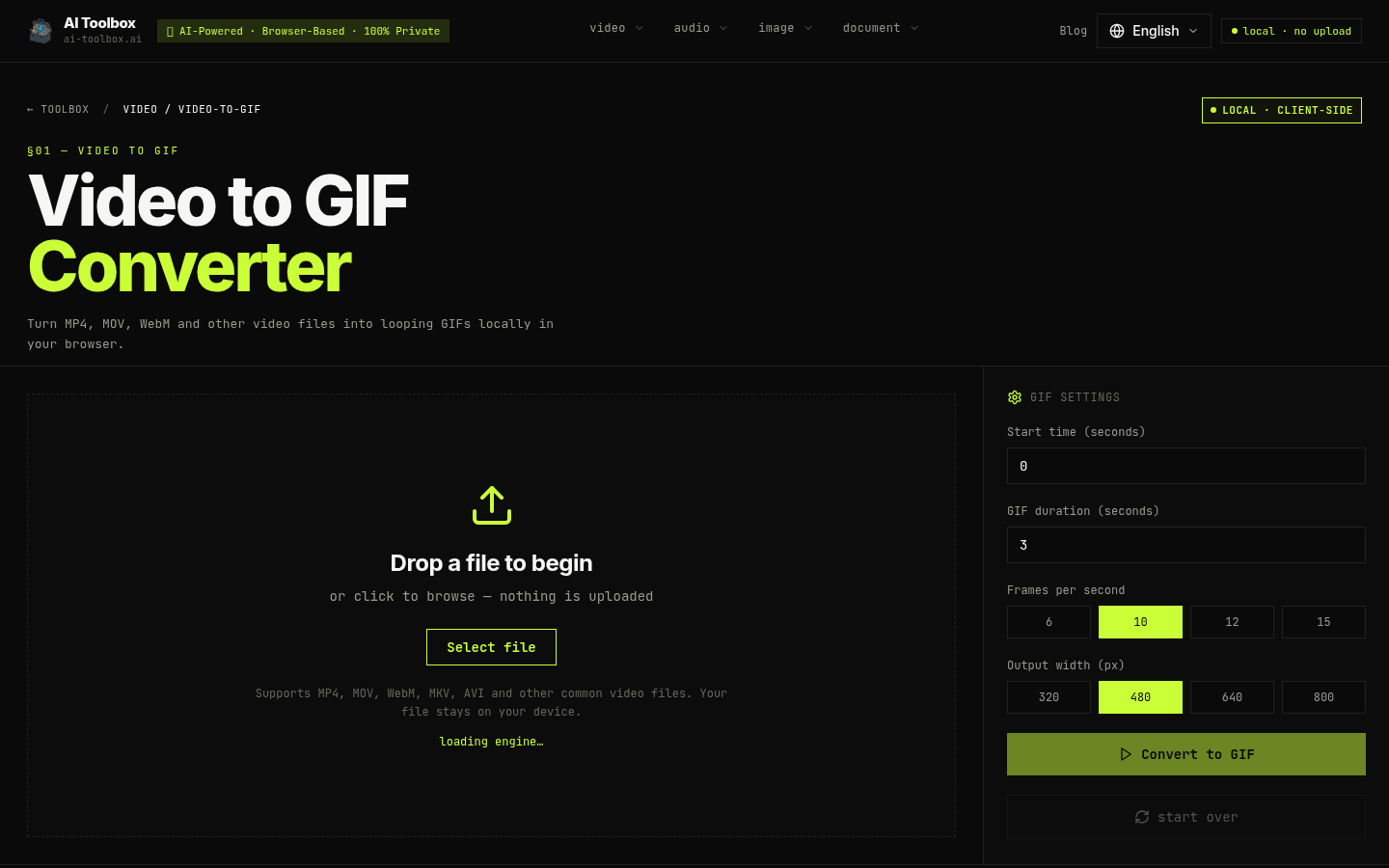
Screenshot archived from the listing page, for preview only.











