
AI Transcription by Riverside
Free AI transcription for audio and video filesTurn audio and video into text in 100+ languages
Highlights
What you can do with it
- Transcribe interviews for articles and research notes
- Turn meeting recordings into minutes
- Convert voice notes into searchable text
- Produce show notes and captions for podcasts and video
How to use it
- 1 Open the Riverside transcription page
- 2 Upload your audio or video file
- 3 Choose the language of the recording
- 4 Wait for the transcript to be generated
- 5 Edit the text and export or share it
Who it is for
Pros
- Described as completely free on the site
- More than 100 languages supported
- Real-time editing and multi-user collaboration
- Recording and transcription in one workflow
Limitations
- The free offer is tied to the current site and can change without notice
- Accuracy depends on audio quality, noise, and the spoken language
- Long files take longer to process
- How much editing and collaboration stays free can shift over time
What AI Transcription by Riverside is
AI Transcription by Riverside is a transcription tool that turns audio and video into text. It supports more than 100 languages and the site describes its transcription as completely free. Beyond raw transcripts, it adds real-time editing, multi-user collaboration, and high-quality recording, so a team can work on the same transcript while it is being produced. Interview recordings, meeting audio, and quick voice notes all go through the same flow: bring in the media, get text back, then clean it up.
What you can do with it
- Convert audio and video files into written transcripts
- Transcribe in more than 100 languages
- Edit the transcript in real time as it is produced
- Collaborate with multiple people on one transcript
- Record high-quality audio before transcribing it
Who it is for
- Podcasters and video creators who need show notes and captions
- Journalists and researchers working from interviews
- Teams that turn meeting recordings into minutes
- Students and anyone with lectures or voice notes to review
What to watch out for
The free offer is tied to the current site and can change without notice. Accuracy depends on audio quality, background noise, and the language spoken, so noisy recordings need more cleanup. Long files take longer to process, and because editing and collaboration are part of a wider recording product, how much of that stays free can shift. Always review the transcript before publishing. For best results, start with a small test file and review the output carefully before working on anything important. Free tiers can change over time, so it is worth checking the current limits on the official page before you rely on the tool daily.
FAQ
Is the transcription free?
The site describes its AI transcription service as completely free.
How many languages are supported?
More than 100 languages are listed.
Can I edit the transcript?
Yes. Real-time editing is part of the tool.
Can several people work on one transcript?
Yes. Multi-user collaboration is included.
Why it is free
What the official page says: completely free
Free limits, trial length and features are decided by the official site and can change at any time.
Product preview
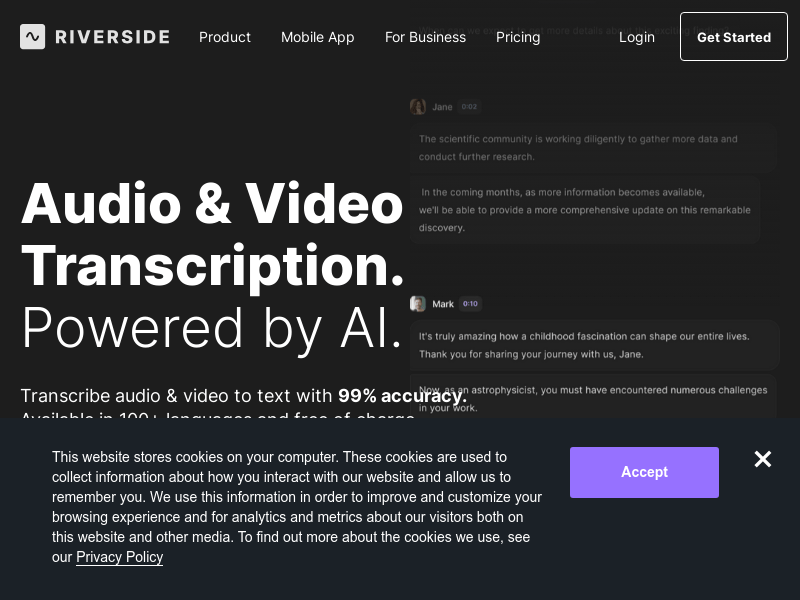
Screenshot archived from the listing page, for preview only.











