
AI Video Background Remover by BGRemover
Free online AI video background removerRemove video backgrounds without a green screen
Highlights
What you can do with it
- Put a short-form video creator into a new background
- Strip the background from a product promo video
- Add teaching material as a background for a lesson video
How to use it
- 1 Upload or drag your video into the tool
- 2 Let the AI process the video and remove the background
- 3 Choose a transparent, solid-color, or custom background
- 4 Pick the output resolution and download
Who it is for
Pros
- Free to use with no credit card
- Automatic frame-by-frame processing
- Multiple background replacement options
- No green screen needed
Limitations
- Complex edges such as hair may need cleanup
- Processing time grows with video length
- Free availability and limits can change
- Best on footage with a clear subject
What AI Video Background Remover by BGRemover is
This is a free online tool that removes the background from a video using AI. You upload a file in a common format such as MP4, AVI, or MOV, and the engine analyzes the video frame by frame to separate the subject from the background. No green screen and no expensive editing software are required. Once the background is gone, you can keep it transparent, add a solid color, or upload a custom image or video as the new background. The output is a high-quality video with selectable resolutions, and the tool is free to use without asking for credit card information.
What you can do with it
- Remove a video background automatically with AI.
- Replace the background with transparency or a solid color.
- Upload a custom image or video as the new background.
- Choose the output resolution for your platform.
- Skip the green screen and the editing suite entirely.
Who it is for
- Social media creators making short videos.
- Marketers producing product promotion clips.
- Educators adding material behind a lesson video.
What to watch out for
Cleanup is not always perfect. Fine details such as hair and thin objects can leave artifacts that need a second pass in an editor. Processing time grows with video length, so long files take patience. The tool works best on footage with a clear subject and a fairly plain background, and because it is free, its availability and limits can change. Name and archive exported files consistently so you can find and reuse them, and keep a backup copy of key data. When quality matters, export a small draft first to confirm the result before producing the final file.
FAQ
Is it free?
Yes, the tool is free to use and does not ask for credit card information.
What formats can I upload?
MP4, AVI, and MOV among others.
What can I do after removing the background?
Keep it transparent, add a solid color, or upload a custom image or video.
Do I need a green screen?
No, the AI removes the background without one.
Why it is free
What the official page says: free to use
Free limits, trial length and features are decided by the official site and can change at any time.
Product preview
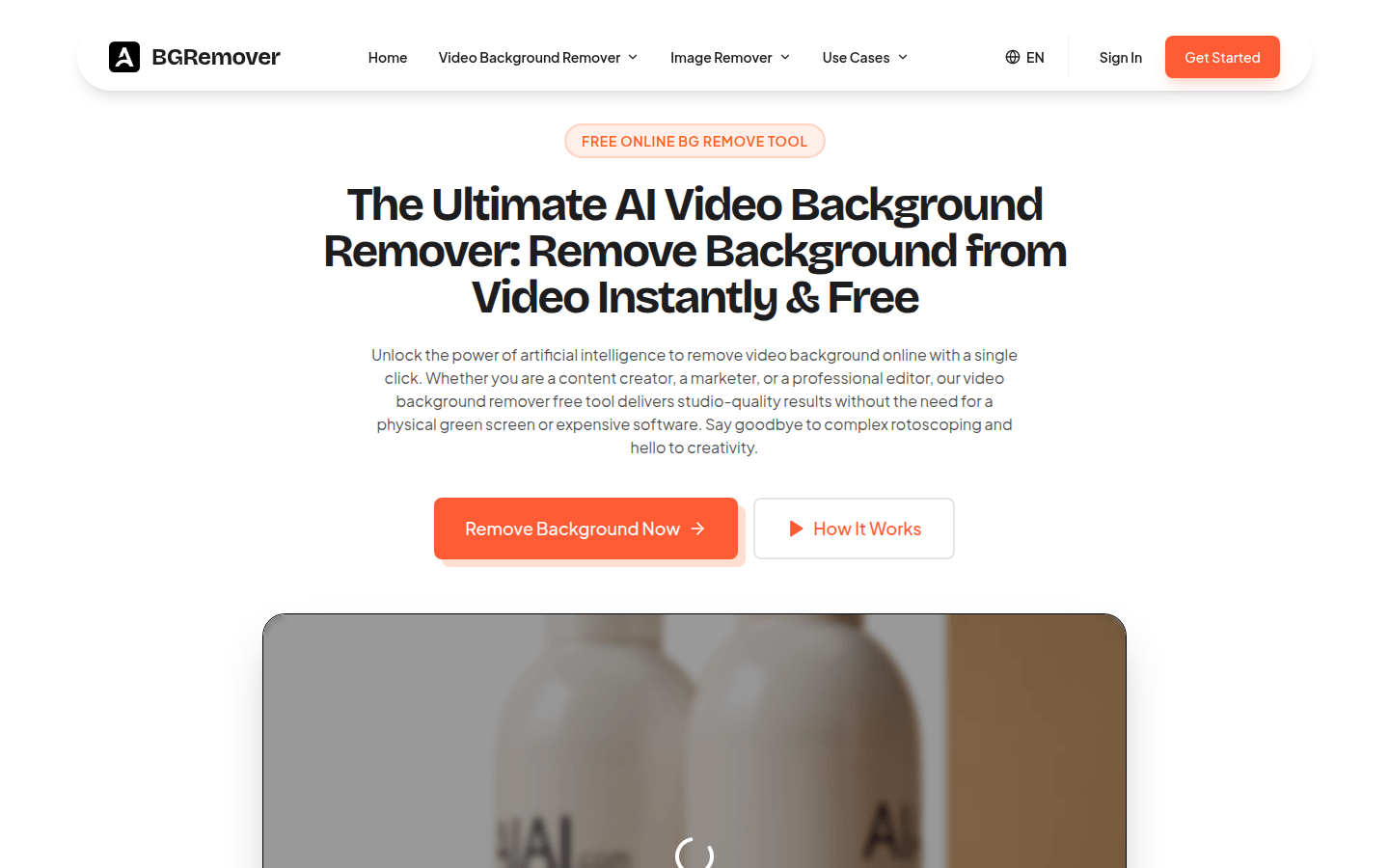
Screenshot archived from the listing page, for preview only.











