
AI Video Editor
Free online AI video editorCompress, resize and convert video in your browser, free
Highlights
What you can do with it
- A creator adjusts a video for Instagram Stories and uses AI to fill the new background.
- A marketer compresses an ad video to email to clients.
- A user converts an AVI home video to MP4 to play on any device.
How to use it
- 1 Upload an MP4, MOV, WEBM or AVI file.
- 2 Choose your output settings and let the AI process the video.
- 3 Preview the result and download the processed file.
Who it is for
Pros
- Free of charge and needs no install; just drag a file into the browser.
- Combines resize, compression and conversion in one place.
- AI processing helps fit videos to platform ratios with background fill.
Limitations
- It is free now, but access and features can change.
- AI background fill and compression are automated and may not suit every clip.
- It is a lightweight editor, not a full timeline editing suite.
What AI Video Editor is
This is a free online AI video editing toolkit that you can use directly in the browser without installing any software. It is built for quick, everyday video jobs rather than full production. Its three main tasks are resizing video for platforms such as Instagram and TikTok with AI background fill, compressing files to save storage or speed up sharing while keeping the picture clear, and converting between formats such as MP4, MOV, AVI and WEBM. You drag a video file in, pick your output settings, let the AI process it, then preview and download. It is free of charge and aimed at creators, marketers and everyday users.
What you can do with it
- Resize and reframe video for Instagram, TikTok and other ratios, with AI filling the new background.
- Compress large video files to save space or make sharing faster, while keeping quality.
- Convert between MP4, MOV, AVI and WEBM, and make GIFs for social media.
- Do all of this in one browser toolkit instead of several separate tools.
Who it is for
- Creators who process many video materials and need quick platform-ready sizes.
- Marketers optimizing ad videos and moving large batches of footage.
- Everyday users handling personal clips like home and travel videos.
- Anyone who wants a simple, install-free way to fix a video fast.
What to watch out for
The toolkit is free of charge now, but access and features can change, so check the site before relying on it. AI background fill and compression are automated and may not suit every clip, and results vary with the source file, so preview before you download. It is a lightweight editor for resize, compression and conversion, not a full timeline editing suite, so complex edits still need dedicated software.
FAQ
Is it free?
Yes, it is free of charge and runs in the browser with no install.
What can it do?
Resize video with AI background fill, compress files and convert between common formats.
Which formats are supported?
MP4, MOV, AVI and WEBM, with MP4 and GIF output options.
Who is it for?
Creators, marketers and everyday users who need quick video fixes.
Why it is free
What the official page says: free of charge
Free limits, trial length and features are decided by the official site and can change at any time.
Product preview
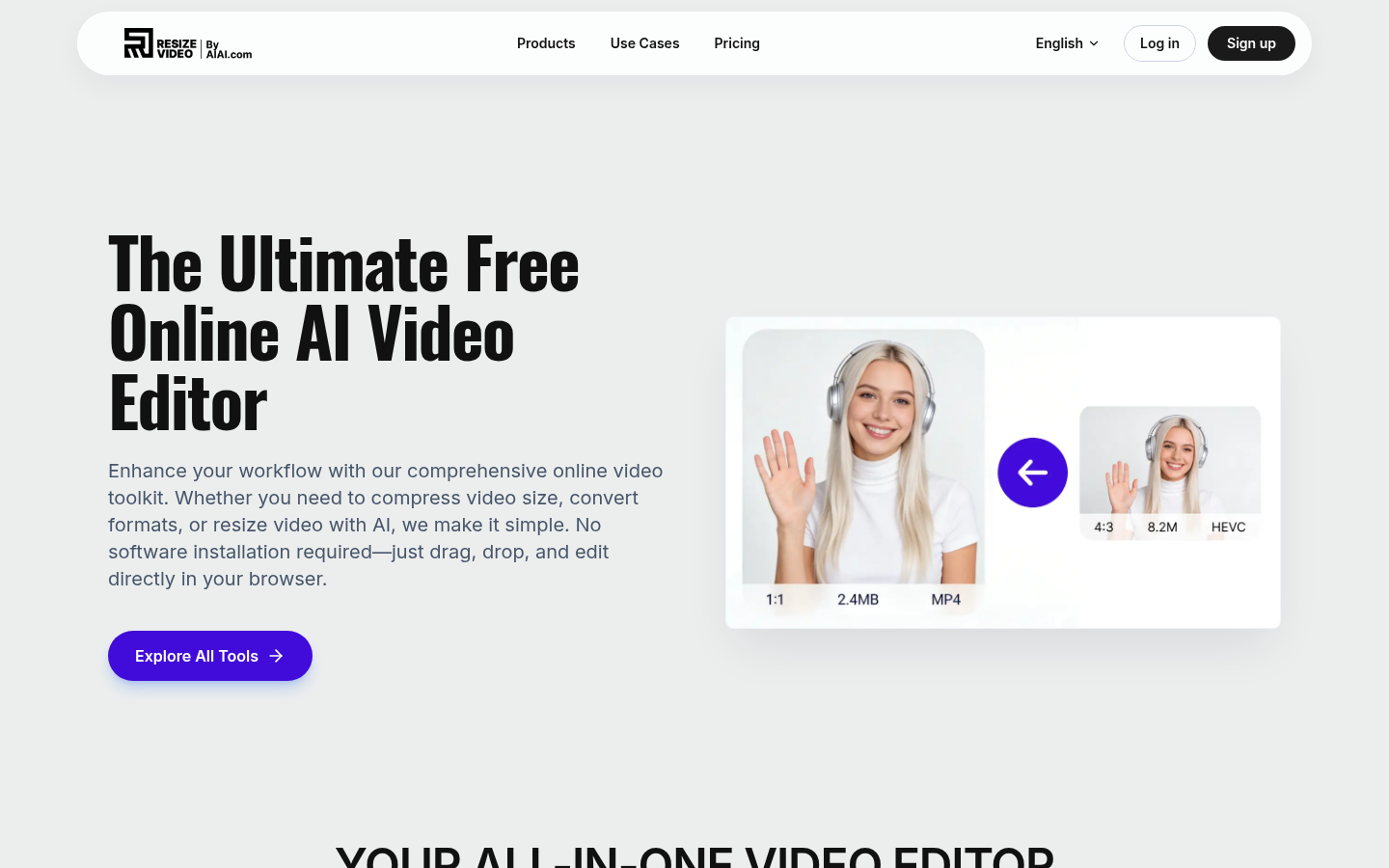
Screenshot archived from the listing page, for preview only.











