
AI Voice Cleaner
Free one-click AI noise removal for audio and videoClean background noise without an account
Highlights
What you can do with it
- Clean home music recordings of buzz and room echo
- Remove wind and echo from video voice work
- Fix outdoor interview audio with static and distortion
How to use it
- 1 Upload an audio or video file, or record in real time
- 2 Pick the noise type and content type, then clean
- 3 Preview the result and download the file
Who it is for
Pros
- Free to use with no credit card or registration
- Works on both audio and video files
- Simple upload, clean, and export flow
Limitations
- Free rules and limits can change over time
- Cleaning quality depends on the recording and noise type
- You upload files, so be careful with sensitive material
What AI Voice Cleaner is
AI Voice Cleaner is a free online tool that removes background noise from audio and video in one click. It uses AI to detect and clean common problems like buzzing, echoes, and static, and it can handle long silences, oral sounds, hesitations, and filler words so speech sounds tighter. It can also keep background music intact while cleaning the voice, which matters for music and mixed tracks. The tool is free to use and needs no credit card and no registration, so you can upload a file and clean it without making an account. It suits music recording, video dubbing, and business meetings where clear sound matters.
What you can do with it
- Remove buzzing, echoes, and static from a recording
- Cut long silences, oral sounds, and filler words
- Keep background music while cleaning the voice
- Preview the cleaned file and download it
Who it is for
- Musicians recording at home or in a small studio
- Podcast hosts dealing with background noise
- Business people on customer calls and team meetings
What to watch out for
The tool is free right now, but free rules and limits can change over time, so do not assume unlimited cleaning forever. Cleaning quality depends on the recording and the noise type, and some noise may remain in hard cases. Since you upload audio and video to process them, be careful with sensitive material and only use files you are comfortable handling online. Always preview before you export so you can confirm the result is clear enough for your purpose. For best results, start with a small test file and review the output carefully before working on anything important.
FAQ
Does AI Voice Cleaner need a credit card?
No, it is free to use and does not require credit card details or registration.
What kinds of noise can it remove?
It targets buzzing, echoes, static, long silences, oral sounds, and filler words.
What files can I upload?
You can upload an audio or video file, or record in real time, from a computer or mobile device.
Why it is free
What the official page says: free to useno credit card
Free limits, trial length and features are decided by the official site and can change at any time.
Product preview
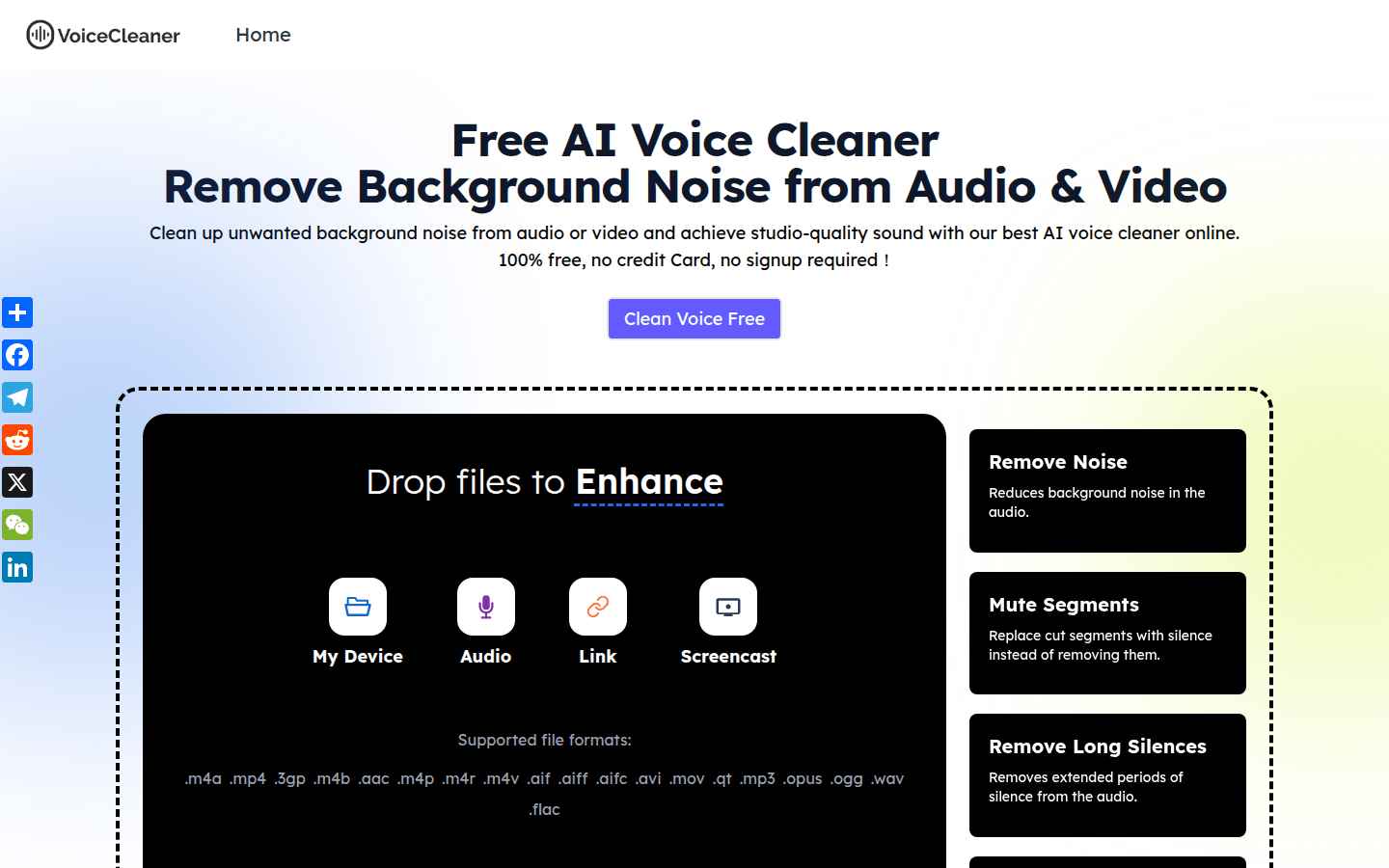
Screenshot archived from the listing page, for preview only.










