
AIPex
Open-source AI extension that automates your browserAdd AI tab management, extraction, and automation to Chrome
Highlights
What you can do with it
- Researchers collect information across multiple websites and synthesize research reports
- Office workers categorize and organize work-related tabs by project
- Developers automate web form filling and batch data processing
How to use it
- 1 Visit the AIPex website and click install to add the extension to Chrome
- 2 Click the AIPex extension icon in your browser
- 3 Select the functions you need, such as tab management or data extraction
- 4 Interact with AIPex using natural language commands to complete tasks
- 5 Choose a paid plan if you need more advanced features
Who it is for
Pros
- No migration cost, it extends your current browser
- Open source, so developers can inspect and extend it
- Wide range of automation features with a free version
Limitations
- Advanced automation requires a paid plan
- Automation must be used responsibly and respect site terms, and consequences rest with the user
- Multi-step workflows take time to set up and test
- The extension needs the permissions it requests to function
What AIPex is
AIPex is a free and open-source AI extension for Chrome that adds automation to the browser you already use. There is no migration step, so your existing bookmarks and extensions stay in place. The extension can group and organize tabs by topic, let you chat with open tabs to get summaries, extract structured data from pages, and fill out forms. It also supports multi-step workflows, downloads in markdown format, and exporting chat conversations. There is a free version for beginners and a paid version with more features, and because the project is open source, developers can inspect and extend it.
What you can do with it
- Group and manage browser tabs with AI
- Chat with open tabs to extract summaries and information
- Pull structured data from any website
- Fill forms and run multi-step automation workflows
- Download content as markdown and export conversations
Who it is for
- Everyday Chrome users who want a smarter browser
- Researchers gathering information across many sources
- Office workers organizing project-related tabs
- Developers and data analysts who need extraction and automation
What to watch out for
The free version covers the basics, while advanced automation requires a paid plan. Browser automation should be used responsibly: respect the terms of the websites you visit, avoid actions that could be seen as misuse, and remember that consequences of automated actions rest with you. Multi-step workflows take time to set up and test, and the extension needs the permissions it requests to function. Because it is a newer open-source project, features and stability can change between versions. Processing speed depends on file size and network conditions, so retry later if a task stalls during peak hours.
FAQ
Is AIPex free?
There is a free version, and a paid version offers more features. The project is also open source.
Do I need to switch browsers?
No. AIPex works with your existing Chrome browser, so there is no migration.
What can it automate?
It can group tabs, extract structured data, fill forms, and run multi-step workflows.
Why it is free
What the official page says: free version
Free limits, trial length and features are decided by the official site and can change at any time.
Product preview
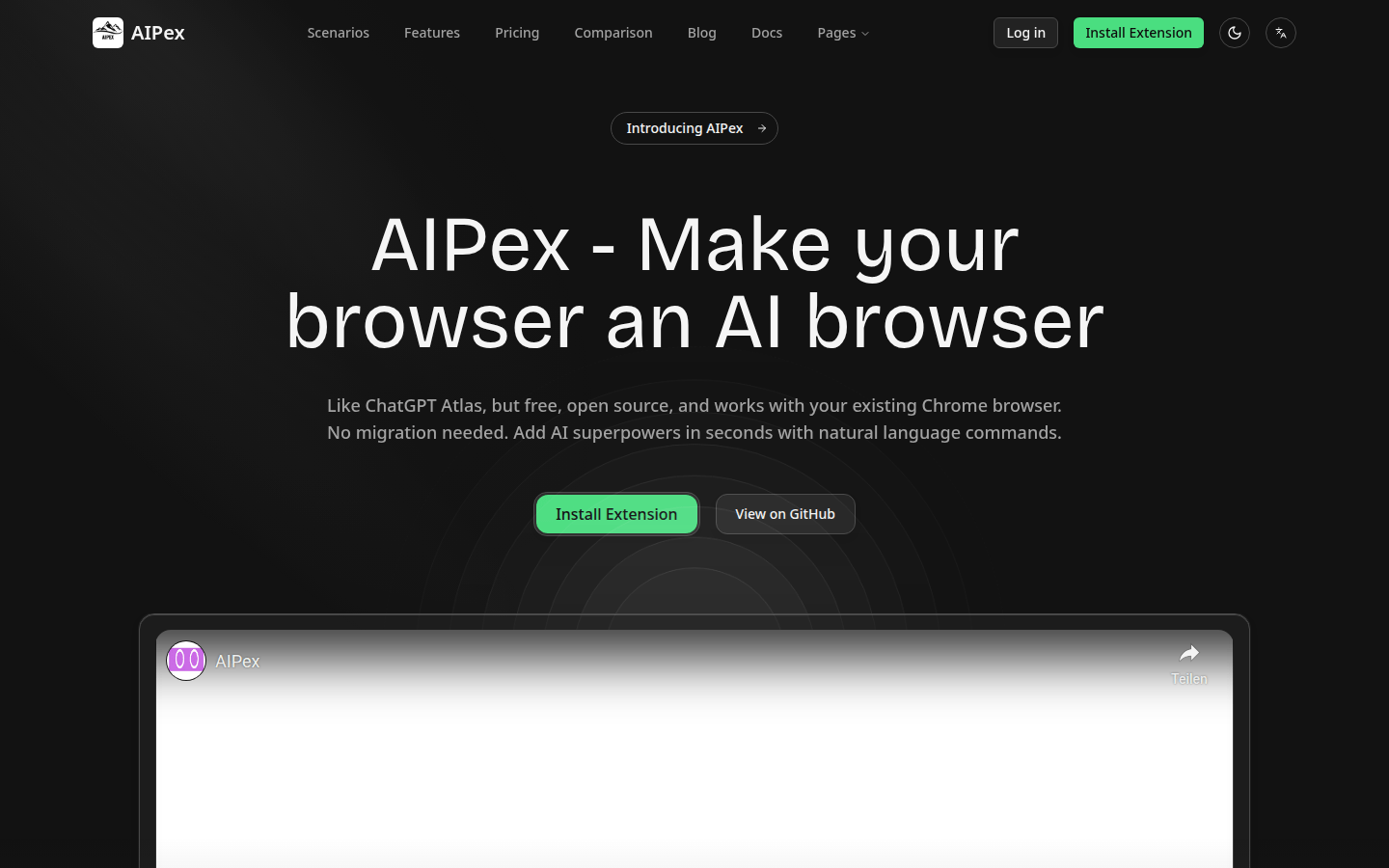
Screenshot archived from the listing page, for preview only.











