Akiflow
Tasks and calendar in one planning appPlan your day with AI time-blocking
Highlights
What you can do with it
- An entrepreneur manages daily tasks and meetings with time-blocking
- A development team coordinates project work with team scheduling
- A marketer turns emails and Slack messages into tracked tasks
How to use it
- 1 Visit akiflow.com and start the free trial
- 2 Set your time zone and connect your calendar
- 3 Add tasks manually or sync them from connected tools
- 4 Let automatic time-blocking arrange your day
- 5 Use Aki for voice commands, briefings, and reminders
- 6 Route email and Slack into the universal inbox
Who it is for
Pros
- One place for tasks, calendar, and inbox
- Automatic time-blocking saves manual planning
- AI assistant and team scheduling included
Limitations
- Only a 7-day free trial before payment is required
- Setup and integrations take time to learn
- Value depends on your tools connecting cleanly
What Akiflow is
Akiflow is a digital planning tool that brings task management and your calendar together in a single application. Instead of switching between a to-do list and a calendar, you see everything on one screen and let the app arrange your time. Automatic time-blocking divides your day around your tasks and meetings, and a universal inbox pulls in emails and Slack messages so they become tasks you can track. An AI assistant named Aki helps with planning, prioritising, and repetitive work. The app is backed by Y Combinator and used by professionals and teams worldwide.
What you can do with it
- Manage tasks and view your schedule in one place
- Use automatic time-blocking to protect important work
- Turn emails and Slack messages into tasks with the universal inbox
- Coordinate team schedules and use Aki for briefings and reminders
Who it is for
Founders and executives who juggle many commitments, developers and designers who need to protect deep work, and marketers and salespeople who handle a steady stream of tasks all benefit from Akiflow. It is aimed at people who want a single system for their day rather than several disconnected tools. Teams that need to coordinate schedules also find the shared features useful.
What to watch out for
Akiflow offers a 7-day free trial, after which payment is required, so it is not a permanently free tool. Setting up integrations and learning the time-blocking workflow takes effort before you see the full benefit. The value also depends on your existing tools connecting cleanly, because a broken sync can leave tasks out of place. Review the current pricing before you commit.
FAQ
Is there a free trial?
Yes, Akiflow offers a 7-day free trial, then paid use.
What is Aki?
Aki is the built-in AI assistant that helps plan, prioritise, and automate repetitive tasks.
Which platforms are supported?
Akiflow supports iOS and Android.
What does the universal inbox do?
It converts emails, Slack messages, and other inputs into tasks you can manage in one place.
Why it is free
What the official page says: free trial
Free limits, trial length and features are decided by the official site and can change at any time.
Product preview
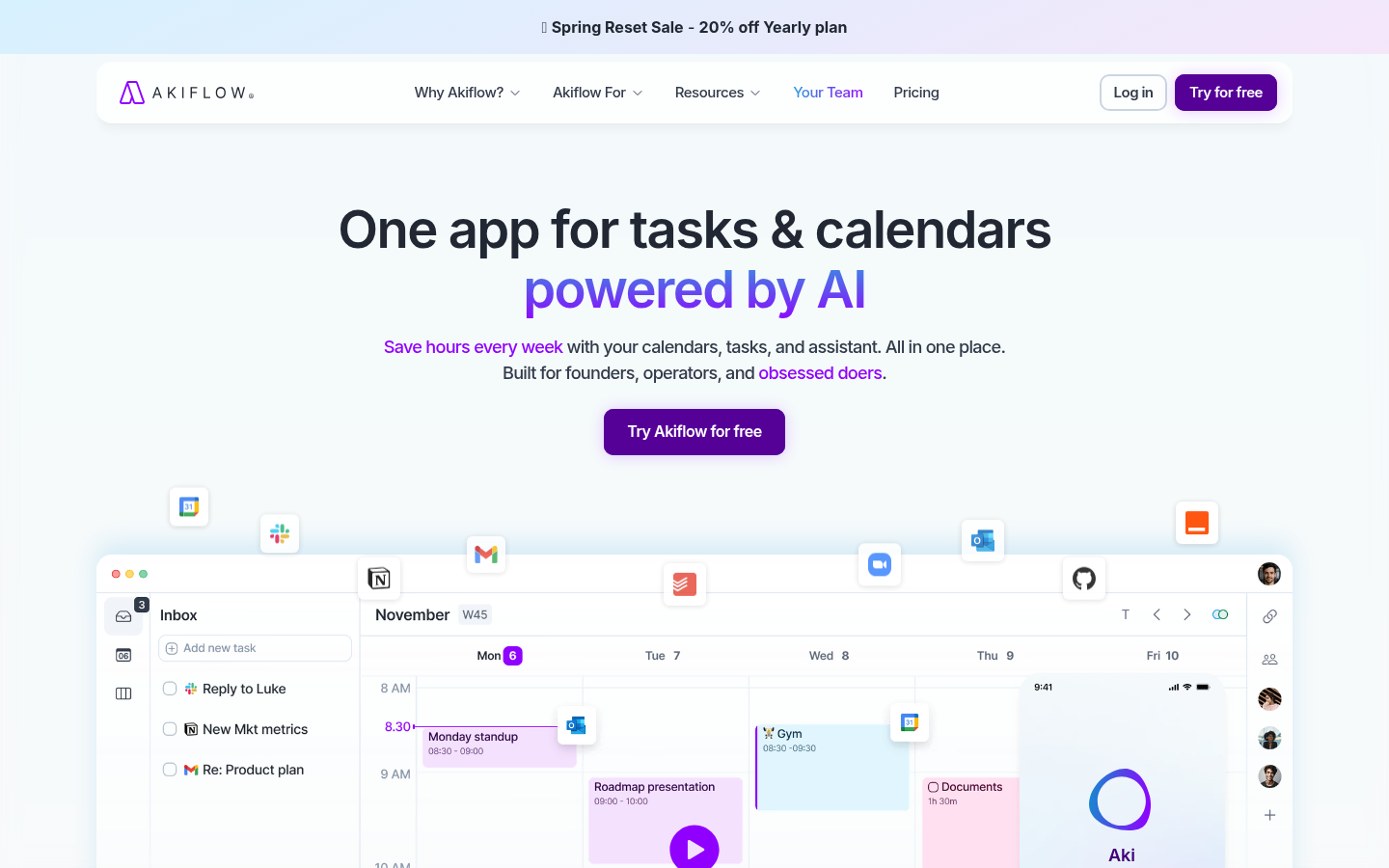
Screenshot archived from the listing page, for preview only.











