
Alai
AI presentation makerBeautiful presentations, made fast
Highlights
What you can do with it
- Perfect a pitch deck for investors or a board update.
- Keep a startup deck consistent without a designer.
- Create course reports or defense presentations quickly.
How to use it
- 1 Visit the Alai website and register for the free trial.
- 2 Enter the content you want to present.
- 3 Pick a template and style or let the AI design it.
- 4 Preview, edit, then save and export the deck.
Who it is for
Pros
- Free trial to try before you pay.
- Generates slides with clear logic and flow.
- Keeps the deck consistent without a designer.
- Flexible editing of the generated slides.
Limitations
- Full use needs an account, and ongoing access may require a paid plan after the trial.
- Pricing and free trial terms can change over time.
- You still need to review and refine the AI drafted content.
- Complex or very specific design needs may need manual work.
What Alai is
Alai is an AI presentation maker that turns the content you provide into finished slides. You enter the ideas, points, or text you want to show, and the tool designs and organizes them into a deck with clear logic, a professional look, and a smooth flow. It is built to keep design and content consistent across the whole presentation, so teams without a designer can still produce a unified result. It offers multiple templates and design styles, and you can freely edit and adjust the generated slides. There is a free trial to try the workflow, and upgrading to Pro adds a free 30 minute guidance course.
What you can do with it
- Turn raw content into a structured, professional deck.
- Choose from templates and design styles or let the AI design it.
- Keep design and wording consistent across every slide.
- Preview, edit, then save and export the finished presentation.
Who it is for
- Early stage startup teams that lack a designer.
- Business people who build decks for reports and pitches.
- ML engineers and developers presenting research or project progress.
- Students and educators making course reports or defense slides.
What to watch out for
Using Alai needs an account, and while there is a free trial, ongoing or full use may require a paid plan, with pricing that can change over time. The AI drafts the structure and design, but you should still review and refine the content for accuracy and tone. Very specific brand guidelines or complex layouts may need manual editing after generation. Treat the generated deck as a strong first draft rather than a finished product.
FAQ
Is there a free trial?
Yes. Alai offers a free trial so you can test the features before paying.
Do I need a designer?
No. It is built to keep design and content consistent so you can make a deck without one.
What does the Pro version add?
Upgrading to Pro includes a free 30 minute guidance course to help you refine the presentation.
Can I edit the slides?
Yes. You can flexibly edit and adjust the generated slides to fit your needs.
Why it is free
What the official page says: for freefree trial
Free limits, trial length and features are decided by the official site and can change at any time.
Product preview
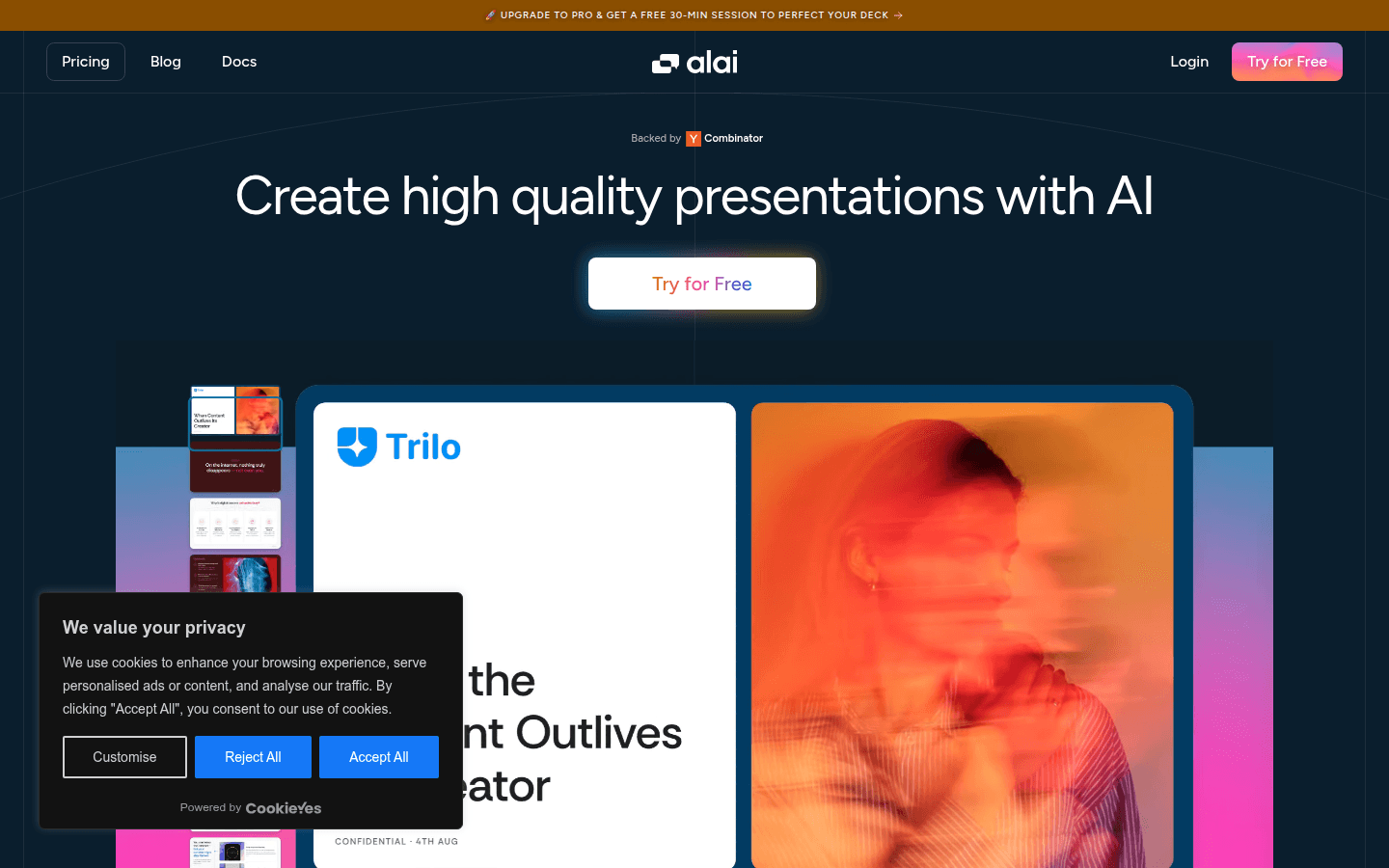
Screenshot archived from the listing page, for preview only.











