All in One Accessibility PRO
Site accessibility toolMake your site easier to use for all
Highlights
What you can do with it
- E-commerce sites that want to reach more shoppers
- Schools and universities making content easier to navigate
- News sites that need to be readable for visually impaired visitors
How to use it
- 1 Sign up and choose the free or professional edition
- 2 Add the provided code to your website
- 3 Turn on the assistive features you need
- 4 Check how the widget behaves on desktop and mobile
- 5 Review your accessibility position again after content changes
Who it is for
Pros
- One widget covers a long list of assistive needs
- Free edition lets you try it before paying
- Useful for e-commerce, education and publishing sites
Limitations
- A widget is not the same as a fully accessible site
- Free rules and feature limits can change
- Real compliance still needs manual testing and expert review
What All in One Accessibility is
All in One Accessibility is a web assistive tool that combines assistive technology with artificial intelligence. Its purpose is to raise the accessibility and usability of a website, with ADA and WCAG 2.1 named as the reference points. The product ships more than 52 features, including screen reader support and magnifiers, and it is built to help visitors with a range of visual and cognitive impairments. Rather than rebuilding a front end, an organisation can add the widget to an existing site. There is a free edition and a professional edition, so the basic layer can be tested before any spend.
What you can do with it
- Add an assistive layer to a live site without a rebuild.
- Offer screen reader and magnification style help to visitors.
- Support users with visual and cognitive impairments across your pages.
- Move to the professional edition when you need more than the free feature set.
Who it is for
- E-commerce sites that want to widen their audience.
- Schools and universities that need navigable content for students and parents.
- Publishers and news sites that must be readable for visually impaired visitors.
What to watch out for
A widget is a layer, not a certification. It does not by itself make a site fully accessible, and real compliance still needs manual testing, keyboard checks and expert review. Free edition rules and feature limits can change, so treat the free tier as a trial rather than a permanent dependency. If accessibility is a legal requirement for your organisation, get proper advice on top of any tool. Run one full task end to end first, then expand once you are comfortable with the workflow and the result quality.
FAQ
Is All in One Accessibility free?
There is a free edition, and a professional edition with more capability.
What standards does it target?
It is aimed at ADA and WCAG 2.1 compliance.
Will it make my site fully compliant?
No. It adds an assistive layer, but real compliance also needs manual testing and expert review.
Why it is free
What the official page says: 免费
Free limits, trial length and features are decided by the official site and can change at any time.
Product preview
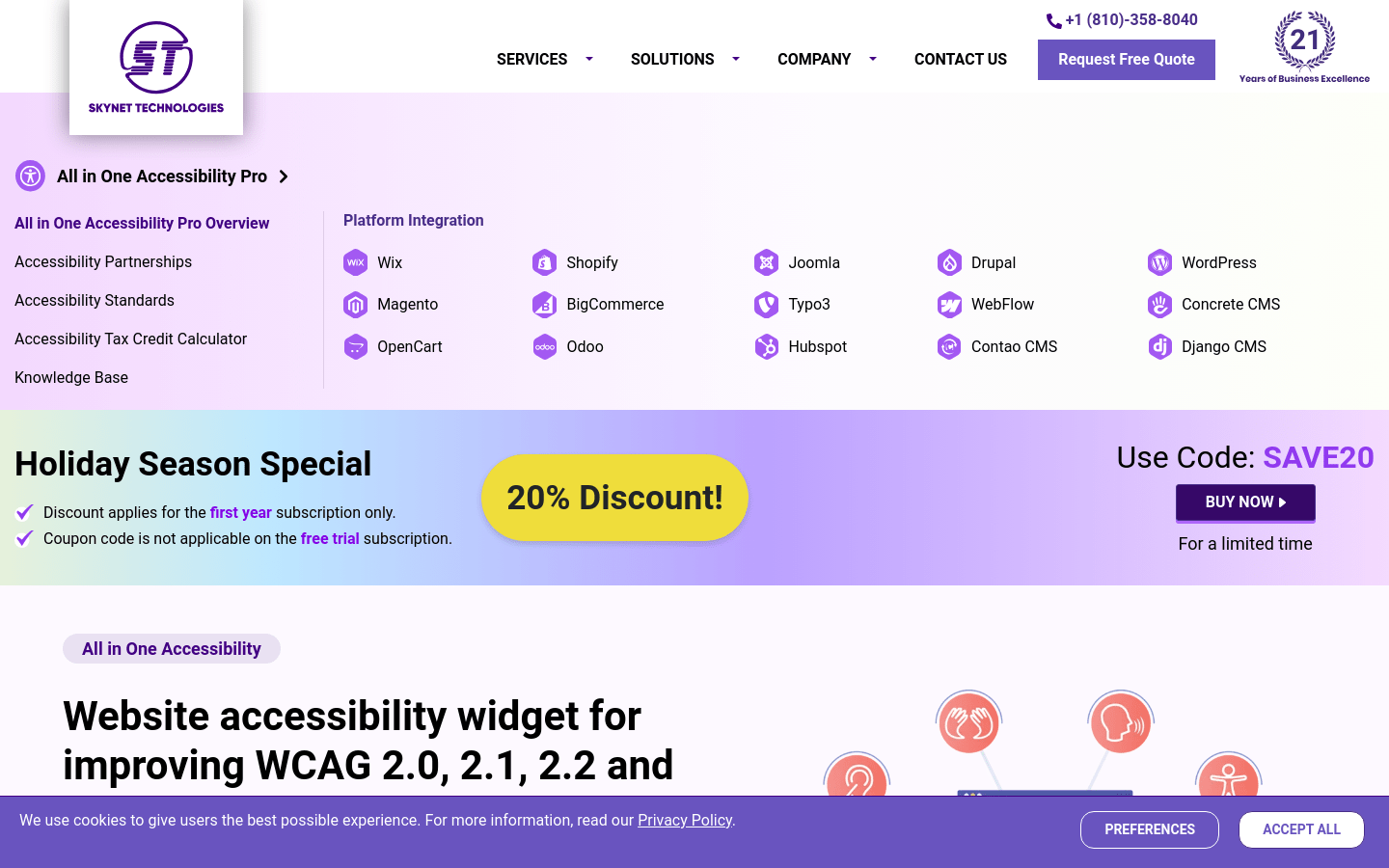
Screenshot archived from the listing page, for preview only.