Amper
Royalty-free image library400M+ photos, vectors, illustrations
Highlights
What you can do with it
- Find photos and vectors for a design project
- Remove a background from a product photo
- Source illustrations for marketing material
How to use it
- 1 Open the stock library site.
- 2 Search for photos, vectors, or illustrations.
- 3 Check the license that fits your use.
- 4 Edit with the built-in design tools if needed.
- 5 Download or license the asset.
Who it is for
Pros
- Very large asset library for many subjects
- AI assisted editing tools included
- Flexible licensing with subscriptions or pay-as-you-go
Limitations
- The listing is tagged free, yet the vendor page describes paid plans, so check terms
- Commercial use needs the correct license
- The listed URL redirects, so follow through to the current page
What Amper is
This listing points to a royalty-free stock library with more than 400 million photos, vectors, and illustrations for creative projects. It includes intuitive design tools with AI assisted features such as smart resizing, custom font pairing, and one-click background removal. Pricing plans cover image, video, and music subscriptions as well as pay-as-you-go options, so buyers can match spend to project size. For many projects, a single library visit replaces trips to several separate asset sites. The directory entry is tagged as free, while the vendor page describes paid licensing, so treat the free label with care.
What you can do with it
- Search photos, vectors, and illustrations by subject
- Edit designs with built-in browser tools
- Remove a background from a product photo in one click
- Pair custom fonts with a layout
- License assets by subscription or per item
The combination of library and editor covers small design jobs without extra software.
Who it is for
- Designers sourcing assets for client work
- Marketers preparing campaign visuals
- Social media managers editing quick graphics
- Anyone who needs stock imagery with simple editing
Small teams often get the most value because the tools cover the whole job.
What to watch out for
The listing is tagged as free, but the vendor page describes paid plans, so check terms before commercial use. The correct license matters for client work, advertising, and print. The listed URL redirects, so follow through to the current page. Free downloads, where offered, are limited compared with paid tiers, and subscription pricing can change. Hobby users can still benefit when the license terms are respected.
FAQ
What is in the library?
More than 400 million photos, vectors, and illustrations.
Are there editing tools?
Yes, intuitive design tools with smart resizing, custom font pairing, and one-click background removal.
Is it free?
The listing is tagged as free, but the vendor page describes paid licensing, so verify current terms.
Why it is free
What the official page says: 免费
Free limits, trial length and features are decided by the official site and can change at any time.
Product preview
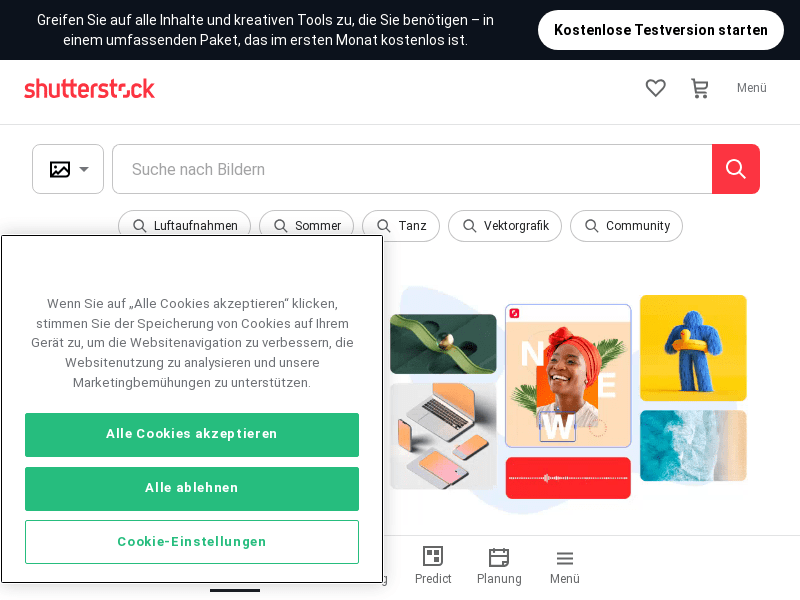
Screenshot archived from the listing page, for preview only.