Amplitude Made Easy
Simple product analyticsTemplates plus autocapture
Highlights
What you can do with it
- Tracking how users adopt a new feature
- Comparing marketing channel performance
- Watching behaviour without engineering support
How to use it
- 1 Create an Amplitude account.
- 2 Pick a template for your role and use case.
- 3 Add the code snippet to your site or app.
- 4 Open the ready-made dashboards.
- 5 Ask questions in natural language through generative AI.
- 6 Use autocapture to track events without extra engineering.
Who it is for
Pros
- Setup skips heavy tracking engineering
- Dashboards and templates give a usable starting point
- Free monthly track allowance for small projects
Limitations
- The free allowance is capped at 50,000 user tracks per month
- Autocapture captures broadly, so event naming and data hygiene still need decisions
- Analytics only pays off if someone has time to read the data
What Amplitude Made Easy is
Amplitude Made Easy is the simplified entry point into Amplitude's analytics platform. The idea is to remove the usual setup tax: you pick a template built for your role, paste in a snippet of code, and start collecting data, with autocapture handling events without engineering work. Ready-made dashboards cover conversions, channels, and campaigns, so you have something to look at on day one. Generative AI lets you ask questions in plain language instead of writing queries, and a single user view pulls together event history, session replays, cohorts, markers, and experiments. A free service covers up to 50,000 user tracks per month, which is aimed at individuals, explorers, and early-stage startups.
What you can do with it
- Start collecting data with one-click code integration
- Track events with autocapture and no engineering work
- Read conversions, channels, and campaigns on ready dashboards
- Ask data questions in natural language through generative AI
- Inspect one user's events, replays, and cohort membership
Who it is for
- Product teams checking whether a new feature is adopted
- Marketing teams comparing channel and campaign performance
- Early-stage startups without a dedicated analytics engineer
What to watch out for
The free allowance is a hard limit of 50,000 user tracks per month, so a growing product will outgrow it and need a paid plan, and the cost of that plan is not in the listing. Autocapture is convenient but indiscriminate: it will collect a lot, and someone still has to decide which events matter, name them clearly, and keep the dataset tidy. The bigger risk is organisational. Analytics only helps if a person has time to open the dashboards and act on what they show, otherwise the setup effort is wasted. Check how session replays and user-level data are retained as well, since that affects privacy obligations and consent.
FAQ
Do I need engineering help?
One-click code integration and autocapture are designed to work without engineering involvement.
What is included free?
A free service with up to 50,000 user tracks per month.
What can I analyse?
Conversions, channels, campaigns, user events, session replays, cohorts, and experiments.
Why it is free
What the official page says: 免费
Free limits, trial length and features are decided by the official site and can change at any time.
Product preview
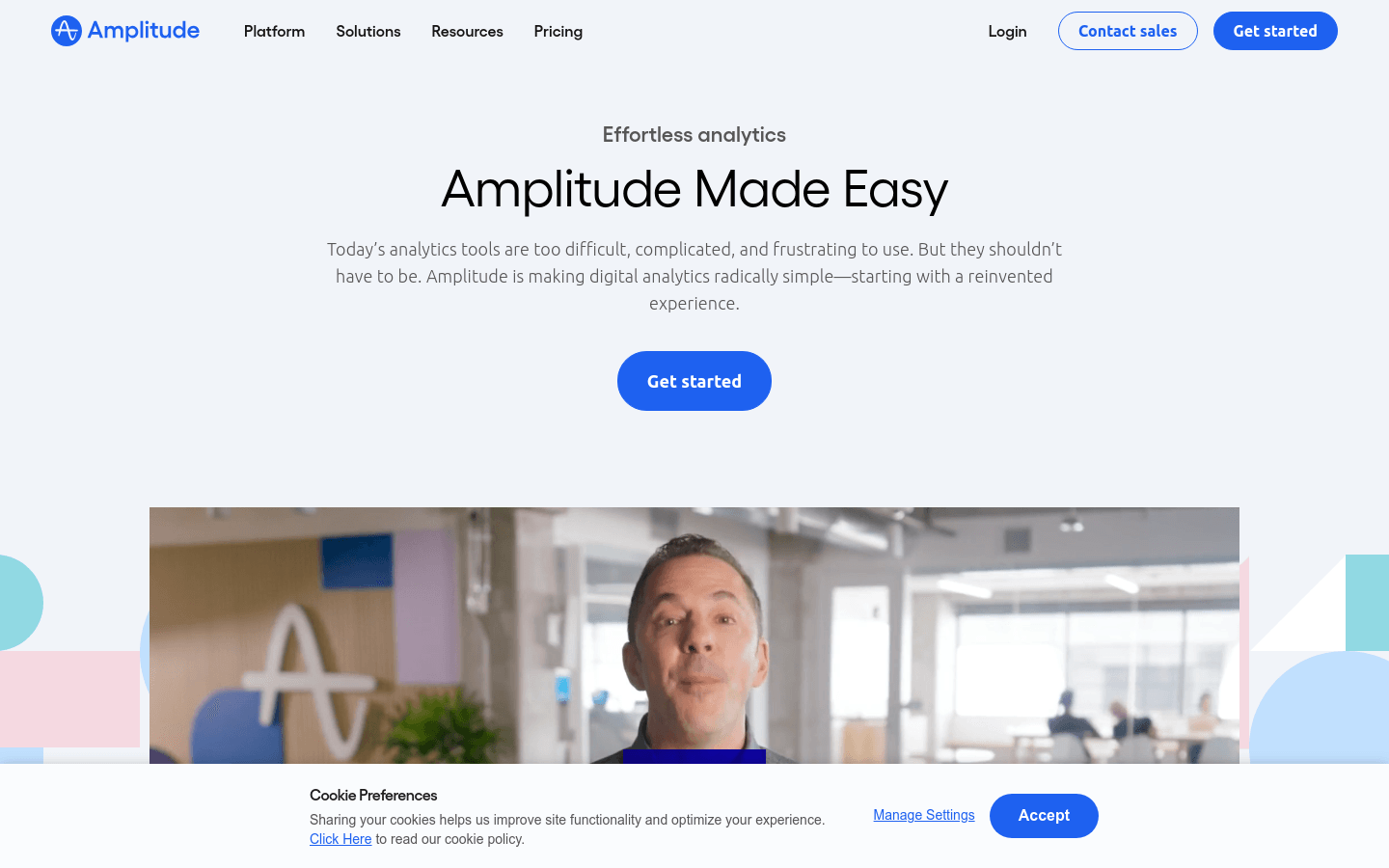
Screenshot archived from the listing page, for preview only.