
AnyGen
AI workspace for documents and slidesDraft, edit and verify in one place
Highlights
What you can do with it
- A marketer generates several versions of a proposal deck from a brief
- A media planner turns a strategy into a client-ready presentation
- An operations lead turns thousands of duty records into charts
How to use it
- 1 Register on the AnyGen site and log in
- 2 Pick the module you need, such as document or slide generation
- 3 Describe your need or upload data, using guided questions if stuck
- 4 Review the draft and ask for edits, polishing or local changes
- 5 Let the checking pass run, then export the finished file
Who it is for
Pros
- One tool covers drafting, editing and analysis without exports
- A separate checking pass is meant to catch factual slips
- Real-time collaboration shortens the review cycle
Limitations
- Free access is a limited-time trial rather than a permanent tier
- Generated content still needs human review before it ships
- The site was returning errors when this entry was checked
What AnyGen is
AnyGen is a productivity workspace built around working with AI on documents, slides and data analysis in one place. You describe what you need, the AI drafts it, and you keep editing together in a loop that updates only the section you change rather than rewriting the whole thing. A verification mechanism runs alongside this: one AI creates the content and a second, independent AI fact-checks it, which is meant to catch errors before they reach a client. When you are not sure how to phrase an instruction, a guided question feature asks structured questions to pin down what you actually want. The data analysis tool turns raw records into charts without waiting on a data team, and real-time collaboration lets several people edit the same file. A limited free trial is offered.
What you can do with it
- Draft documents and slides from a short description
- Edit collaboratively with AI, applying local updates instead of full rewrites
- Run a fact-checking pass over generated content
- Use guided questions to turn a vague idea into a usable instruction
- Turn raw records such as duty logs into actionable charts
- Work on the same file with teammates in real time
Who it is for
- Marketers who produce proposal decks under deadline pressure
- Media and product teams that need to turn strategy into presentations
- Content teams that want a draft plus a verification step in one tool
- Anyone who wants to avoid exporting between separate apps
What to watch out for
The free access is a limited-time trial, not a permanent free tier, so plan around a paid subscription if the tool becomes part of your workflow. Generated content still needs human review before it ships, and the second AI pass reduces errors rather than eliminating them. The site was returning errors when this entry was checked, so confirm it is live and check current pricing before you commit. Collaborative features also mean your material sits in the tool, so review the data handling terms if you work with confidential client files.
FAQ
Is AnyGen free?
It offers a limited-time free trial. Beyond the trial it is a paid product, so check the current plans on the site before you start a long project.
How does the content checking work?
The site describes a mechanism where one AI creates the content and a second, independent AI fact-checks it. That reduces errors but does not remove the need for human review.
What if I do not know how to prompt it?
There is a guided question feature. It asks structured questions to clarify what you need, then helps you turn that into an instruction the AI can follow.
Can a team work on the same file?
Yes. Real-time collaborative editing lets multiple people work on the same content at once, which the site says shortens the review cycle.
Why it is free
What the official page says: free trial
Free limits, trial length and features are decided by the official site and can change at any time.
Product preview
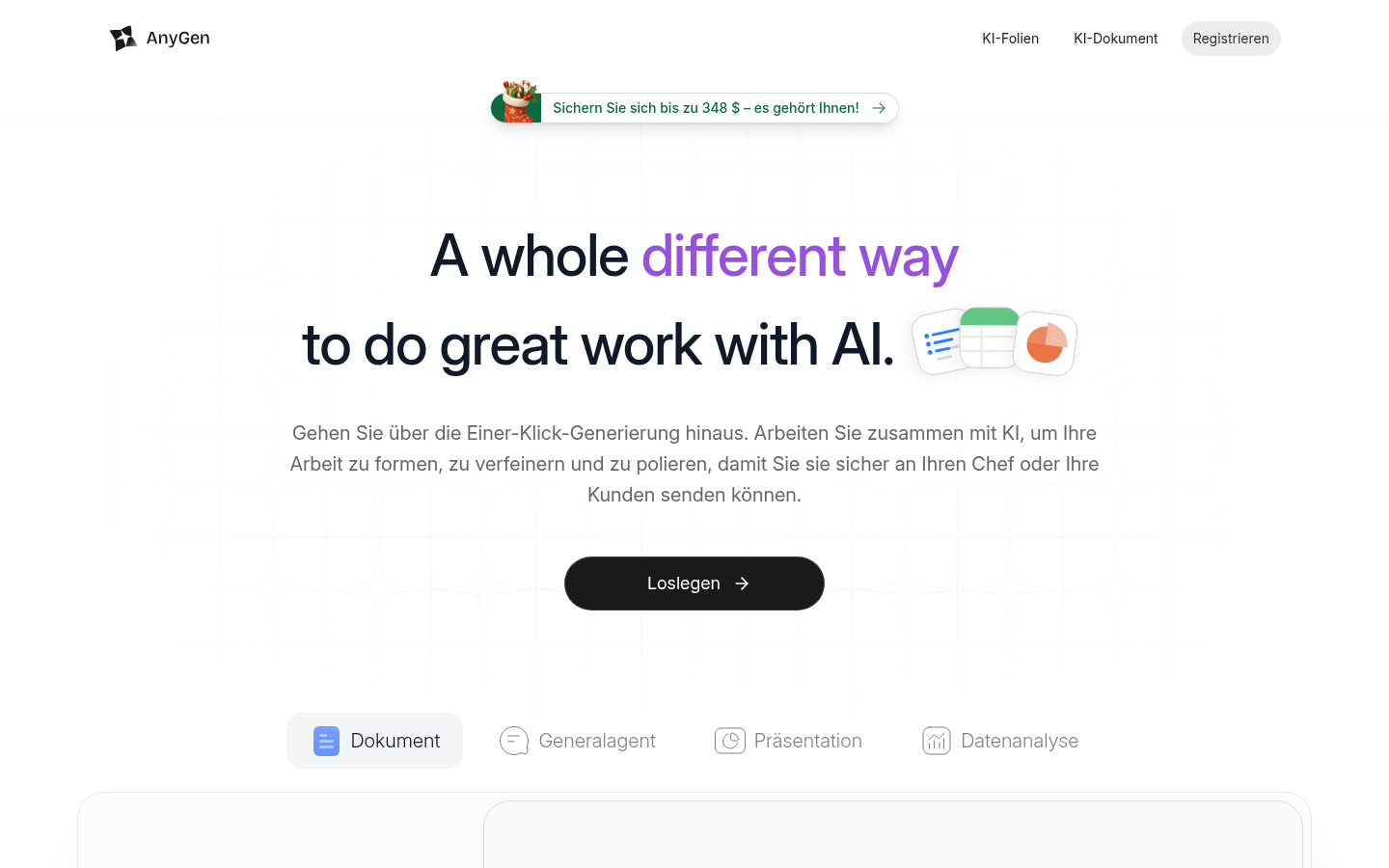
Screenshot archived from the listing page, for preview only.











