AnySpeech
AI text to speech with over 100 voicesTurn text into natural speech
Highlights
What you can do with it
- Voice a video script and generate matching subtitles.
- Record a podcast intro in a steady, authoritative voice.
- Turn course material into audio students can revisit.
How to use it
- 1 Open anyspeech.io and use the free tier without registering.
- 2 Paste the text you want converted into the input box.
- 3 Pick one of the 100 plus voices and set speed and intonation.
- 4 Generate, then download the audio, with subtitles if you need them.
Who it is for
Pros
- Free tier with 50 monthly credits and no signup to try.
- Wide voice and language coverage in one place.
- Subtitles and API access included, not sold separately.
Limitations
- Free tier is capped at 50 credits per month.
- Free credit rules can change over time.
- Voice quality varies, so test a full line before committing.
What AnySpeech is
AnySpeech is an AI text to speech platform that converts written text into natural sounding speech. It offers more than 100 AI voices with different styles, accents, and emotional range, and it supports over 50 languages so users can work in the language they know best. Conversion happens in real time, which means you are not waiting in a queue to hear a line back, and output can be downloaded in common audio formats such as MP3 so it drops into any editor. Beyond plain narration, the platform can generate matching subtitles, provides an API for developers who want speech inside their own application, and includes a dedicated AI voice studio for creators who want more control over the result. A free tier gives 50 credits per month, and the site says you can try it without registering, which keeps the first test quick.
What you can do with it
- Turn a written script into narration for a video without recording audio.
- Pick a voice that matches the tone of your content, from calm to energetic.
- Download audio in a format that fits the editor you already use.
- Generate subtitles alongside the voice track to save a separate pass.
- Connect the API to add text to speech to your own app or system.
Who it is for
- YouTubers who need a clear voiceover and do not want to record one.
- Podcast hosts who want a steady alternative take or a second voice.
- Developers who want speech synthesis built into a product they are shipping.
What to watch out for
The free tier is capped at 50 credits per month, which is enough to test the service but not for heavy daily production, and those limits can change without notice. Voice quality varies by line and by language, so listen to a full sample of the exact voice you plan to use before committing a whole script to it, because a voice that reads well for one paragraph can sound flat across ten minutes. Because the free tier needs no signup, there is no account history to fall back on, so save your generated files locally as you go rather than assuming you can return and find them again.
FAQ
Can I try AnySpeech without an account?
The site says you can use the free tier functions directly without registering, and register later if you need more.
How many voices and languages are there?
More than 100 AI voices and support for over 50 languages, covering a range of accents and emotional styles.
What do I get on the free tier?
50 credit points per month. Beyond that the platform has a paid model, and those limits can change.
Why it is free
What the official page says: free tierfor free
Free limits, trial length and features are decided by the official site and can change at any time.
Product preview
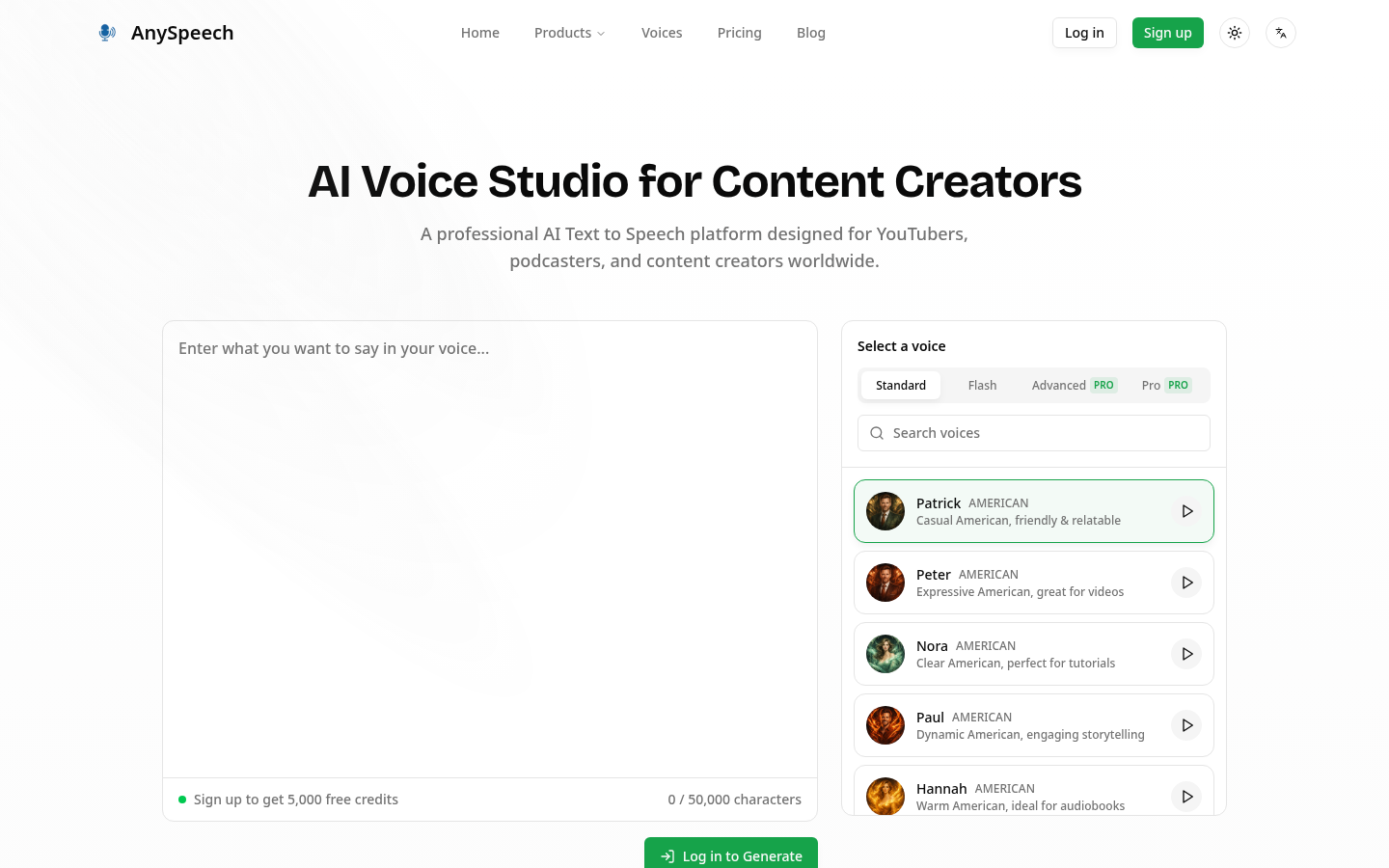
Screenshot archived from the listing page, for preview only.