mailX by mailwarm
Email and DNS audit toolFix why your mail lands in spam
Highlights
What you can do with it
- Check a new domain before launching cold email or newsletters
- Find out why outbound mail is landing in the spam folder
- Debug DNS and authentication records during a migration
How to use it
- 1 Enter your domain or IP address on the mailX site.
- 2 Let the tool run DNS lookups and the full deliverability audit.
- 3 Read the report and follow the listed repair steps.
- 4 Use the built-in generators to create any missing records.
Who it is for
Pros
- One place covers authentication, blacklists and DNS
- Reports are written in plain language with repair steps
- Free tier plus automation through an API and MCP server
Limitations
- The page mentions 100 free uses, so heavier work needs a paid route or the API
- Results depend on public DNS and the mail servers it can reach
- Reading SPF and DMARC output takes some learning at first
What mailX by mailwarm is
mailX is a collection of browser tools for email deliverability and DNS inspection. You type in a domain or an IP address and it runs a set of checks that would otherwise need several separate utilities. The stated goal is to help mail reach the main inbox instead of the spam folder. The page lists 100 free uses with no registration required. An API and an MCP server are also offered, so the same checks can be wired into scripts or developer tooling rather than clicked by hand.
What you can do with it
- Audit SPF, DKIM, DMARC and BIMI settings for a domain
- Test blacklist status, SMTP connectivity and IMAP reachability
- Look up MX, CNAME, TXT and PTR records and run reverse DNS queries
- Generate the SPF, DKIM, DMARC or DNS records you are missing
Who it is for
- Founders and small teams sending cold email or newsletters
- Sales and marketing staff preparing a large outbound send
- Agencies and developers who maintain DNS for several domains
What to watch out for
The free allowance is stated as 100 uses, so anything beyond that needs a paid route or automation through the API. Results depend on public DNS and the mail servers it can reach, and a passing check does not guarantee placement with every provider. The output assumes some familiarity with SPF and DMARC syntax, so beginners should expect to read the explanation twice before touching a record. Email infrastructure also changes over time, so a clean report today is not a permanent fix. For best results, start with a small test file and review the output carefully before working on anything important.
FAQ
Do I need an account?
The page says you get 100 free uses without registering.
What does it check?
SPF, DKIM, DMARC and BIMI records, blacklist status, SMTP and IMAP connectivity, and DNS records such as MX, CNAME, TXT and PTR.
Does it fix the problem for me?
No. It produces a report and record generators, then you apply the changes on your DNS host.
Why it is free
What the official page says: 免费使用免费无需注册
Free limits, trial length and features are decided by the official site and can change at any time.
Product preview
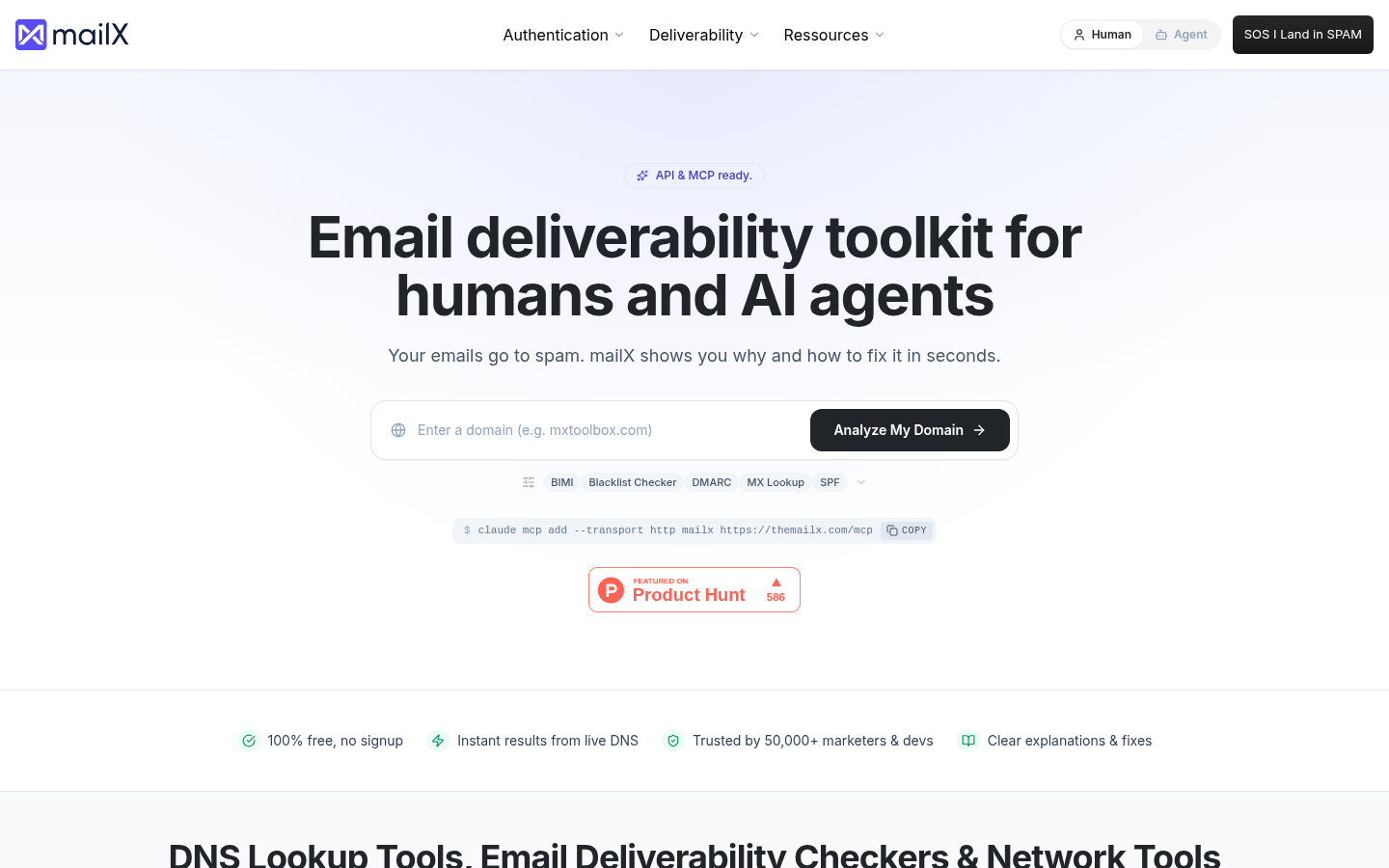
Screenshot archived from the listing page, for preview only.