
Audio AI
AI audio enhancerFix noisy or distorted audio fast
Highlights
What you can do with it
- A podcaster removes background noise from a noisy recording.
- A video producer repairs distorted audio in a video track.
- A user evens out uneven volume in a meeting recording.
How to use it
- 1 Open the Audio AI website and log in or register.
- 2 Upload a supported audio file such as MP3, WAV, or M4A.
- 3 Choose the output format you want.
- 4 Start processing and wait for the enhancement to finish.
- 5 Preview, compare with the original, and download if satisfied.
Who it is for
Pros
- Simple flow: upload, choose format, preview, download.
- Supports many input and output audio formats.
- Preview and comparison help you decide before downloading.
Limitations
- A free quota is granted after registration, and credit rules may change over time.
- It is not a substitute for multi-track mixing or mastering work.
- Very poor source audio can only be improved so much.
What Audio AI is
Audio AI is an online audio enhancement tool that runs in the browser. You upload an audio file, choose the output format you want, and the AI cleans up the sound so you can preview and download the improved version. It is built to solve everyday audio problems such as background noise, distortion, echo, uneven volume, and a generally muddy mix. It accepts common formats including MP3, OGG, WAV, M4A, and AAC. New users get a free quota to trial the service after they register, and further use draws on credits.
What you can do with it
- Upload audio in MP3, OGG, WAV, M4A, or AAC format.
- Remove background noise, distortion, and echo from a recording.
- Even out uneven volume and clarify a muddy or blurred sound.
- Export as MP3, AAC, M4A, OGG, Opus, FLAC, or WAV, then preview and compare.
Who it is for
- Podcast hosts who record in a noisy or imperfect environment.
- Video producers who need clean audio for a final cut.
- Musicians who want a quick read on a single instrument recording.
- Everyday users with noisy meetings, lectures, or phone recordings.
What to watch out for
This is an enhancer, not a full studio. It can judge a single music or instrument recording for balance and mood, but multi-track mixing, mastering, and fine detail work still belong in a digital audio workstation. Very poor source audio can only be improved so much, so set realistic expectations. The free quota is granted after registration and further use requires credits, and those credit rules may change over time, so confirm current terms before you depend on the tool for paid work.
FAQ
What problems can it fix?
It handles background noise, distortion, echo, uneven volume, and blurred sound.
Which formats are supported?
You can upload MP3, OGG, WAV, M4A, or AAC, and export to MP3, AAC, M4A, OGG, Opus, FLAC, or WAV.
Is it free?
New users get a free quota after registration, and further use requires credits.
Why it is free
What the official page says: 免费额度免费
Free limits, trial length and features are decided by the official site and can change at any time.
Product preview
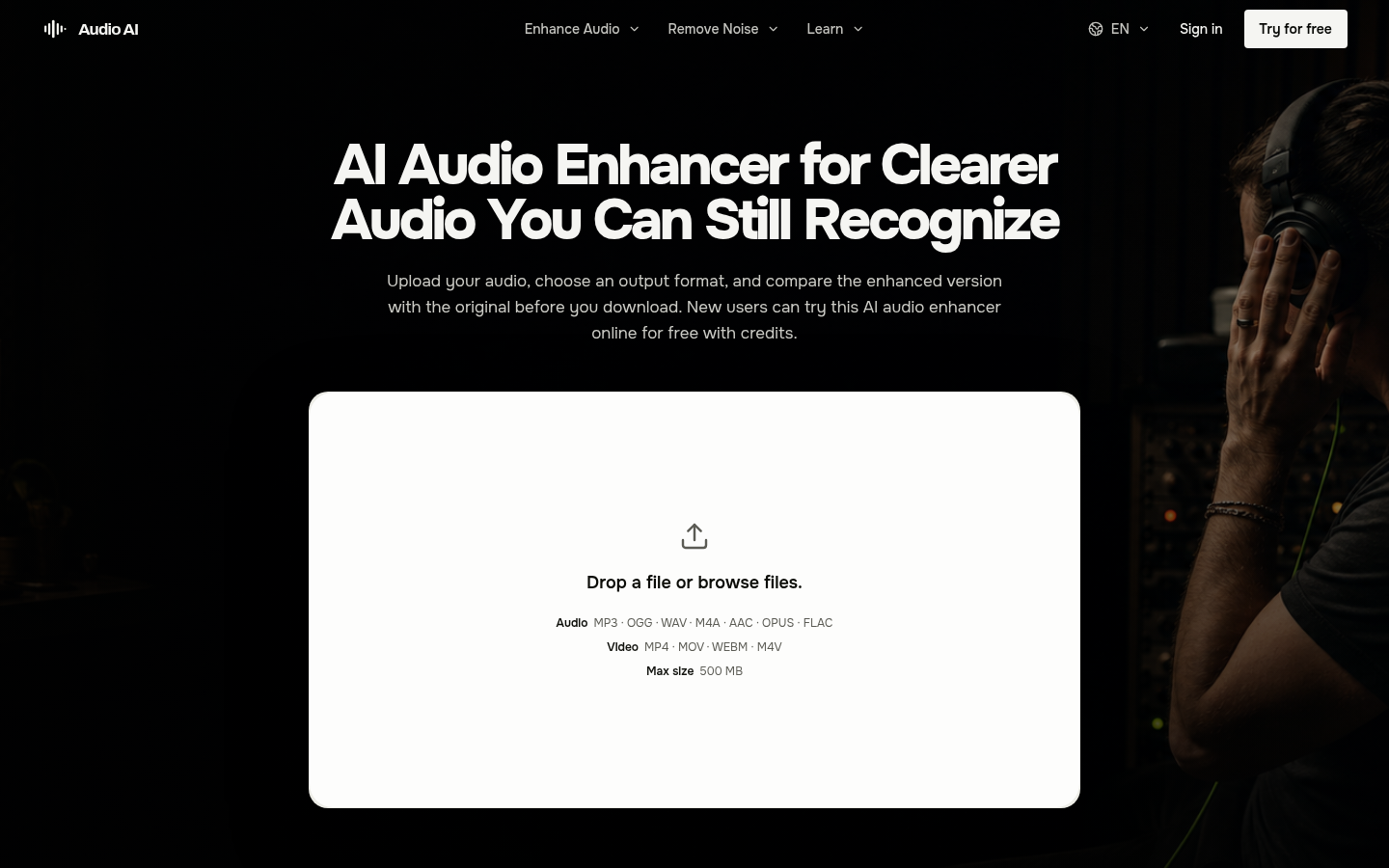
Screenshot archived from the listing page, for preview only.











