AudioConvert
Free AI audio to text transcription toolTurn audio into text with speaker labels
Highlights
What you can do with it
- Transcribe research interviews with timestamps
- Label speakers for podcast show notes
- Generate SRT subtitles for videos
How to use it
- 1 Upload an audio or video file, or paste a link
- 2 Let the AI transcribe and label speakers
- 3 Review and download in TXT, DOCX, or SRT
Who it is for
Pros
- Completely free with advanced features
- Multi-speaker identification included
- Multiple export and subtitle formats
- Timestamps make navigation easy
Limitations
- A human check is still needed before you publish
- Long files may take time to process
- Free access rules may change over time
- Feature set could change as the product updates
What AudioConvert is
AudioConvert is a free online tool that converts audio files into text using AI. It aims for high accuracy, can detect and label multiple speakers, and adds precise timestamps to each part of the transcript. You can export the results as TXT, DOCX, or subtitle files such as SRT and VTT. You can upload a file or paste a link to start. The tool is positioned as a productivity aid for a wide range of users, and it is currently completely free. Advanced features such as multi-speaker identification and multiple export formats are available at no cost. It uses an advanced speech-to-text model to handle different voices.
What you can do with it
- Convert audio to text in minutes, not hours
- Detect and label multiple speakers automatically
- Read a transcript with precise timestamps
- Export as TXT, DOCX, SRT, or VTT
- Turn audio into searchable, subtitle-ready text
Who it is for
AudioConvert suits students and scholars who transcribe research interviews and lectures, podcasters and journalists who handle a lot of audio, and video creators who need accurate subtitles. Businesses can also use it for meeting notes and customer call reviews. It also helps people who need accessible subtitles for their videos. It helps anyone who wants to save the time and effort of manual transcription. If you work with spoken content and want a free first pass, it fits that need.
What to watch out for
Accuracy is high, but you should still review and correct the transcript before you publish or rely on it for important work. Long files can take time to process and review. Speaker labels may need a quick check in busy group audio. Because the service is free, its access rules and features may change over time. Keep the original audio on hand for verification, and treat the output as a strong first draft rather than a final document.
FAQ
Is AudioConvert free?
Yes. AudioConvert is currently completely free, and advanced features such as multi-speaker identification and multiple export formats are available at no cost.
What export formats are supported?
You can download transcripts as TXT, DOCX, or subtitle files such as SRT and VTT.
Can it label different speakers?
Yes. It can detect and label multiple speakers, and it adds precise timestamps to the transcript.
Who is it for?
It suits students and scholars, podcasters and journalists, and video creators who need fast transcription and subtitles.
Why it is free
What the official page says: completely free
Free limits, trial length and features are decided by the official site and can change at any time.
Product preview
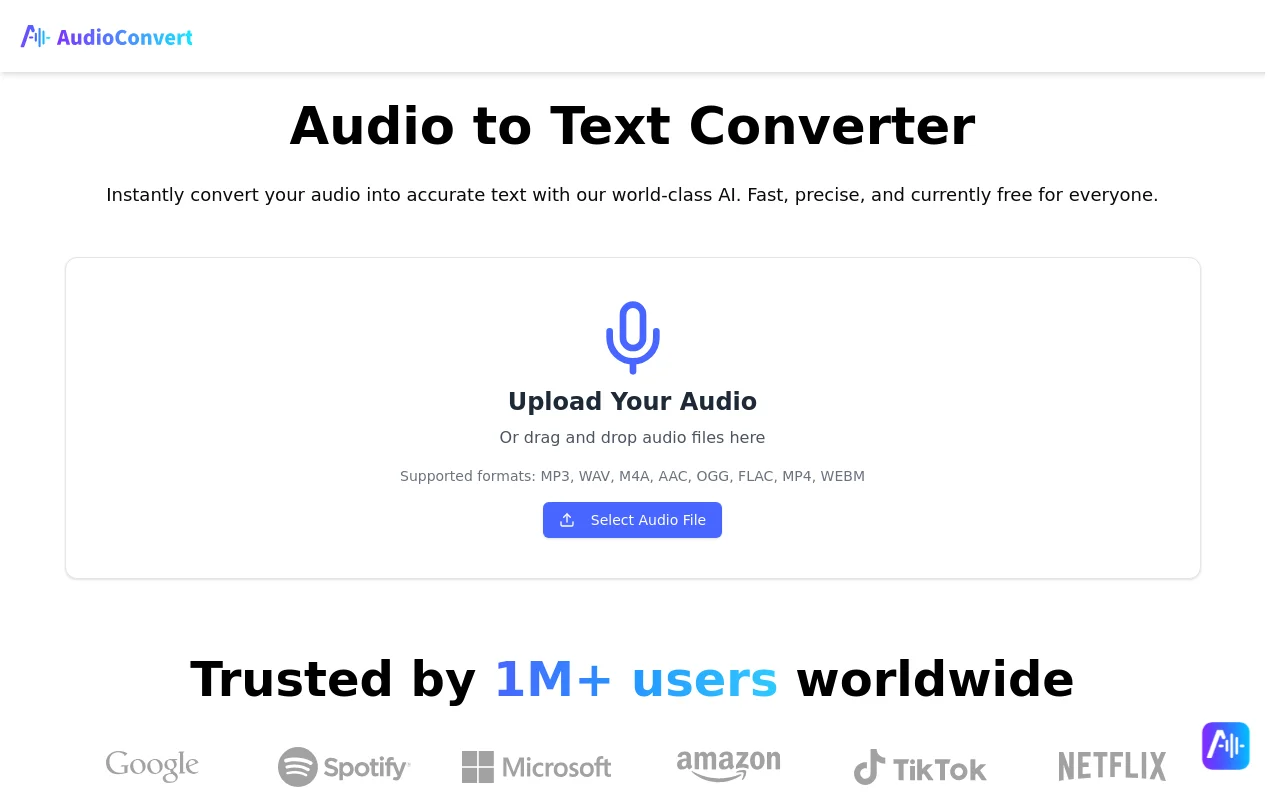
Screenshot archived from the listing page, for preview only.











