
Auron
Free desktop AI companionA desktop assistant that works with you
Highlights
What you can do with it
- Sort, flag, and reply to emails during a workday
- Find sources and check grammar while writing a thesis
- Track several freelance projects with reminders
How to use it
- 1 Download Auron AI from tryauron.com for Windows or Mac
- 2 Run the installer and complete setup
- 3 Personalize the assistant's name, voice, and personality
- 4 Add plugins from the plugin market as needed
Who it is for
Pros
- Free to download at present
- Works across apps instead of in one silo
- Screen-aware help during tasks
Limitations
- Free download status may change
- Screen awareness raises privacy considerations
- Desktop software needs installation and updates
What Auron AI is
Auron AI is a desktop companion for Windows and Mac. It presents itself as an assistant that lives on your computer rather than in a browser tab, so it can work alongside whatever you are doing. You talk to it in natural language and it tries to understand context instead of scanning for keywords. Around the chat it adds practical features: reminders and updates pulled from your favorite apps, real-time assistance based on what is currently on your screen, and personalization of its name, voice, and personality. A plugin market lets you add functions over time. The stated goal is smoother computer use when work is spread across many applications, and it is currently offered as a free download.
What you can do with it
- Chat in natural language and get context-aware replies
- Receive reminders and updates from connected apps
- Get help based on what is on your screen
- Personalize the assistant and add plugins
Who it is for
- Office workers handling email and daily tasks
- Students researching and writing papers
- Freelancers tracking multiple projects at once
What to watch out for
The free download is the current offer, and pricing can change at any time. Because the assistant can see your screen to give real-time help, think about where and when you enable that, and review the privacy policy before granting access to sensitive work. What it can do also depends on how well it connects with the apps you actually use, and as installed desktop software it will need updates and maintenance like any other program. For team use, agree on naming and editing conventions in advance to avoid version conflicts or duplicated work.
FAQ
What is Auron AI?
A desktop AI companion for Windows and Mac that chats, reminds, and helps with tasks.
Is it free?
The site says it is currently available as a free download.
How is it different from a chatbot?
It integrates with your apps, watches your screen for context, and can be personalized.
Why it is free
What the official page says: for free
Free limits, trial length and features are decided by the official site and can change at any time.
Product preview
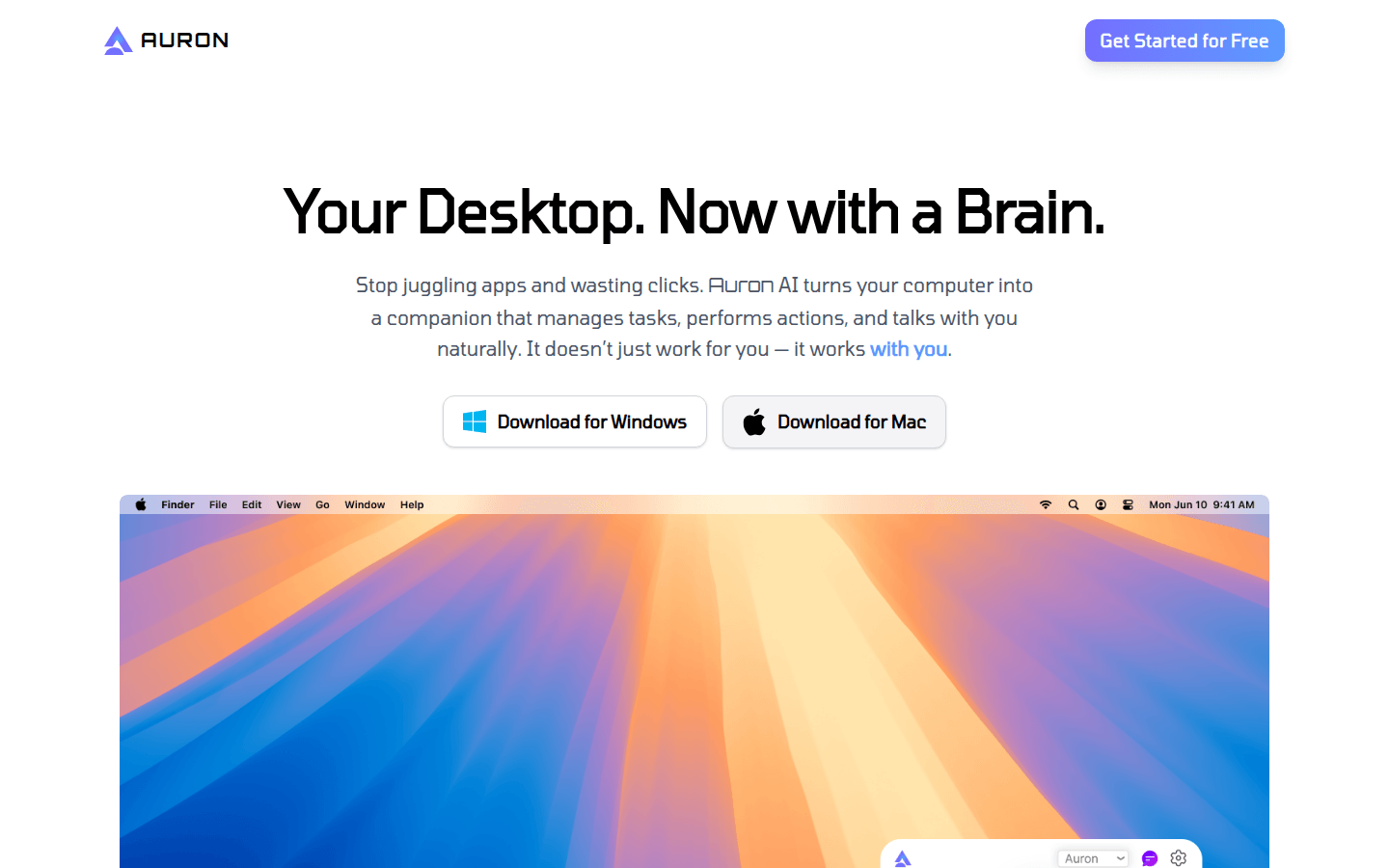
Screenshot archived from the listing page, for preview only.











