
Bard PDF
Free conversational PDF work platformSummarize, extract, and annotate PDFs in one place
Highlights
What you can do with it
- Researchers summarizing long papers
- Professionals extracting tables and data from reports
- Students annotating reading material
How to use it
- 1 Open the Bard PDF website
- 2 Upload or open your PDF file
- 3 Choose summarize, extract, or annotate
- 4 Review and save the results you need
Who it is for
Pros
- Free to use
- Summaries and extraction in one platform
- Annotation support for review work
Limitations
- Free access and features can change
- Extraction quality varies with complex layouts
- It handles PDFs, not other document types
What Bard PDF is
Bard PDF is a free platform for working with PDF documents. Long files are hard to move through quickly, so the tool focuses on three jobs: summarizing the content so you get the gist fast, extracting tables, images, and text so the data becomes usable, and letting you annotate the PDF directly for review. It runs in the browser, which means no installation and no heavyweight software license, and it is aimed at researchers, professionals, and students alike.
What you can do with it
- Summarize a PDF to get the key points quickly
- Extract tables, images, and text from a document
- Add annotations directly to the file
- Move through long papers and reports faster
Who it is for
- Researchers reading and condensing papers
- Professionals pulling data out of reports
- Students annotating course reading
What to watch out for
The service is free now, but free features and availability can change, so confirm current terms before you rely on it for important work. Extraction quality depends on the file, and complex layouts such as multi column reports or scanned pages may need manual cleanup. It is also focused on PDFs, so other document formats fall outside its scope, and sensitive documents should be handled with your organization privacy rules in mind. Start with a small sample to confirm the output meets your expectations before processing the full batch. Free tiers and usage limits can change, so check the current rules on the official page before relying on it long term. Name and archive exported files consistently so you can find and reuse them, and keep a backup copy of key data.
FAQ
What is Bard PDF?
It is a free interactive platform for summarizing, extracting from, and annotating PDF documents.
What can it extract?
It can extract tables, images, and text from PDF files.
Who is it for?
It is aimed at researchers, professionals, and students who work with PDFs.
Why it is free
What the official page says: 免费
Free limits, trial length and features are decided by the official site and can change at any time.
Product preview
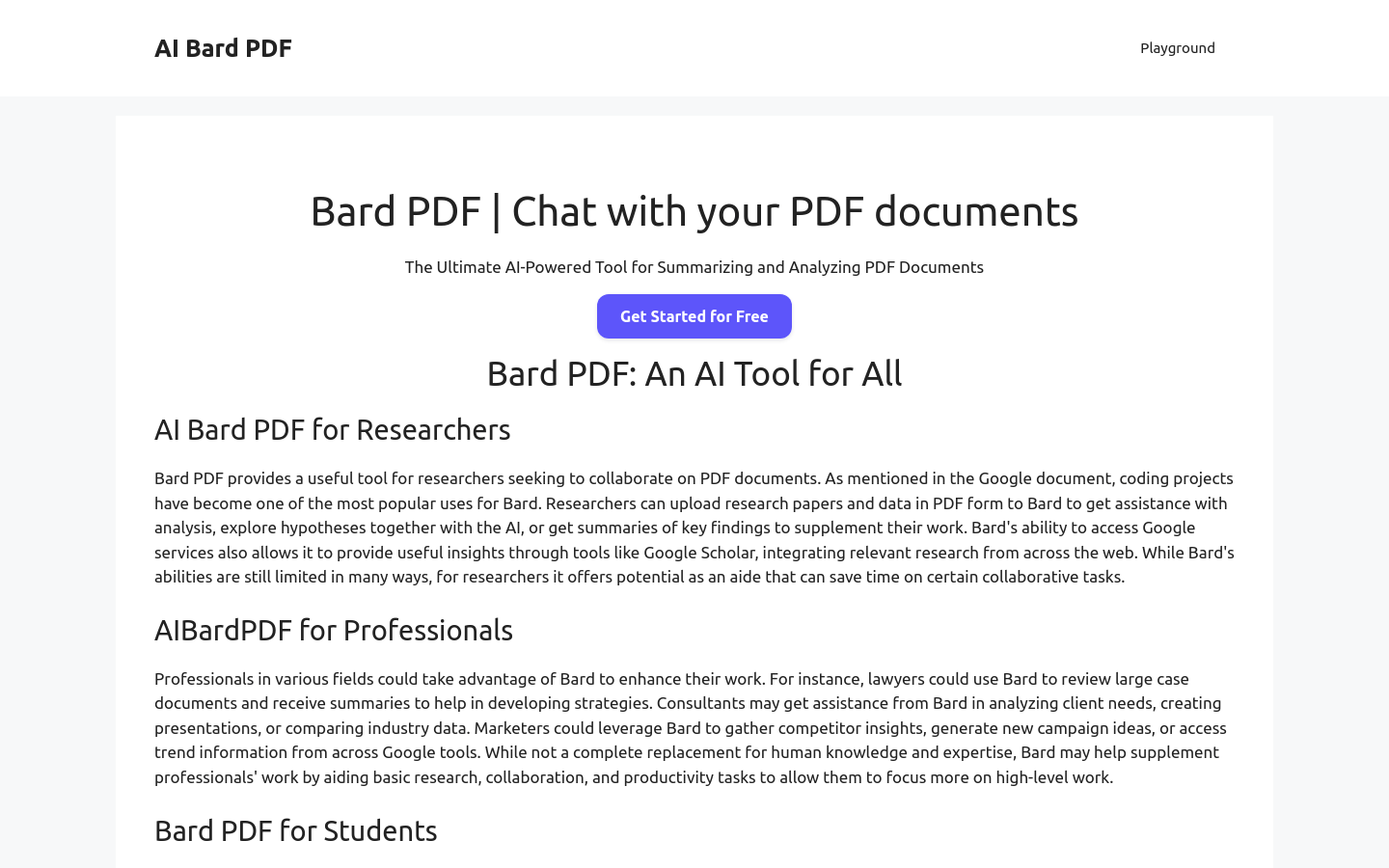
Screenshot archived from the listing page, for preview only.











