
Beancount.io
Plain-text accounting with Git and AI helpRecord finances as code, audit every change
Highlights
What you can do with it
- An individual records daily income and expenses with automatic classification
- A small business consolidates several departments into one view
- A development team versions financial data and audits every change
How to use it
- 1 Register at beancount.io and pick a package or the free version.
- 2 Create a ledger and enter your opening balances.
- 3 Record transactions as plain text as they happen.
- 4 Let the AI classify entries and flag anything unusual.
- 5 Write scripts for reconciliation, reports, and alerts.
Who it is for
Pros
- Open-source free version available
- Full history through Git, so every change is traceable
- Plain text means no lock-in and easy auditing
- Scripting and AI reduce manual data entry
Limitations
- Plain-text bookkeeping has a real learning curve
- Paid packages span a wide price range, so budgeting needs care
- AI classification still needs review before you trust it
- Best suited to people comfortable with code and the command line
What Beancount.io is
Beancount.io is a plain-text accounting platform built for people who are comfortable with code. Your ledger is a text file, every change is a Git commit, and the whole history is reviewable. You can branch to test a financial scenario and merge back only if it works. On top of that, the platform adds AI-assisted bookkeeping that classifies transactions and flags anomalies, scriptable workflows for reconciliation and report generation, and real-time dashboards for cash flow. Multiple entities can be consolidated into one view. There is an open-source free version, and paid packages sit above it at several price points.
What you can do with it
- Record every transaction in a plain-text file you fully control.
- Track each change through Git history and branch to test scenarios.
- Let AI classify entries and surface anything that looks abnormal.
- Write scripts for reconciliation, report generation, and alerts.
- Visualize cash flow and build custom dashboards on live data.
Who it is for
- Developers who would rather keep books in a text file than a spreadsheet.
- Finance professionals who want automation plus a clean audit trail.
- Teams and businesses consolidating several entities into one ledger.
What to watch out for
Plain-text bookkeeping is powerful and unforgiving. There is no friendly double-entry wizard holding your hand, and the learning curve is real if you have not worked with a ledger format before. AI classification is a time-saver, not an authority; it will mislabel things, and you need to review entries before they harden into reports. Paid packages span a wide range, so work out which tier you actually need rather than defaulting to the top. And because the data lives in text you control, backups and access management are your responsibility, not the platform's. If you need a tool that a non-technical partner can also use, this may be the wrong fit.
FAQ
Is there a free version?
Yes. The listing describes an open-source free version, with paid packages at several price points.
How does version control work?
Every financial change is stored as a Git commit, and you can create branches to test scenarios without affecting the main ledger.
Does it support multiple entities?
Yes. The listing describes consolidation of financial data from multiple entities for overall management and analysis.
Why it is free
What the official page says: free version
Free limits, trial length and features are decided by the official site and can change at any time.
Product preview
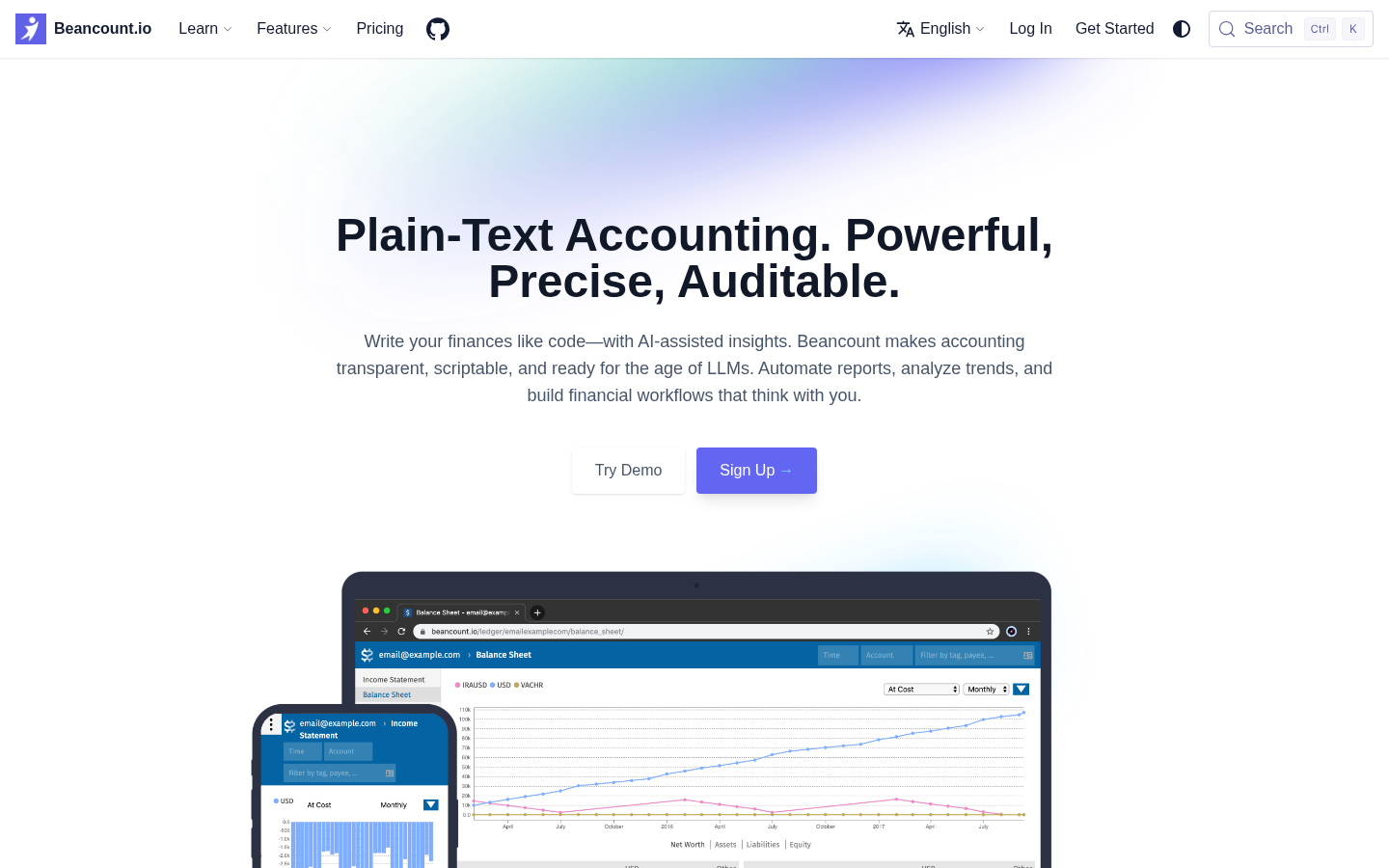
Screenshot archived from the listing page, for preview only.











